
 1 / 6
1 / 6About Tahiti Sans Font
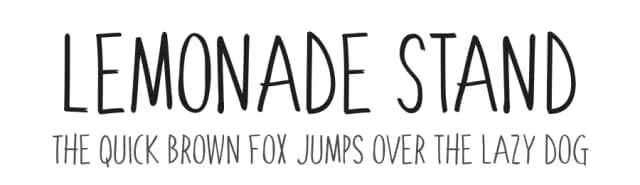
Tahiti Sans is a playful, all caps display sans available in 2 versions. At first glance it appears to be the offspring of a rather uniform font and a wacky one. The variations of letterforms as well as random angles are minimal. They’re tall by nature so squeezing text into tight spaces should be easy. Characters are slightly jumbled in a childlike manner and misaligned with varying degrees of spacing. Use Tahiti Sans when the project calls for clean, easy-to-read text with a little fun. Examples include youth sports, social media, or advertising.
How to Install Tahiti Sans Font
Step-by-step instructions for every platform
- 1Download the Tahiti Sans font file (.ttf or .otf).
- 2Locate the downloaded file in your Downloads folder.
- 3Right-click the font file.
- 4Select "Install" to install for the current user, or "Install for all users" to make it available system-wide.
- 5Tahiti Sans is now available in Word, Photoshop, Illustrator, and all other apps.
More by Sharkshock
View all →


More Display Fonts
Browse all →







What pairs well with Tahiti Sans Font?
Tahiti Sans Font is a display font that shines as a display or heading face. Pair it with a clean sans-serif or serif font for body text — the contrast creates a clear hierarchy while the two styles stay balanced and easy to read.


