Firefox
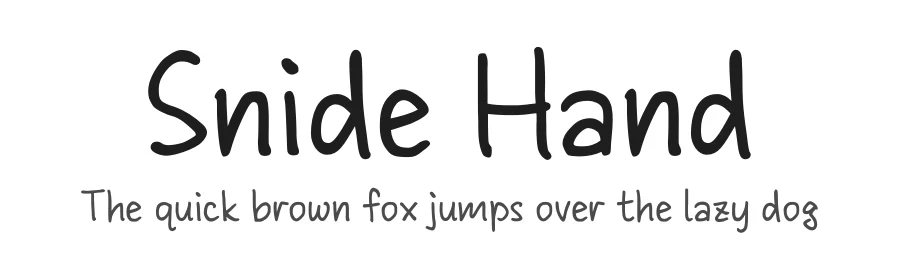
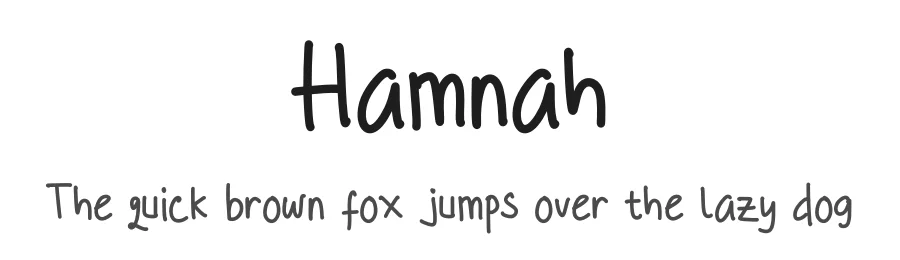
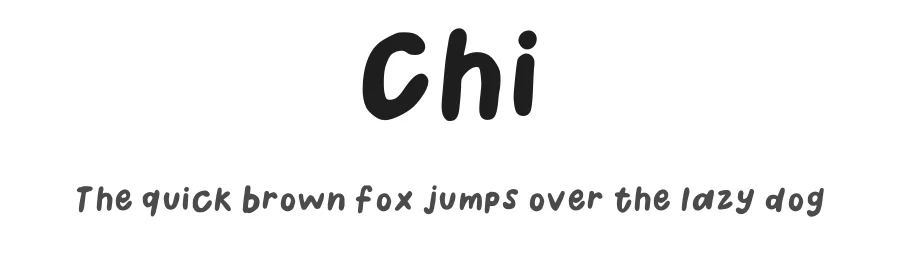
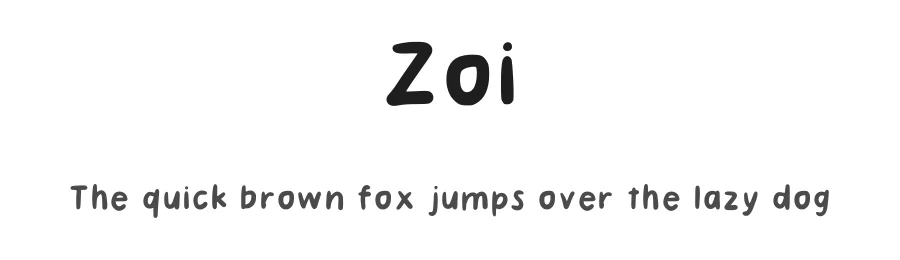
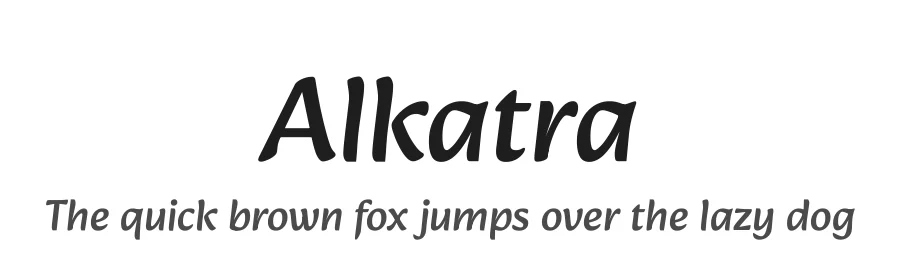
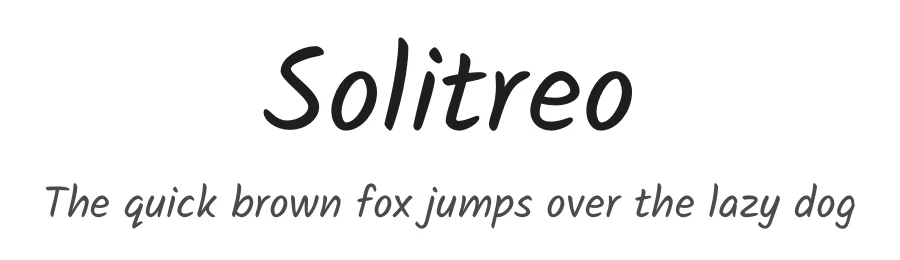
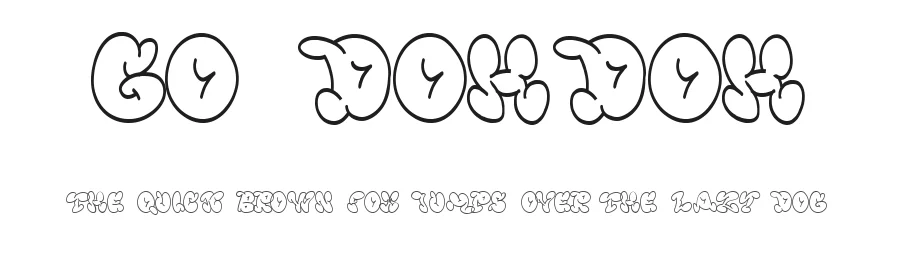
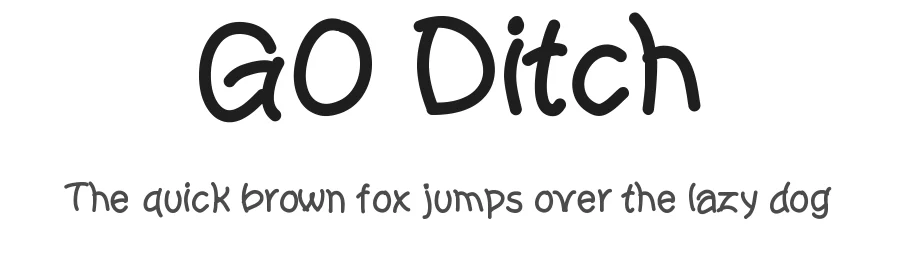
What makes a font great for Cricut?
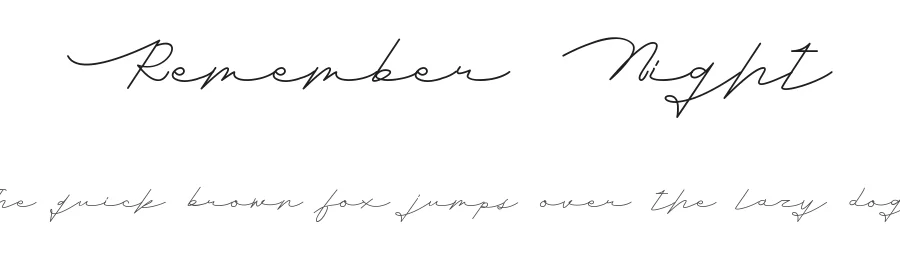
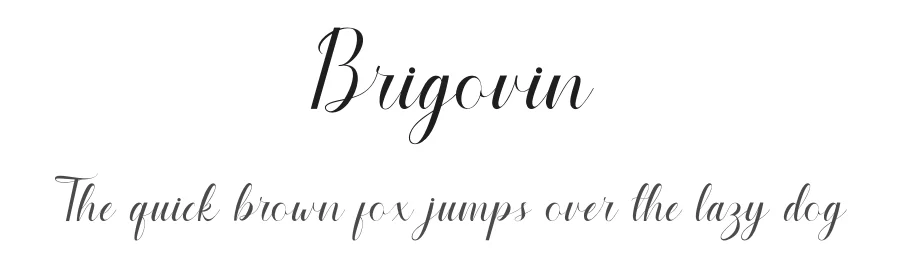
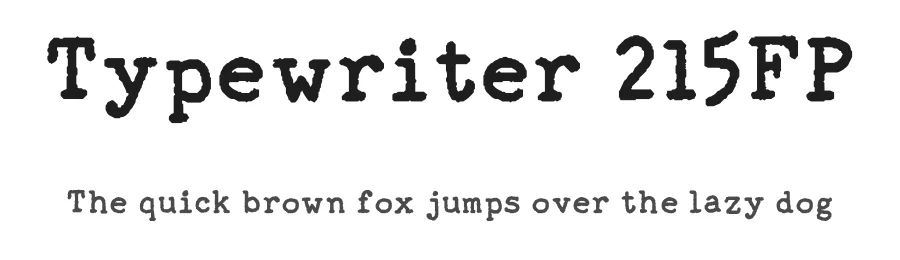
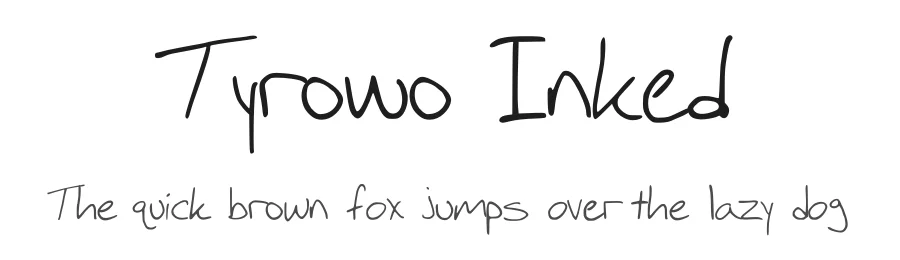
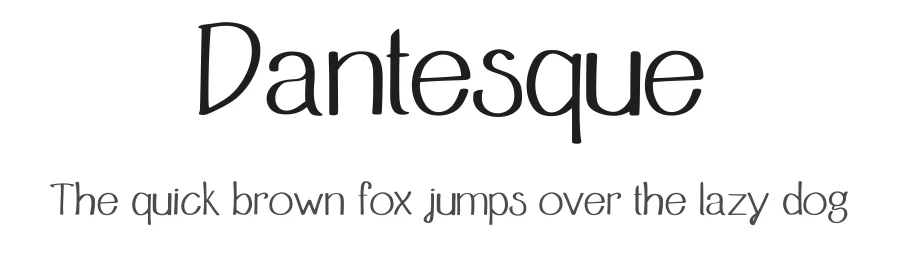
Not every font works well with a cutting machine. The best Cricut fonts share three qualities: clean outlines that cut without jagged edges, enough weight to weed cleanly after cutting, and connected letters (for scripts) so your design holds together when applied to vinyl or HTV.
- Bold weight — thin fonts tear during weeding. Choose fonts with a minimum 3-4pt stroke at your intended size.
- Connected scripts — flowing cursives with overlapping letters stay in one piece and look beautiful on tumblers, shirts, and signs.
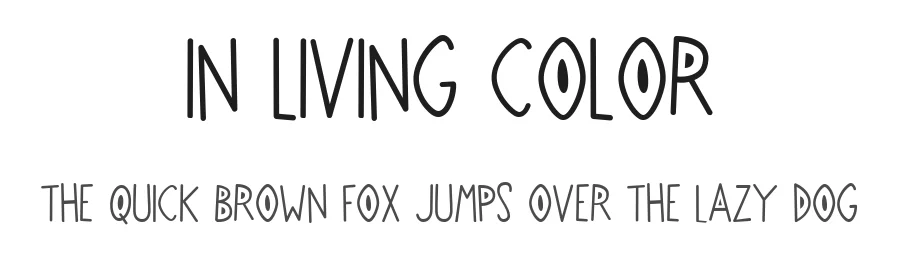
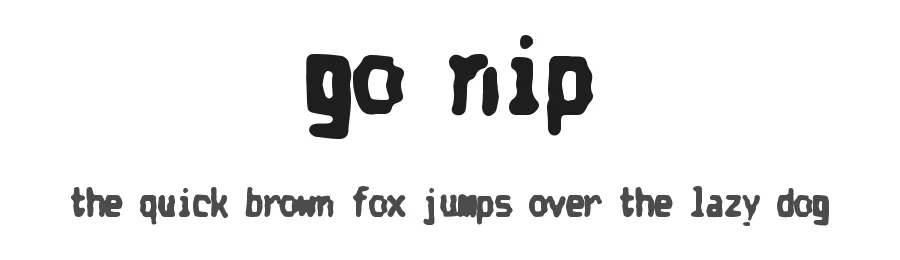
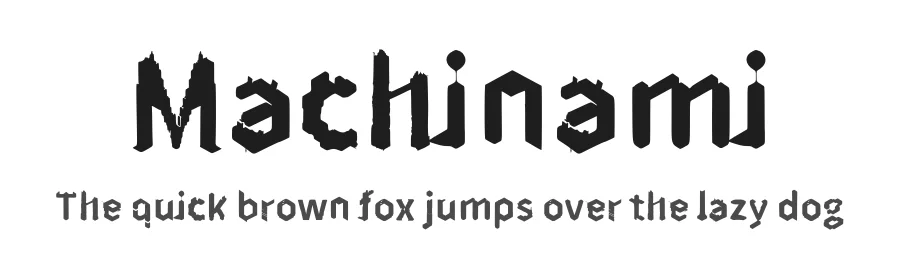
- Simple outlines — avoid heavily textured or grunge fonts for small designs; they lose detail at under 2 inches.
- Open counters — letters like "o", "a", and "e" need enough interior space so the vinyl doesn't lift during transfer.
Best fonts for Cricut vinyl decals
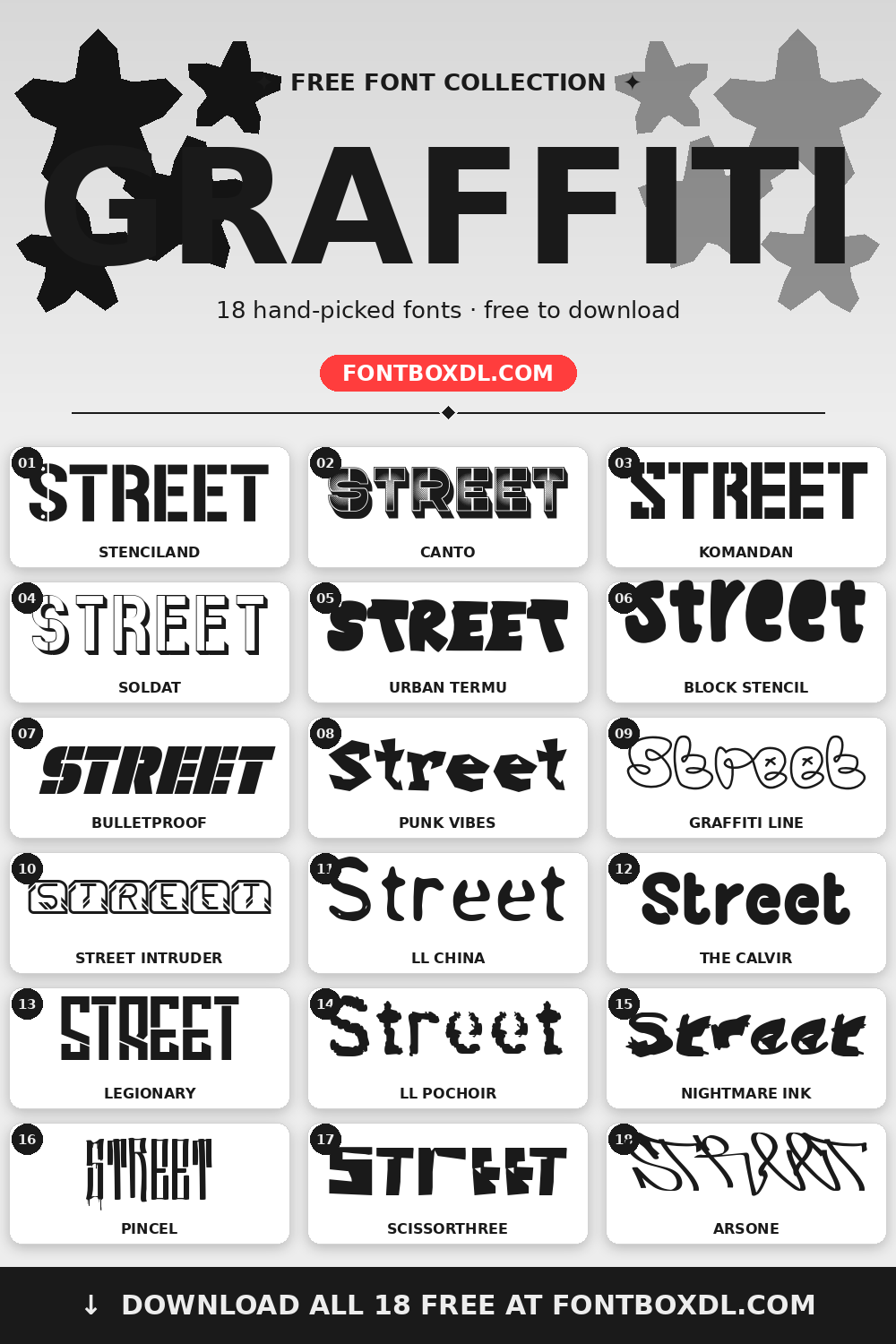
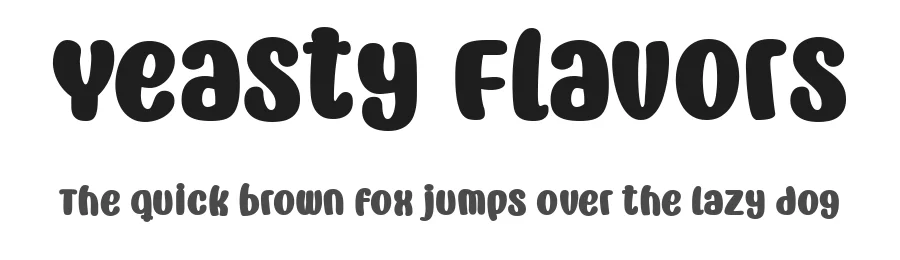
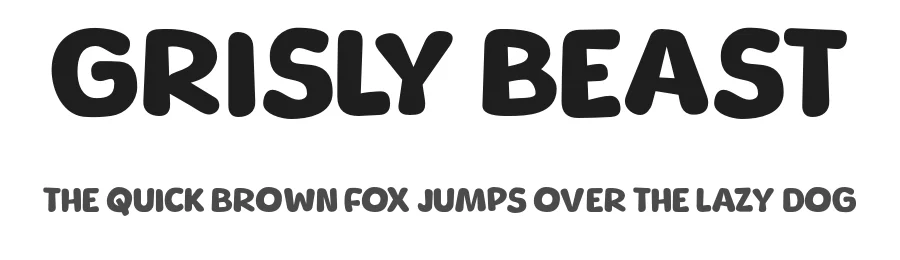
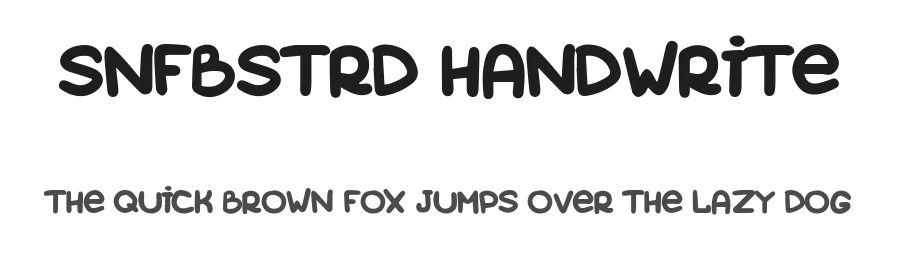
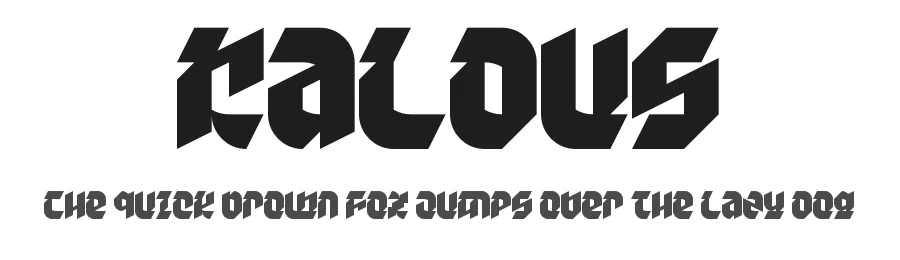
For long-lasting vinyl decals (car windows, laptop stickers, tumblers), bold sans-serifs and chunky display fonts cut like a dream. Look for fonts labeled "solid" or "bold" — they resist peeling and survive the outdoors better than thin typefaces.
Best fonts for iron-on (HTV) projects
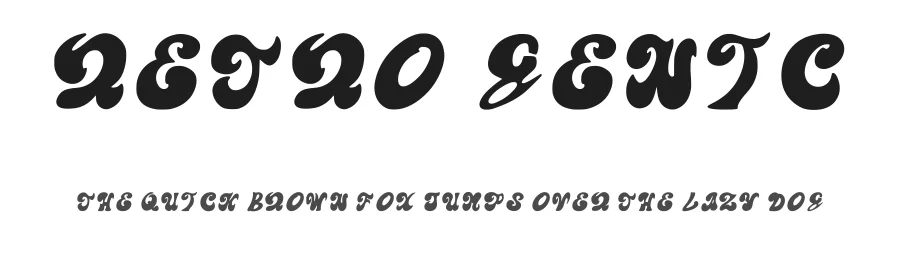
Heat transfer vinyl (HTV) is thinner than permanent vinyl and more forgiving, but weeding is still the hardest step. Scripts with tails and connected letters make weeding easier because you remove one continuous piece instead of dozens of small slivers. Our favorite pick for shirts? A bold script with medium letter spacing.
Best fonts for wedding and monogram projects
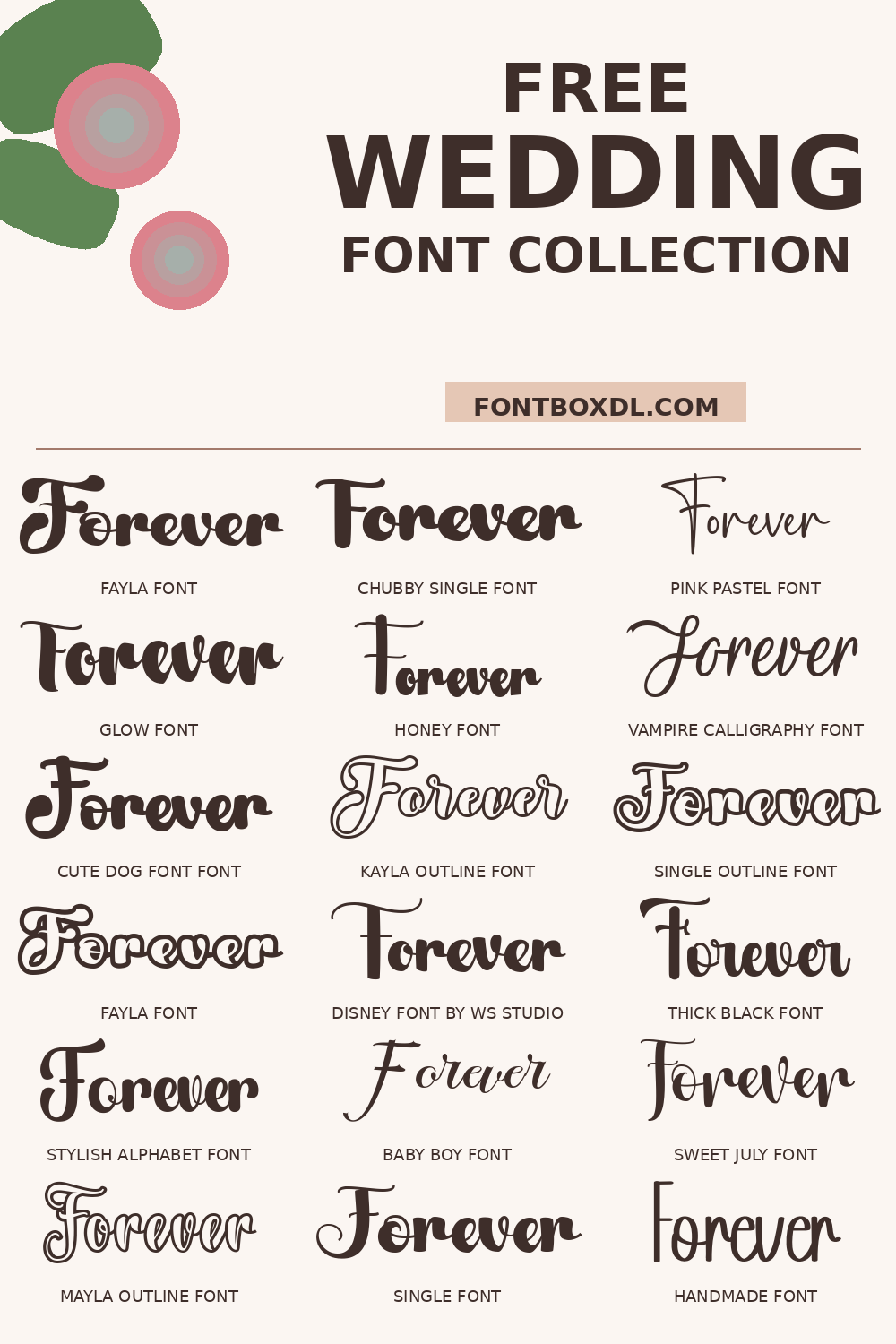
Elegant scripts and calligraphy-style fonts dominate the wedding category. Whether you're making "Mr. & Mrs." signs, table numbers, or monogrammed gifts, flowing scripts with graceful swashes give your project that hand-lettered, boutique feel without the hand cramps.
How to use these fonts in Cricut Design Space
- Download the font — click through to the font page and download the .otf or .ttf file.
- Install on your computer — double-click the font file and hit "Install" (macOS) or "Install for all users" (Windows).
- Restart Cricut Design Space — close and reopen the app so your new fonts appear in the font list.
- Filter by "System Fonts" — in Design Space, type your text, then filter the font list to "System" to see your installed fonts.
- Weld connected scripts — for connected cursives, select your text and click "Weld" so the letters cut as one piece.
Free vs. premium Cricut fonts — which should you use?
Many free fonts have licenses that prohibit commercial use, which matters if you sell your Cricut projects on Etsy or at craft fairs. Always check the license before using a free font commercially. Our collection includes hand-picked free fonts you can download directly — check each font page for its exact license — each font page shows the license clearly.
Commercial use & licensing
If you're selling Cricut products, you need a commercial-use license for your fonts. Most of the premium fonts in this collection come with a standard commercial license that covers small-business use (up to a certain number of sales per year). For high-volume or print-on-demand businesses, look for an extended commercial license. Each font detail page has the license info you need.