
 1 / 5
1 / 5About Springwood Font
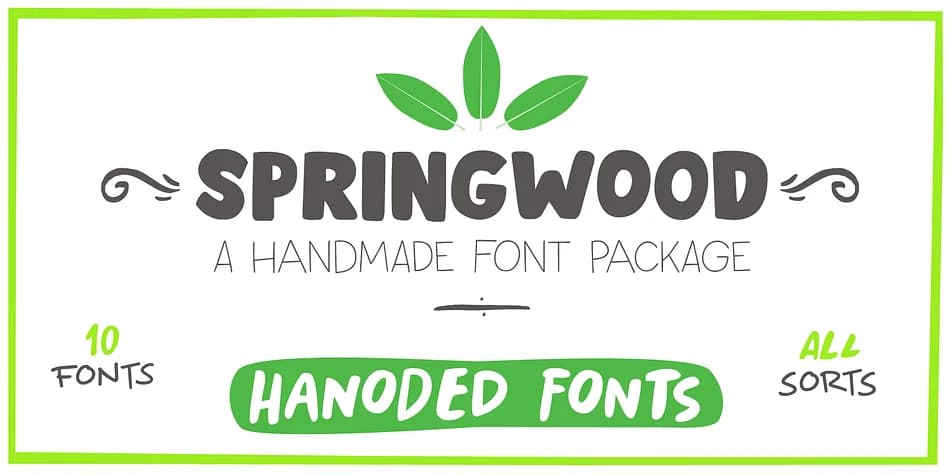
Picture a cozy stationery shop arranging new arrivals for the season, or a small bakery redesigning their branding with fonts that feel genuinely handcrafted and alive. Springwood, created by Hanoded, is a display typeface family that captures that energy without overcomplicating things. The collection spans from bold, chunky letterforms to playful script variations, making it versatile across multiple design contexts. Each style retains that organic, made-by-hand quality that stops short of feeling rough or unprofessional.
Wedding invitation suites and seasonal product packaging are natural homes for this typeface. Event posters for farmers markets or craft fairs read beautifully with Springwood's informal character. Small-batch skincare labels and handmade greeting card designs gain real personality when set in these fonts. You'll also find it works well for packaging casual stationery, boutique candle labels, and DIY craft signs. The handmade quality means each letter feels intentional rather than perfect, which is exactly what certain projects need.
What makes Springwood practical is how well it moves between large display work and smaller label applications. Multiple weights let you create visual hierarchy without losing that organic warmth. Get the full family on Creative Fabrica and start matching typeface to project this season.
Style & Use Cases
- Overall Style
- Eye-catching, Bold
- Use Case
- Headlines, Logos
- Ideal For
- posters, branding, and social media graphics
- Pairs With
- a readable sans or serif for body
How to Install Springwood Font
Step-by-step instructions for every platform
- 1Download the Springwood font file (.ttf or .otf).
- 2Locate the downloaded file in your Downloads folder.
- 3Right-click the font file.
- 4Select "Install" to install for the current user, or "Install for all users" to make it available system-wide.
- 5Springwood is now available in Word, Photoshop, Illustrator, and all other apps.
More by Hanoded
View all →


More Display Fonts
Browse all →







What pairs well with Springwood Font?
Springwood Font is a display font that shines as a display or heading face. Pair it with a clean sans-serif or serif font for body text — the contrast creates a clear hierarchy while the two styles stay balanced and easy to read.



Springwood Font
by Hanoded
Reviewed by the FontBoxDL team · Updated June 2026