 Firefox

 1 / 5
Loading font…
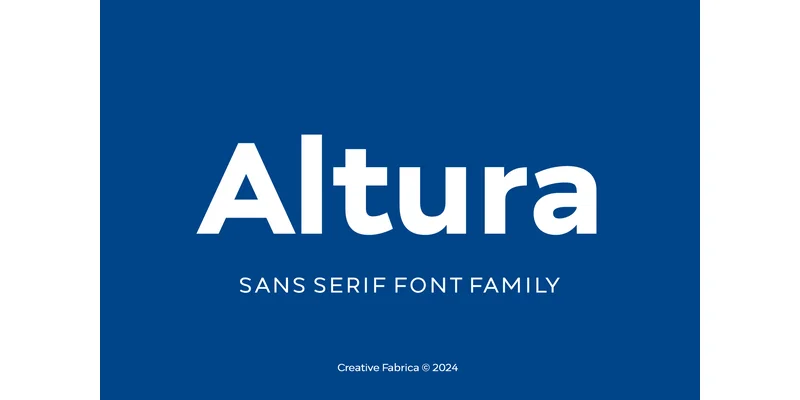
About Altura Font
A website redesign calls for typeface that commands attention on hero sections and performs equally well in navigation labels and body copy. Altura, created by Creative Fabrica Foundry, is a geometric sans-serif with roots in Montserrat's approach but its own measured personality. The design balances geometric clarity with human proportions: refined letterforms, consistent spacing, and legible letter relationships across all weights.
Put Altura to work in corporate identity systems, luxury product packaging, tech startup websites, and magazine spreads where hierarchy and readability matter. Bold weights deliver headlines with natural authority. Smaller sizes hold up in captions and supporting text without strain or loss of character. The geometry maintains balance across its full range, from minimal layouts to complex visual narratives with multiple layers.
What makes Altura effective is how it stays invisible in the best way. No ornamental details, no distracting quirks, just letterforms that move out of the way and let your content take the lead. You'll see the design consistency across print and digital work: vinyl decals cut on a Cricut, product labels, email campaigns, presentation slides, and web interfaces all look cohesive and intentional. Download it on Creative Fabrica and put it to work in your next design project.
Style & Use Cases
- Overall Style
- Eye-catching, Bold, Aesthetic Font
- Use Case
- Headlines, Logos
- Ideal For
- posters, branding, and social media graphics
- Pairs With
- a readable sans or serif for body
OpenType Features
Altura Font ships with 7 OpenType features you can switch on in apps that support them (Illustrator, InDesign, Affinity, Figma, CSS font-feature-settings).
- Fractions
- Historical forms
- Ordinals
- Scientific inferiors
- Subscripts
- Superscripts
- Stylistic sets (1)
How to Install Altura Font Font
Step-by-step instructions for every platform
- 1Download the Altura Font font file (.ttf or .otf).
- 2Locate the downloaded file in your Downloads folder.
- 3Right-click the font file.
- 4Select "Install" to install for the current user, or "Install for all users" to make it available system-wide.
- 5Altura Font is now available in Word, Photoshop, Illustrator, and all other apps.
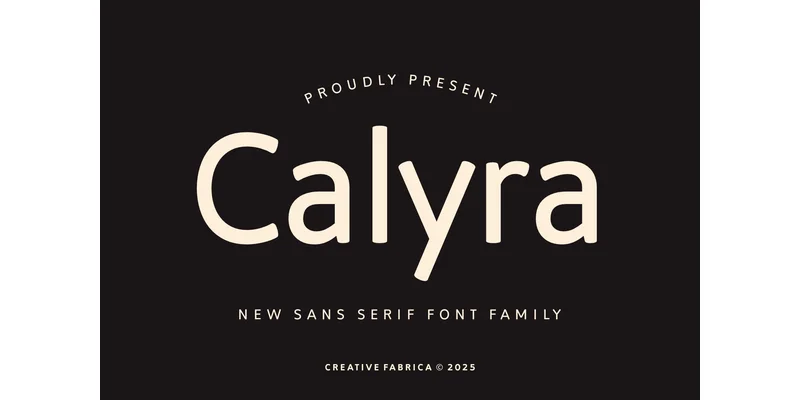
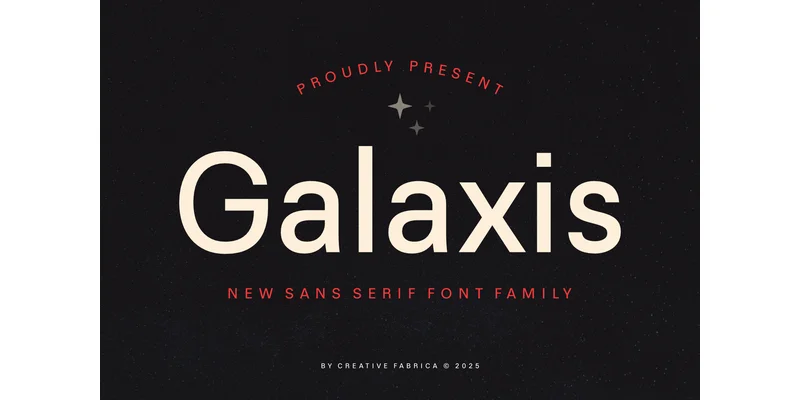
More by Creative Fabrica Foundry
View all →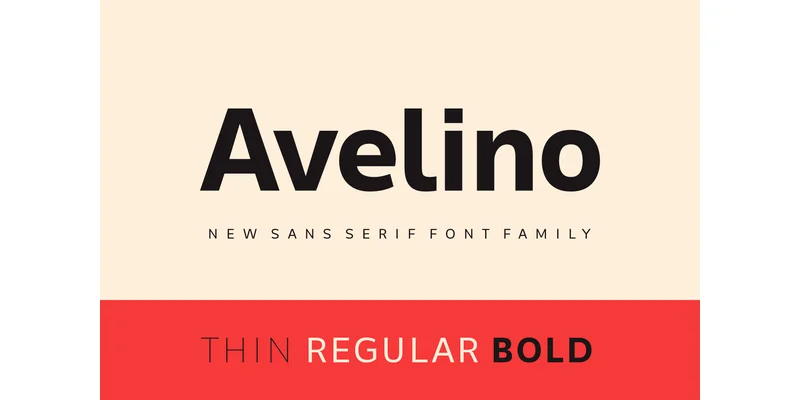
Browse fonts by theme
Curated collections →Saw a font in a picture? Identify any font from an image with our free Font Finder.
More Display Fonts
Browse all →
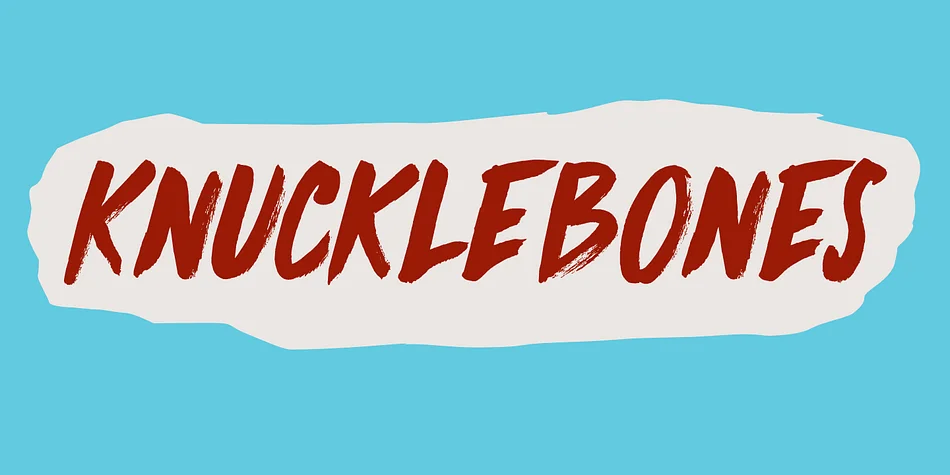
What pairs well with Altura Font?
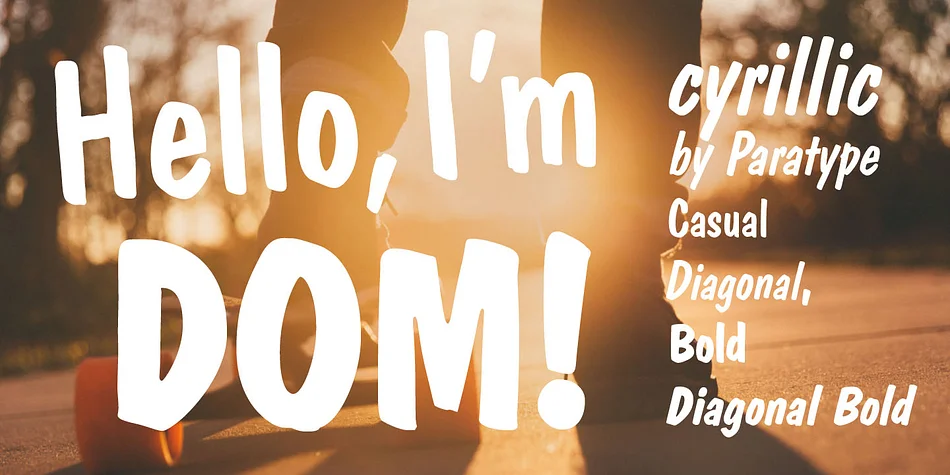
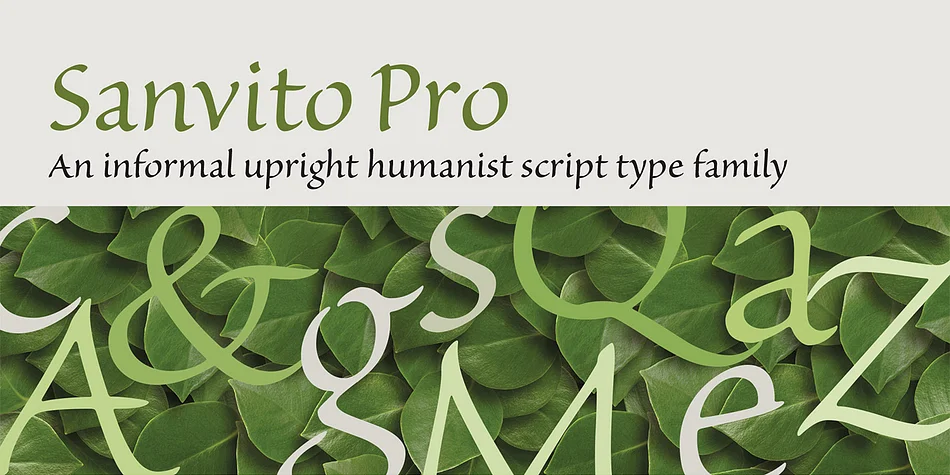
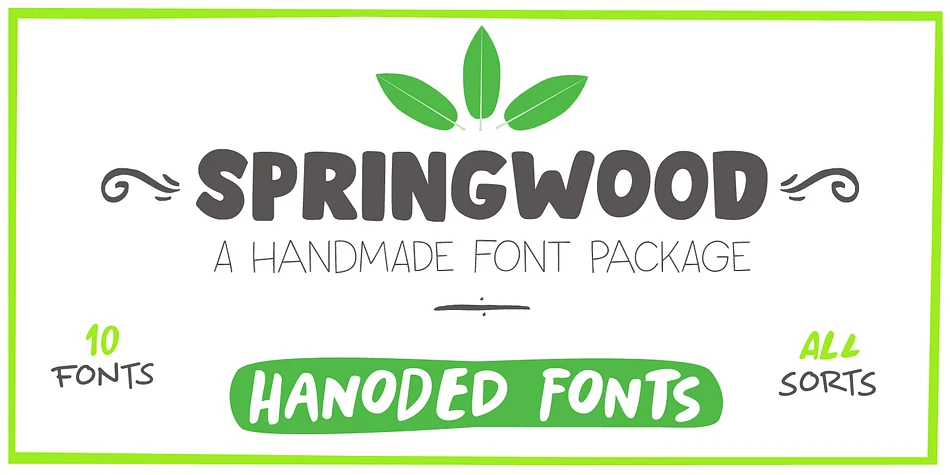
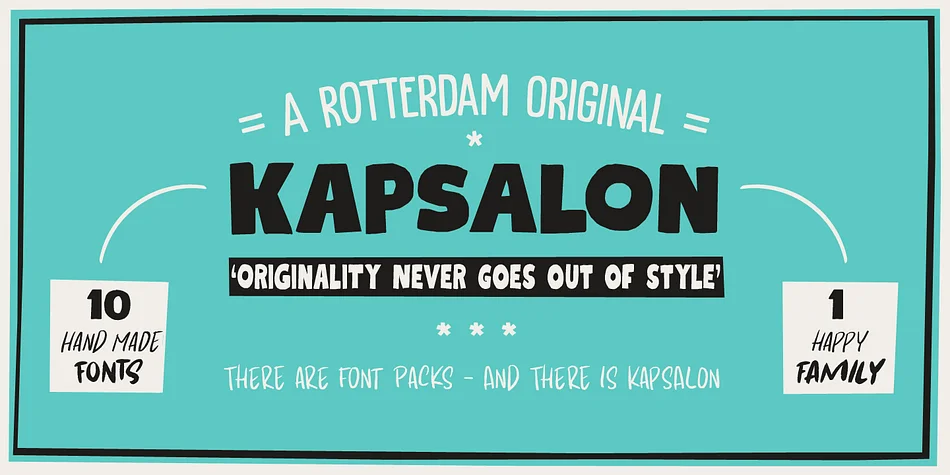
Altura Font is a display font that shines as a display or heading face. Pair it with a clean sans-serif or serif font for body text — the contrast creates a clear hierarchy while the two styles stay balanced and easy to read.
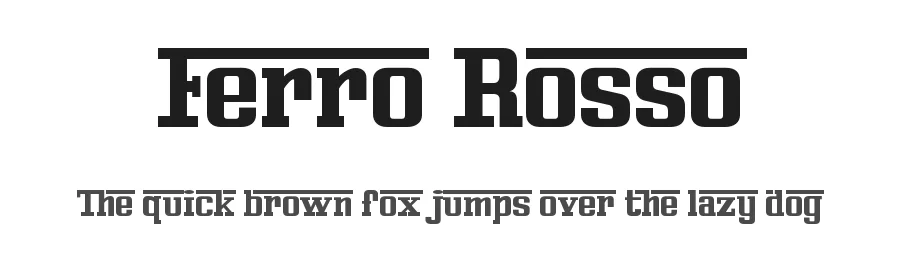
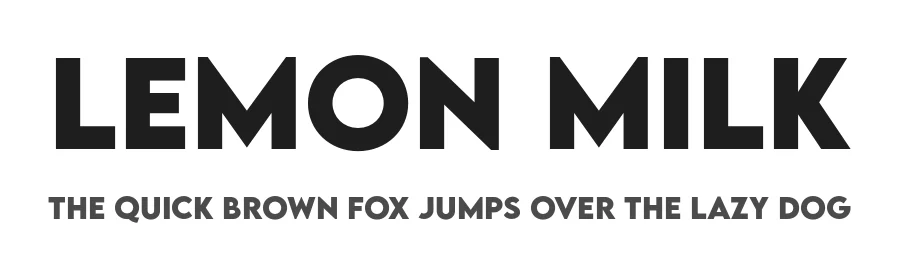
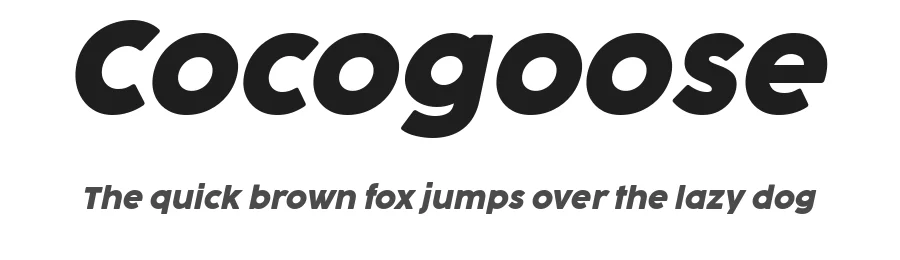

Altura Font
Reviewed by the FontBoxDL team · Updated November 2026
One-time purchase