 Firefox

 1 / 7
Loading font…
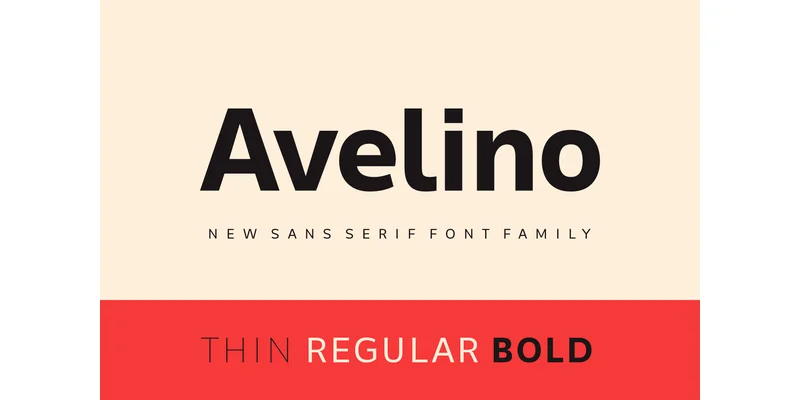
About Avelino Font
You're designing the dashboard for a SaaS product and need typeface that feels both capable and human at the same time. Avelino, created by Creative Fabrica Foundry, is a modern rounded sans-serif engineered to work equally well on screen and in print. Its generous letterforms and gently curved edges hold legibility at any size, from tiny UI labels to oversized headlines. The rounded construction carries a contemporary personality without the coldness of harder geometric typefaces.
The font comes in six weights spanning Thin through Bold Italic, giving you substantial range for visual hierarchy across a project. That weight flexibility works across SaaS dashboards, fintech app interfaces, podcast cover artwork, nonprofit fundraising websites, and boutique beauty product packaging. Each weight preserves consistent proportions and the same friendly character shapes, which keeps your designs cohesive from headlines through body text to interface labels. The typeface handles multilingual text natively, which means international projects and multi-language campaigns don't require hunting for a secondary font.
The rounded construction works as well in editorial layouts and brand identity systems as in interface design. Set large, Avelino commands visual presence; set small, it remains readable while keeping personality intact. Get it on Creative Fabrica and start using it right away.
Style & Use Cases
- Overall Style
- Clean, Modern, Branding Typography
- Use Case
- Body Text, UI
- Ideal For
- branding, interfaces, and modern layouts
- Pairs With
- a contrasting serif for headings
OpenType Features
Avelino Font ships with 7 OpenType features you can switch on in apps that support them (Illustrator, InDesign, Affinity, Figma, CSS font-feature-settings).
- Fractions
- Historical forms
- Ordinals
- Scientific inferiors
- Subscripts
- Superscripts
- Stylistic sets (1)
How to Install Avelino Font Font
Step-by-step instructions for every platform
- 1Download the Avelino Font font file (.ttf or .otf).
- 2Locate the downloaded file in your Downloads folder.
- 3Right-click the font file.
- 4Select "Install" to install for the current user, or "Install for all users" to make it available system-wide.
- 5Avelino Font is now available in Word, Photoshop, Illustrator, and all other apps.
More by Creative Fabrica Foundry
View all →
Browse fonts by theme
Curated collections →Saw a font in a picture? Identify any font from an image with our free Font Finder.
More Sans Serif Fonts
Browse all →
What pairs well with Avelino Font?
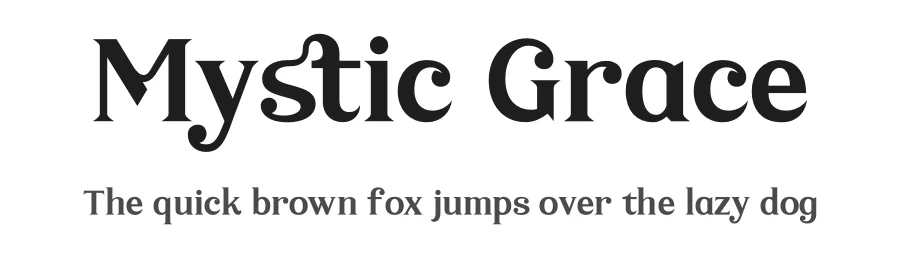
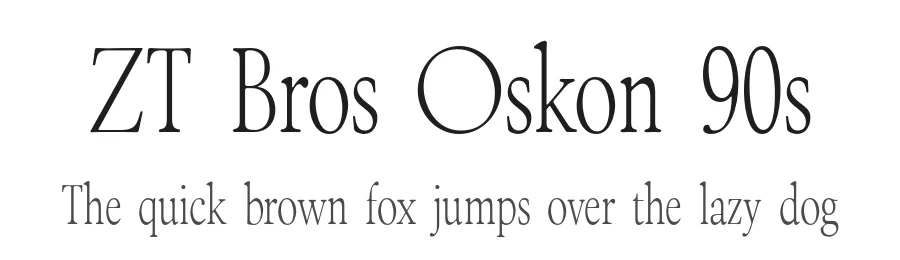
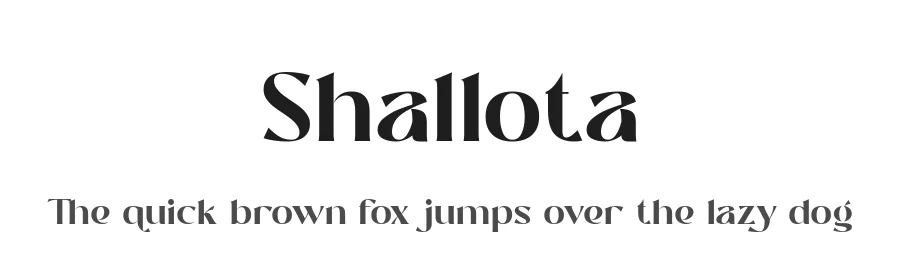
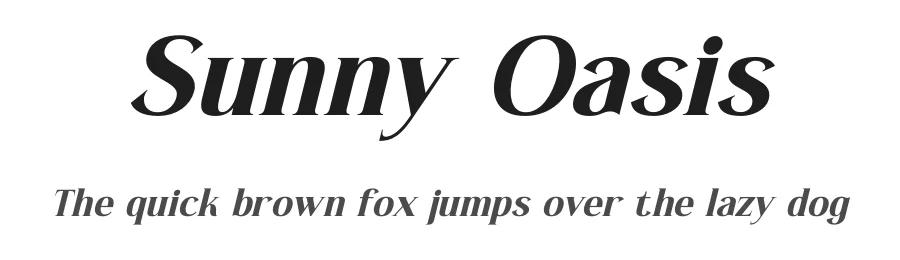
Avelino Font is a versatile sans-serif font that works for both headings and body text. Pair it with a contrasting serif or slab serif font to add visual interest and a clear distinction between titles and body copy.
Avelino Font
Reviewed by the FontBoxDL team · Updated November 2026
One-time purchase