
 1 / 6
1 / 6About Spoiled Rotten Font
The other day I was thinking about people who are spoiled rotten. It happened right after two prominent figures had a public fall out and behaved like spoiled brats. It was loud, ugly and kind of embarrassing, so I decided to name this loud, possibly ugly, but not quite embarrassing font after it!
Spoiled Rotten was made with ink and a brush and even though it looks rough, its uses can be manifold. Book covers? You bet! Instantly recognisable packaging? Right on! Loud public posters? No problem!
Spoiled Rotten also comes with extensive language support and a gorgeous set of alternates for the lower case glyphs that cycles as you type.
How to Install Spoiled Rotten Font
Step-by-step instructions for every platform
- 1Download the Spoiled Rotten font file (.ttf or .otf).
- 2Locate the downloaded file in your Downloads folder.
- 3Right-click the font file.
- 4Select "Install" to install for the current user, or "Install for all users" to make it available system-wide.
- 5Spoiled Rotten is now available in Word, Photoshop, Illustrator, and all other apps.
More by Hanoded
View all →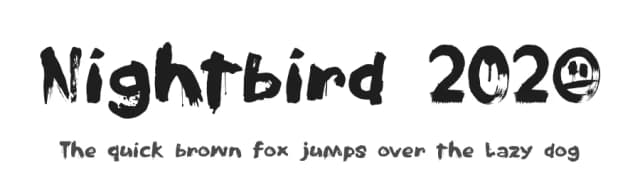
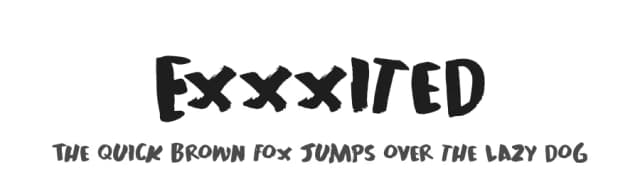
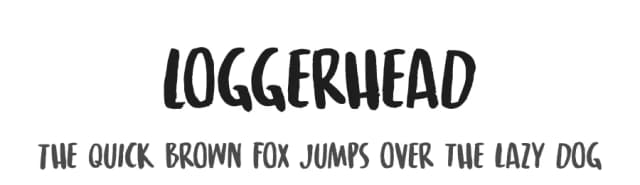
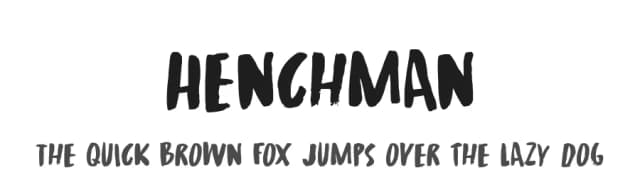
More Display Fonts
Browse all →







What pairs well with Spoiled Rotten Font?
Spoiled Rotten Font is a display font that shines as a display or heading face. Pair it with a clean sans-serif or serif font for body text — the contrast creates a clear hierarchy while the two styles stay balanced and easy to read.


