 Firefox

 1 / 10
Loading font…
About Slim Font
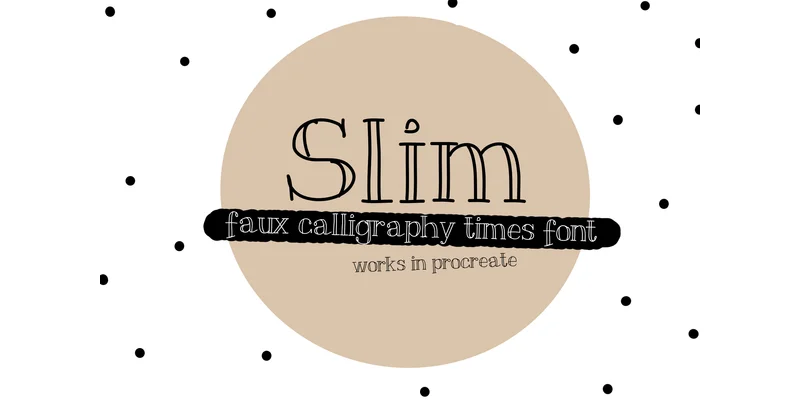
An outlined serif with refined elegance, Slim Font by Carolina Mejia brings a sophisticated edge to display work. The delicate stroke work sits between decorative and utilitarian, making it work equally well as a statement piece or refined accent. The outlined construction gives it visual lightness while maintaining a polished presence that commands attention without bulk.
This font excels in upscale branding for boutique beauty and fashion labels, where that thin, precise letterwork signals quality without shouting. It suits luxury packaging design, especially for cosmetics and artisan goods where restraint matters. You'll find it useful for high-end invitations (think engagement announcements or formal event programs), gallery exhibition signage, and editorial headers in lifestyle publications. The serif framework offers classic grounding that feels contemporary rather than nostalgic, bridging traditional and modern design sensibilities.
Pair Slim Font with a warm, neutral sans-serif for body copy to maximize its presence without overwhelming the overall layout. The contrast between the outlined strokes and solid text improves readability on smaller screens and printed materials alike. This pairing works in both digital and print contexts, letting you maintain visual consistency across your projects. Grab Slim Font on Creative Fabrica and put it to work in your next design.
Style & Use Cases
- Overall Style
- Eye-catching, Bold
- Use Case
- Headlines, Logos
- Ideal For
- posters, branding, and social media graphics
- Pairs With
- a readable sans or serif for body
How to Install Slim Font Font
Step-by-step instructions for every platform
- 1Download the Slim Font font file (.ttf or .otf).
- 2Locate the downloaded file in your Downloads folder.
- 3Right-click the font file.
- 4Select "Install" to install for the current user, or "Install for all users" to make it available system-wide.
- 5Slim Font is now available in Word, Photoshop, Illustrator, and all other apps.
More by Carolina Mejia
View all →

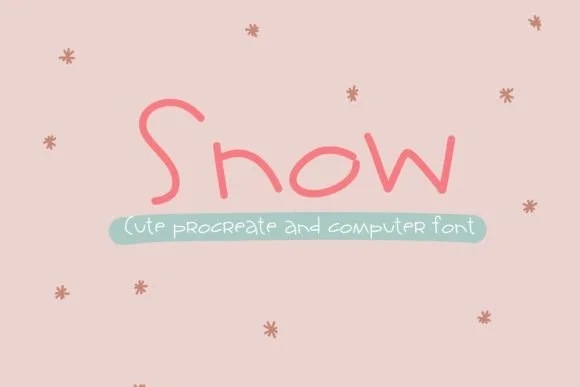
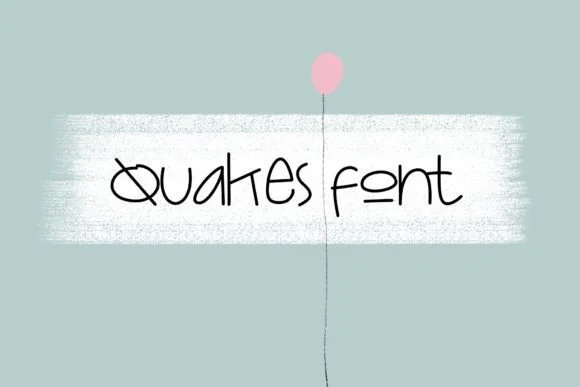
Browse fonts by theme
Curated collections →Saw a font in a picture? Identify any font from an image with our free Font Finder.
More Display Fonts
Browse all →
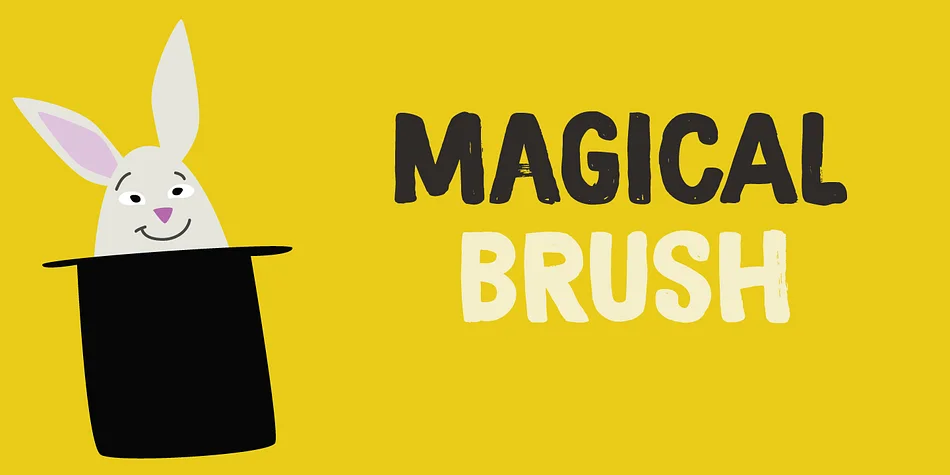
What pairs well with Slim Font?
Slim Font is a display font that shines as a display or heading face. Pair it with a clean sans-serif or serif font for body text — the contrast creates a clear hierarchy while the two styles stay balanced and easy to read.



Slim Font
Reviewed by the FontBoxDL team · Updated November 2026
One-time purchase