
 1 / 5
1 / 5About Pants On Fire Font
A handmade font family, full of character, full of opportunities! Pants On Fire comes in three styles: a roughish Bold, an angular Medium and a seriously charming Lightweight. Use the Bold for expressive designs and daring product packaging; the medium style for eye-catching book covers and posters. The versatile lightweight, line font, on the other hand, can be used for just about anything.
All these styles were designed to complement each other; their design leans toward display use — headlines, logos, posters — but they’re balanced enough to work across different projects without feeling chaotic.
In short, if you need to get a message across, or if your design yearns for a font family with a human touch, then Pants On Fire delivers.
How to Install Pants On Fire Font
Step-by-step instructions for every platform
- 1Download the Pants On Fire font file (.ttf or .otf).
- 2Locate the downloaded file in your Downloads folder.
- 3Right-click the font file.
- 4Select "Install" to install for the current user, or "Install for all users" to make it available system-wide.
- 5Pants On Fire is now available in Word, Photoshop, Illustrator, and all other apps.
More by Hanoded
View all →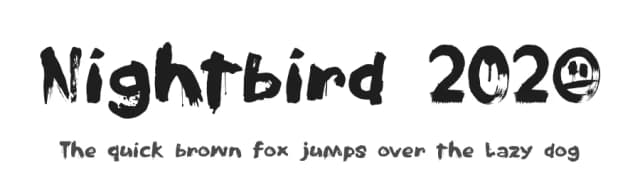
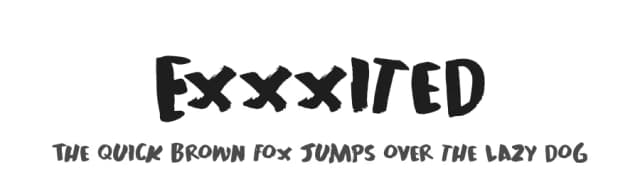
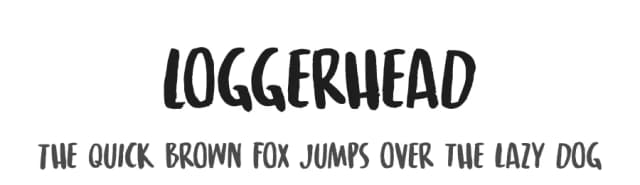
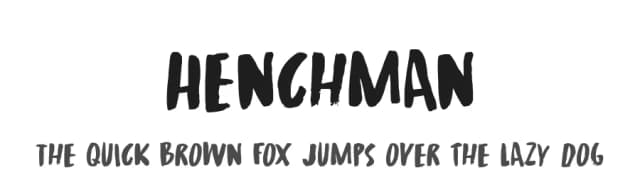
More Display Fonts
Browse all →







What pairs well with Pants On Fire Font?
Pants On Fire Font is a display font that shines as a display or heading face. Pair it with a clean sans-serif or serif font for body text — the contrast creates a clear hierarchy while the two styles stay balanced and easy to read.


