 Firefox

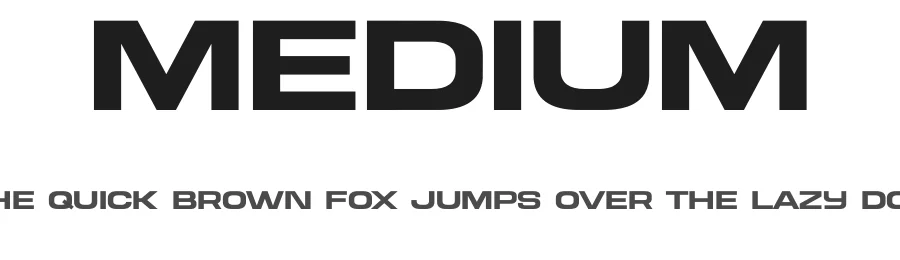 1 / 3
Loading font…
About Medium Font
Medium is a display typeface designed by Hvnter for use in headlines, titles, and prominent display settings across print and digital work. With support for 197 languages built on a Latin character foundation, this font handles multilingual design briefs without requiring typeface substitutions or last-minute workarounds. The typeface contains 131 glyphs providing solid character coverage for standard display applications, from Latin script through extended character sets.
Apply Medium to event posters, festival announcements, and promotional signage where strong typographic presence drives viewer attention. Magazine editorial headers benefit from its clean construction, as do social media promotional graphics, digital advertising campaigns, and web page title treatments. Product packaging labels, podcast artwork, and book cover designs also suit this font's straightforward approach. Its broad language support becomes especially valuable when designing across international markets, allowing the same typeface to serve Japanese, French, and Portuguese-speaking audiences without visual compromise or aesthetic inconsistency.
Licensed for free personal and commercial use, Medium removes licensing concerns from both client projects and independent creative work. Choose this font when you need display typography that crosses language boundaries, costs nothing to deploy, and delivers consistent performance whether for a local event or a global multi-market campaign.
Style & Use Cases
- Overall Style
- Eye-catching, Bold, Display
- Use Case
- Headlines, Logos
- Ideal For
- posters, branding, and social media graphics
- Pairs With
- a readable sans or serif for body
Medium Specifications
| Font Family | Medium |
| Style | Regular |
| Full Name | Medium |
| Version | 1.001 |
| Weight | 400 (Regular) |
| Glyph Count | 131 glyphs |
| PostScript Name | MediumRegular |
| Designer | Hvnter |
| Format | OTF (CFF) |
| File Size | 149.7 KB |
Languages Supported
Medium supports 197 languages.
How to Install Medium Font
Step-by-step instructions for every platform
- 1Download the Medium font file (.ttf or .otf).
- 2Locate the downloaded file in your Downloads folder.
- 3Right-click the font file.
- 4Select "Install" to install for the current user, or "Install for all users" to make it available system-wide.
- 5Medium is now available in Word, Photoshop, Illustrator, and all other apps.
More by Hvnter
View all →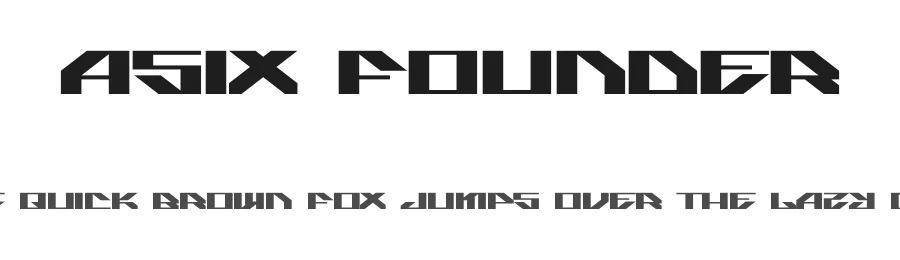
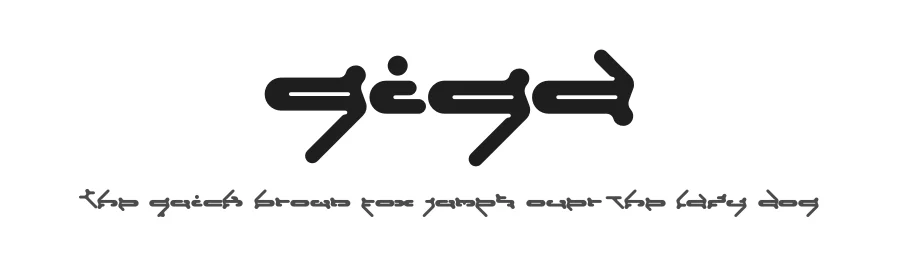
Browse fonts by theme
Curated collections →Saw a font in a picture? Identify any font from an image with our free Font Finder.
More Display Fonts
Browse all →







What pairs well with Medium Font?
Medium Font is a display font that shines as a display or heading face. Pair it with a clean sans-serif or serif font for body text — the contrast creates a clear hierarchy while the two styles stay balanced and easy to read.




Premium Display Fonts
★ PremiumWant something with more weights, glyphs, and commercial polish? These premium display fonts are worth a look.




Medium Font
by Hvnter
Reviewed by the FontBoxDL team · Updated October 2026