
 1 / 6
1 / 6About GAMBOGE Font
Gamboge is a deep saffron to mustard yellow pigment which is extracted from a tree. Its name comes from gambogium, the latin word for the pigment.
Gambogia font is a beautiful all caps typeface with a pre-war feeling to it. Upper and lower case differ and can be mixed freely. Use Gamboge for your product packaging, book covers and websites.
How to Install GAMBOGE Font
Step-by-step instructions for every platform
- 1Download the GAMBOGE font file (.ttf or .otf).
- 2Locate the downloaded file in your Downloads folder.
- 3Right-click the font file.
- 4Select "Install" to install for the current user, or "Install for all users" to make it available system-wide.
- 5GAMBOGE is now available in Word, Photoshop, Illustrator, and all other apps.
More by Hanoded
View all →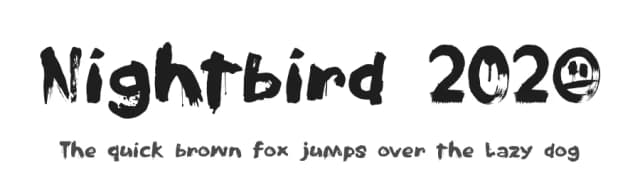
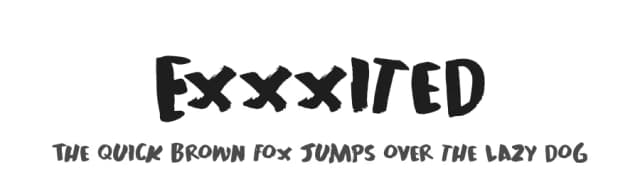


More Display Fonts
Browse all →







What pairs well with GAMBOGE Font?
GAMBOGE Font is a display font that shines as a display or heading face. Pair it with a clean sans-serif or serif font for body text — the contrast creates a clear hierarchy while the two styles stay balanced and easy to read.


