 Firefox

 1 / 3
Loading font…
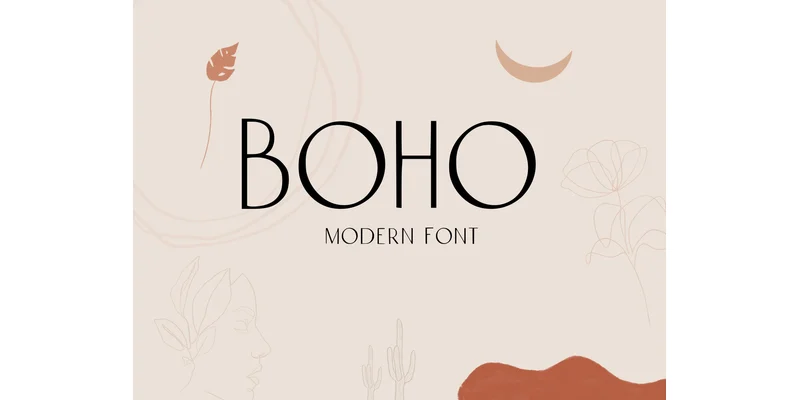
About Boho Font
Boho channels a contemporary ease that never tips toward excess. Designed by EmilyEstherDesigns, this display typeface combines clean lines with a thoughtfully spare geometric structure, making it an adaptable choice for professional work across print and digital media.
The real strength becomes apparent when you're designing across multiple touchpoints. Wedding invitation suites gain both sophistication and breathing room from its balanced letterforms and restrained stroke weight. Social media graphics for indie beauty brands and boutique lifestyle shops get a visual anchor that feels modern without drawing needless attention. Minimalist product labels for small-batch sellers and craft makers find a natural home in its measured aesthetic. Event posters and logos alike benefit from the uppercase-forward character set, while the consistent proportions keep everything readable at any scale. You can layer it into more complex compositions or pair it with other fonts without visual competition. Its geometry works equally well in headlines, digital branding systems, and short-form editorial applications without losing legibility.
Combine Boho with Inter or Montserrat for body text, and you build a cohesive typographic system that feels designed rather than assembled. Get it on Creative Fabrica and start applying this typeface across your branding and design work.
Style & Use Cases
- Overall Style
- Eye-catching, Bold, Bohemian Font
- Use Case
- Headlines, Logos
- Ideal For
- posters, branding, and social media graphics
- Pairs With
- a readable sans or serif for body
OpenType Features
Boho Font ships with 1 OpenType feature you can switch on in apps that support them (Illustrator, InDesign, Affinity, Figma, CSS font-feature-settings).
- Contextual alternates
How to Install Boho Font Font
Step-by-step instructions for every platform
- 1Download the Boho Font font file (.ttf or .otf).
- 2Locate the downloaded file in your Downloads folder.
- 3Right-click the font file.
- 4Select "Install" to install for the current user, or "Install for all users" to make it available system-wide.
- 5Boho Font is now available in Word, Photoshop, Illustrator, and all other apps.
Browse fonts by theme
Curated collections →Saw a font in a picture? Identify any font from an image with our free Font Finder.
More Display Fonts
Browse all →
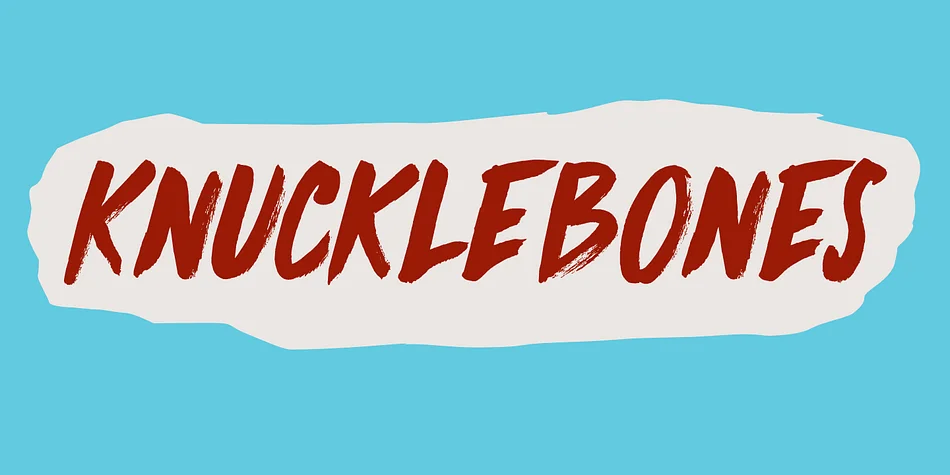
What pairs well with Boho Font?
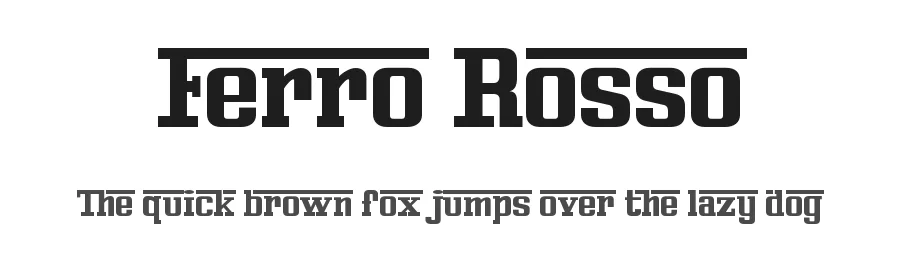
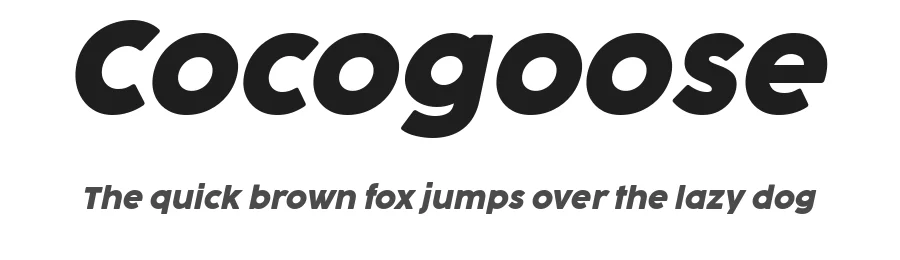
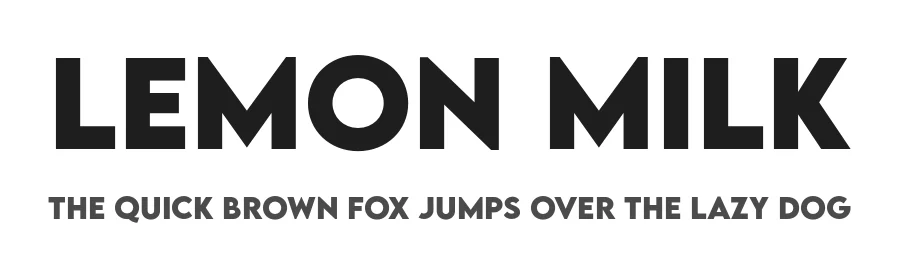
Boho Font is a display font that shines as a display or heading face. Pair it with a clean sans-serif or serif font for body text — the contrast creates a clear hierarchy while the two styles stay balanced and easy to read.

Boho Font
Reviewed by the FontBoxDL team · Updated November 2026
One-time purchase