 Firefox
 1 / 10
About Marshmallow Font
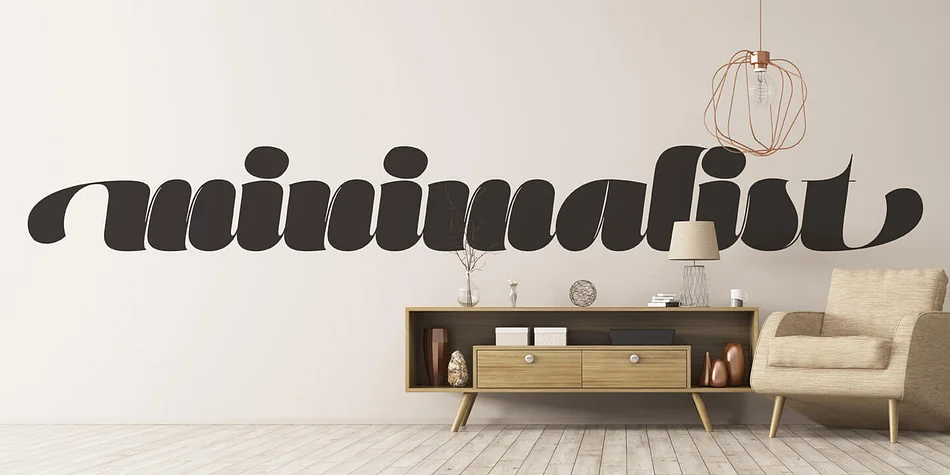
Imagine laying out a luxury chocolate truffle box or a high-end bakery menu, searching for something that feels playful but refined. Marshmallow by Positype delivers exactly that combination. This display script comes in two distinct flavors: a slick connected Script version and a more relaxed unconnected Fluff style, giving you flexibility across different layout situations. Wedding invitation suites, gourmet confectionery packaging, podcast cover artwork, and boutique salon branding all benefit from what this typeface brings to the table.
What makes Marshmallow feel more like a complete tool than a one-trick font is the depth of its alternates. The Script version contains over 820 characters, and both fonts pack extensive swashes, stylistic alternates spread across three additional sets, titling variants, and contextual ligatures. Beyond those, you get ordinals with superior and inferior numerals for footnotes and fractions, all designed with the same playful sensibility as the letters themselves. Every option serves a purpose rather than just adding bloat.
The real payoff comes at large display sizes, where the high contrast of the letterforms hits hard. Grab either variant from Creative Fabrica to see which one clicks for your project.
Style & Use Cases
- Overall Style
- Eye-catching, Bold
- Use Case
- Headlines, Logos
- Ideal For
- posters, branding, and social media graphics
- Pairs With
- a readable sans or serif for body
How to Install Marshmallow Font
Step-by-step instructions for every platform
- 1Download the Marshmallow font file (.ttf or .otf).
- 2Locate the downloaded file in your Downloads folder.
- 3Right-click the font file.
- 4Select "Install" to install for the current user, or "Install for all users" to make it available system-wide.
- 5Marshmallow is now available in Word, Photoshop, Illustrator, and all other apps.
More by Positype
View all →
Browse fonts by theme
Curated collections →Saw a font in a picture? Identify any font from an image with our free Font Finder.
More Display Fonts
Browse all →







What pairs well with Marshmallow Font?
Marshmallow Font is a display font that shines as a display or heading face. Pair it with a clean sans-serif or serif font for body text — the contrast creates a clear hierarchy while the two styles stay balanced and easy to read.




Marshmallow Font
by Positype
Reviewed by the FontBoxDL team · Updated September 2026