 Firefox
 1 / 10
About VINCENZO Font
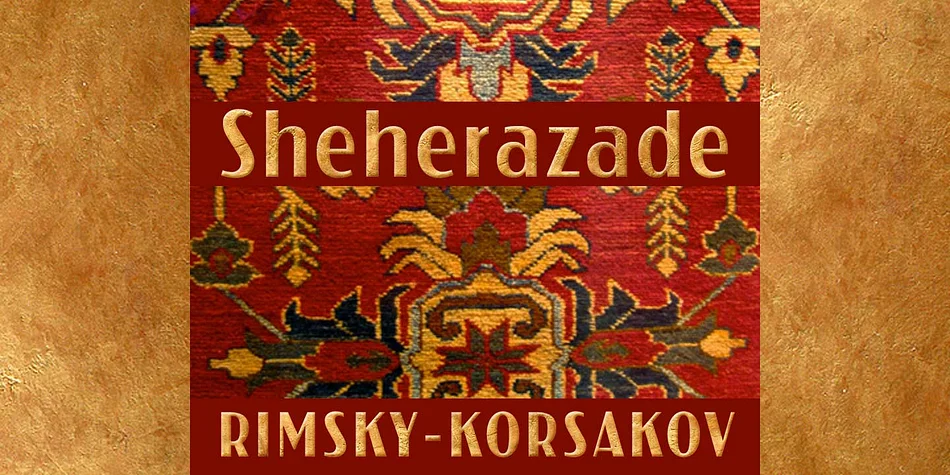
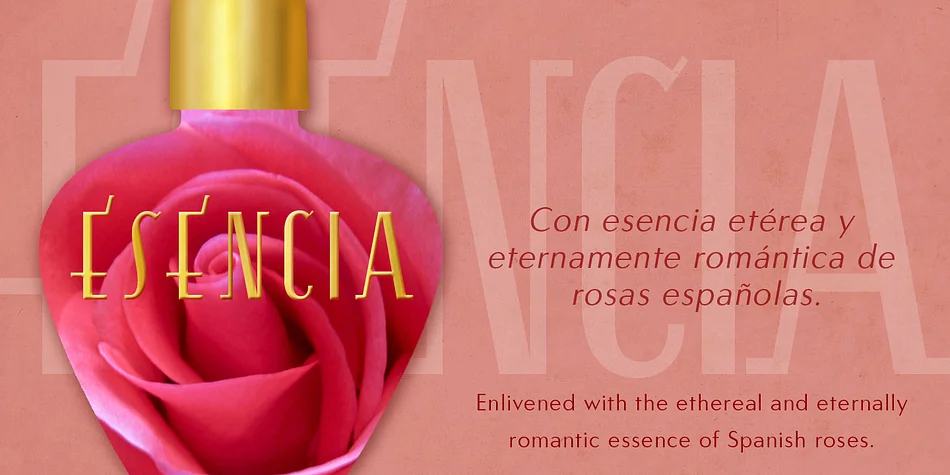
Sharp and refined, with an understated air of 1920s glamour. Vincenzo is CastleType's elegant interpretation of a rare condensed typeface from the early twentieth century, executed with crisp Modern-style serifs that cut clean lines through any page or screen.
The triangular serifs and pronounced vertical stress create substantial contrast that reads as sophisticated elegance, especially at larger display sizes. This typeface excels in luxury brand identities and prestige wordmarks, vintage art deco packaging and product labels, upscale restaurant wine lists and menu covers, and theatrical poster campaigns where visual restraint meets confidence. The all-caps construction proves particularly strong for commanding section headlines, editorial mastheads, and premium brand naming that captures attention through quiet authority rather than visual noise. Condensed proportions make it ideal for tight layouts where traditional fonts would feel clumsy. The typeface includes Western European language support, offering solid technical flexibility alongside its refined aesthetic. With a single, carefully considered weight, Vincenzo becomes a reliable anchor for any project demanding authentic period-correct sophistication.
Pair Vincenzo with a clean, neutral sans-serif for body text to let its distinctive serifs take center stage. Grab Vincenzo on Creative Fabrica and bring twentieth-century elegance to your next premium design.
Style & Use Cases
- Overall Style
- Eye-catching, Bold
- Use Case
- Headlines, Logos
- Ideal For
- posters, branding, and social media graphics
- Pairs With
- a readable sans or serif for body
How to Install VINCENZO Font
Step-by-step instructions for every platform
- 1Download the VINCENZO font file (.ttf or .otf).
- 2Locate the downloaded file in your Downloads folder.
- 3Right-click the font file.
- 4Select "Install" to install for the current user, or "Install for all users" to make it available system-wide.
- 5VINCENZO is now available in Word, Photoshop, Illustrator, and all other apps.
More by CastleType
View all →

Browse fonts by theme
Curated collections →Saw a font in a picture? Identify any font from an image with our free Font Finder.
More Display Fonts
Browse all →







What pairs well with VINCENZO Font?
VINCENZO Font is a display font that shines as a display or heading face. Pair it with a clean sans-serif or serif font for body text — the contrast creates a clear hierarchy while the two styles stay balanced and easy to read.




VINCENZO Font
by CastleType
Reviewed by the FontBoxDL team · Updated September 2026