 Firefox
About TABLOID PRESS JNL Font
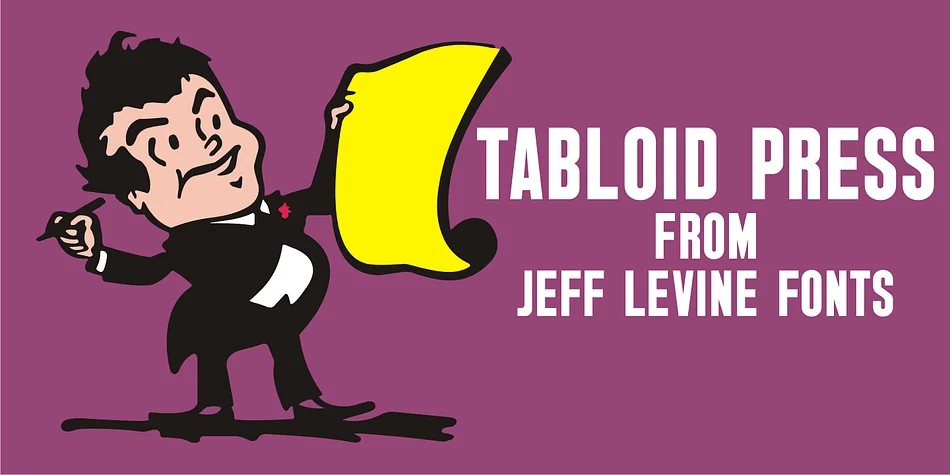
This display typeface brings back the bold confidence and urgency of mid-century front pages. Tabloid Press JNL, by Jeff Levine Fonts, is a meticulous revival of real vintage newspaper headlines, captured directly from period screen images and painstakingly redrawn by hand.
The typeface works beautifully for any project that needs authentic retro character with genuine historical roots. You'll find it shining on vinyl record sleeves and music artwork, prohibition-era speakeasy branding and vintage cocktail menus, vintage book covers and editorial layouts, and DIY scrapbooking collages that deserve that authentic '40s-'50s aesthetic. The letterforms carry that slightly irregular, printed-from-metal quality that feels genuinely historical without veering into parody or feeling overworked. Every character has the solid presence you'd expect from a real newspaper masthead, where typography was bold, legible, and took up space without apology.
The distressed edges and varied letterforms make each word look like it was fresh off the press. There's real character in the inconsistencies, the kind you get only from type actually set in lead rather than digitally smoothed and perfected. This font rewards being used at large sizes.
Pair this with a clean, modern sans-serif for body copy to make its retro punch even sharper. You'll find Tabloid Press JNL on Creative Fabrica.
Style & Use Cases
- Overall Style
- Eye-catching, Bold
- Use Case
- Headlines, Logos
- Ideal For
- posters, branding, and social media graphics
- Pairs With
- a readable sans or serif for body
How to Install TABLOID PRESS JNL Font
Step-by-step instructions for every platform
- 1Download the TABLOID PRESS JNL font file (.ttf or .otf).
- 2Locate the downloaded file in your Downloads folder.
- 3Right-click the font file.
- 4Select "Install" to install for the current user, or "Install for all users" to make it available system-wide.
- 5TABLOID PRESS JNL is now available in Word, Photoshop, Illustrator, and all other apps.
More by Jeff Levine Fonts
View all →



Browse fonts by theme
Curated collections →Saw a font in a picture? Identify any font from an image with our free Font Finder.
More Display Fonts
Browse all →







What pairs well with TABLOID PRESS JNL Font?
TABLOID PRESS JNL Font is a display font that shines as a display or heading face. Pair it with a clean sans-serif or serif font for body text — the contrast creates a clear hierarchy while the two styles stay balanced and easy to read.




TABLOID PRESS JNL Font
Reviewed by the FontBoxDL team · Updated October 2026