 Firefox
 1 / 9
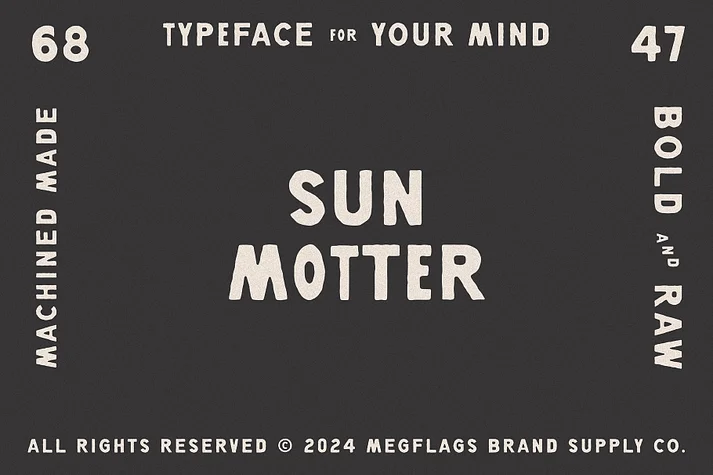
1 / 9About Sun Motter Font
A font that’s bolder than your last-minute excuse, rawer than a Monday morning without coffee, and vintage modern like your grandma’s favorite disco moves.
With its bold strokes demanding attention like a toddler at bedtime and raw edges giving it more character than your favorite sitcom sidekick, this font is your new partner in crime for designs that pop like bubble wrap.
Whether you’re creating posters that scream louder than your neighbor’s dog or branding smoother than peanut butter on a hot day, Sun Motter’s vintage modern charm will have you saying, "Helvetica who?"
Style & Use Cases
- Overall Style
- Eye-catching, Bold
- Use Case
- Headlines, Logos
- Ideal For
- posters, branding, and social media graphics
- Pairs With
- a readable sans or serif for body
How to Install Sun Motter Font
Step-by-step instructions for every platform
- 1Download the Sun Motter font file (.ttf or .otf).
- 2Locate the downloaded file in your Downloads folder.
- 3Right-click the font file.
- 4Select "Install" to install for the current user, or "Install for all users" to make it available system-wide.
- 5Sun Motter is now available in Word, Photoshop, Illustrator, and all other apps.
More by Megflags
View all →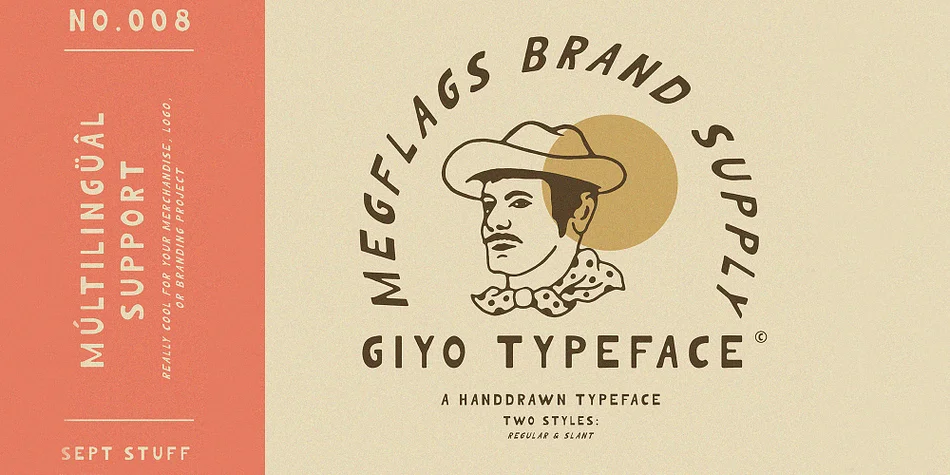

Browse fonts by theme
Curated collections →Saw a font in a picture? Identify any font from an image with our free Font Finder.
More Display Fonts
Browse all →







What pairs well with Sun Motter Font?
Sun Motter Font is a display font that shines as a display or heading face. Pair it with a clean sans-serif or serif font for body text — the contrast creates a clear hierarchy while the two styles stay balanced and easy to read.




Sun Motter Font
by Megflags
Reviewed by the FontBoxDL team · Updated April 2026