 Firefox
 1 / 8
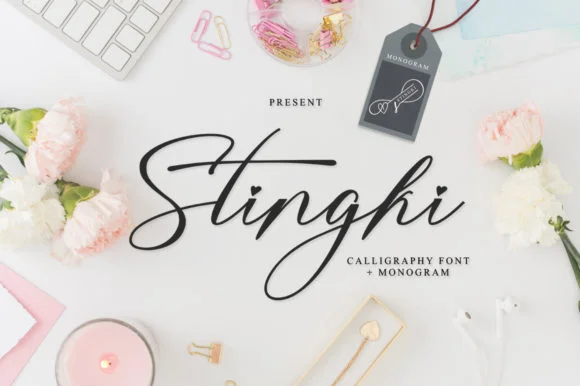
1 / 8About Stingki Font
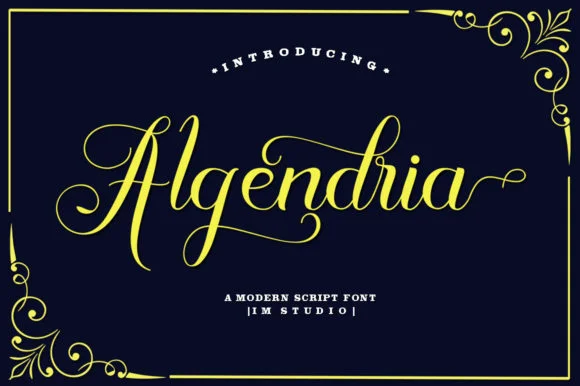
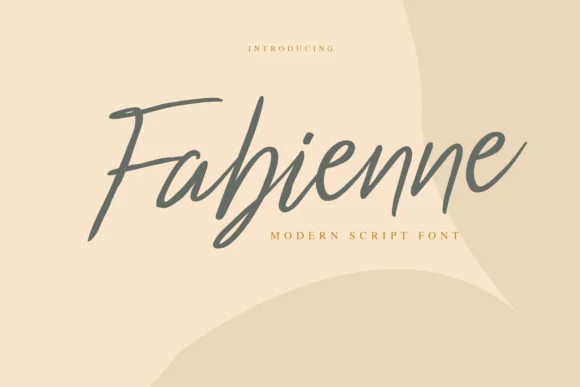
Stingki is an elegant script font with a contemporary atmosphere and impeccable form, inspired by timeless classic calligraphy. Not too thin and not too thick, balanced and varied, Stingki was designed to enhance the beauty of your projects.
WeddingFontScriptMonogramNewsLatteringBundleCreative Fabrica1 DealsLettering FontsMonogram FontsNews FontsScript FontsWedding FontsStingki Otf
How to Install Stingki Font Font
Step-by-step instructions for every platform
- 1Download the Stingki Font font file (.ttf or .otf).
- 2Locate the downloaded file in your Downloads folder.
- 3Right-click the font file.
- 4Select "Install" to install for the current user, or "Install for all users" to make it available system-wide.
- 5Stingki Font is now available in Word, Photoshop, Illustrator, and all other apps.
More by IM Studio
View all →
Browse fonts by theme
Curated collections →Saw a font in a picture? Identify any font from an image with our free Font Finder.
More Fonts
Browse all →
What pairs well with Stingki Font?
Stingki Font is a versatile font that works for both headings and body text. Pair it with a contrasting sans-serif or serif font to add visual interest and a clear distinction between titles and body copy.




Compatibility
Windows
Mac / Apple
Linux
Cricut
Silhouette
Other cutting machines