 Firefox
 1 / 3
1 / 3Loading font…
About Spooky Stone Font
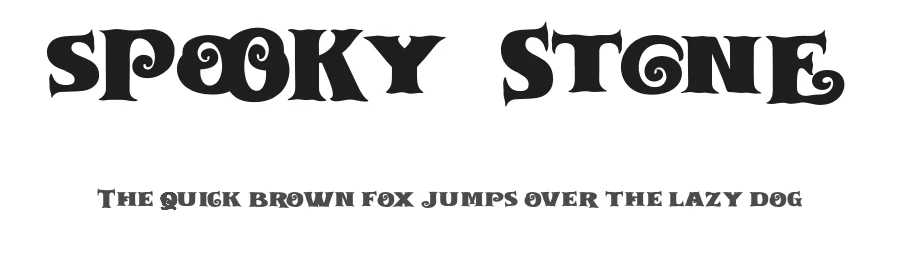
Picture yourself setting up the typography for a haunted house attraction poster or designing Halloween party invitations with character. That's where Spooky Stone from Lettersweet steps in. This display typeface brings a weathered, slightly unsettling character that works beautifully when you need personality and raw visual edge.
The font carries a hand-carved quality, as if each letter had been chiseled from ancient rock. It's built for big, bold applications where a single word needs to command real attention and presence. Think vintage horror movie titles or small-batch product labels with a dark aesthetic that demands to be noticed. The typeface's quirky, rough texture makes it ideal for designs that deliberately lean into the unconventional or spooky. Its range of 107+ languages in Latin-based scripts means you can work globally without compromising the distinctive mood.
When setting this at display sizes, lean into generous letter spacing to let the carved character breathe properly. Smaller text risks becoming muddy, so treat it strictly as a headline-only tool. Try the free personal-use demo on our page to see how it feels in your project, then grab the full commercial license from Creative Fabrica when you're ready to ship.
Style & Use Cases
- Overall Style
- Eye-catching, Bold, Display
- Use Case
- Headlines, Logos
- Ideal For
- posters, branding, and social media graphics
- Pairs With
- a readable sans or serif for body
Spooky Stone Specifications
| Font Family | Spooky Stone |
| Style | Regular |
| Full Name | Spooky Stone Regular |
| Version | 1.000 |
| Weight | 400 (Regular) |
| Glyph Count | 143 glyphs |
| PostScript Name | SpookyStone-Regular |
| Designer | Lettersweet |
| Format | OTF (CFF) |
| File Size | 39 KB |
OpenType Features
Spooky Stone ships with 4 OpenType features you can switch on in apps that support them (Illustrator, InDesign, Affinity, Figma, CSS font-feature-settings).
- Discretionary ligatures
- Standard ligatures
- Ordinals
- Superscripts
Languages Supported
Spooky Stone supports 107 languages.
How to Install Spooky Stone Font
Step-by-step instructions for every platform
- 1Download the Spooky Stone font file (.ttf or .otf).
- 2Locate the downloaded file in your Downloads folder.
- 3Right-click the font file.
- 4Select "Install" to install for the current user, or "Install for all users" to make it available system-wide.
- 5Spooky Stone is now available in Word, Photoshop, Illustrator, and all other apps.
More by Lettersweet
View all →
Spooky Stone Font is featured in
All collections →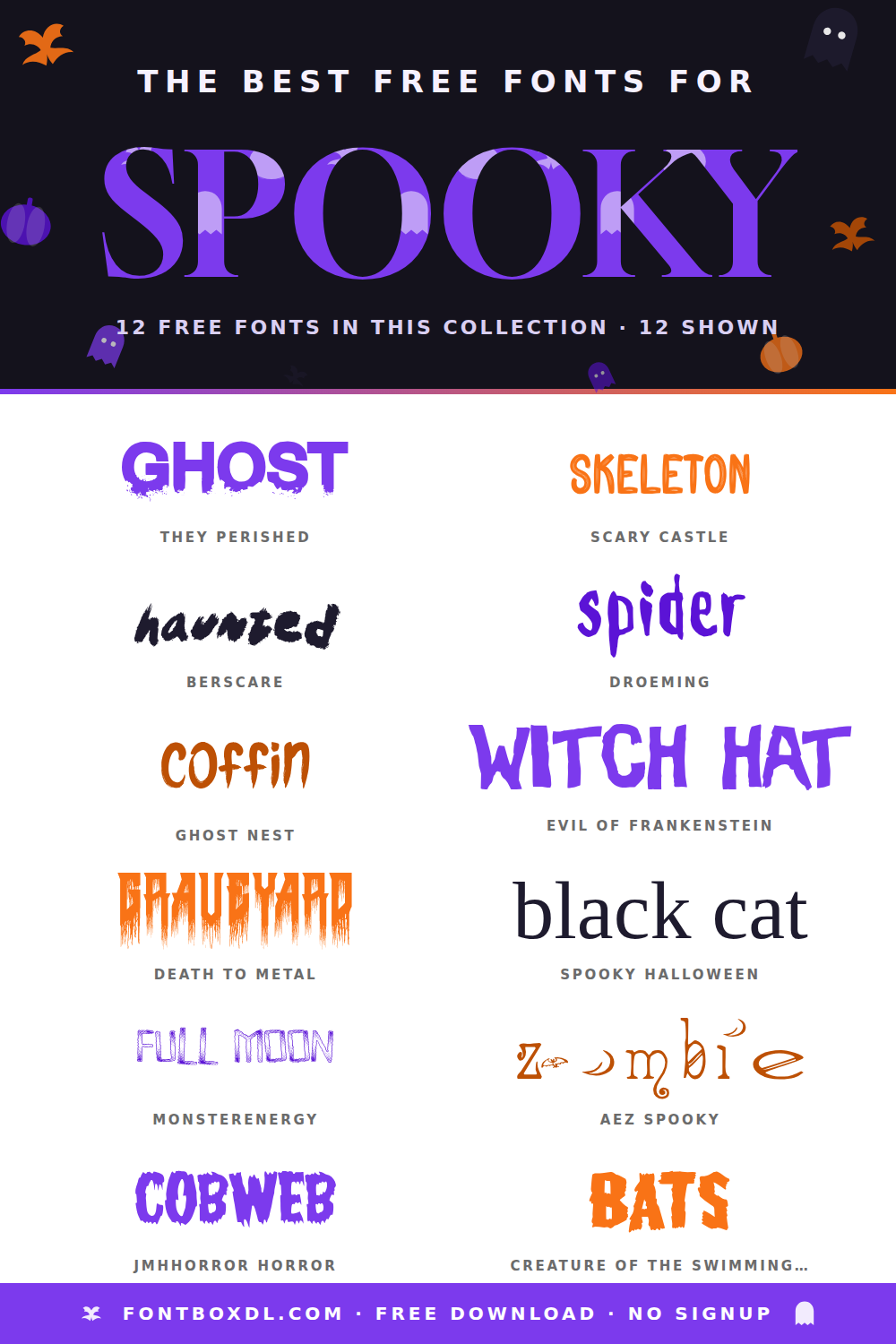
Browse fonts by theme
Curated collections →Saw a font in a picture? Identify any font from an image with our free Font Finder.
More Display Fonts
Browse all →







What pairs well with Spooky Stone Font?
Spooky Stone Font is a display font that shines as a display or heading face. Pair it with a clean sans-serif or serif font for body text — the contrast creates a clear hierarchy while the two styles stay balanced and easy to read.




Spooky Stone Font
by Lettersweet
Reviewed by the FontBoxDL team · Updated August 2026