 Firefox
 1 / 7
1 / 7About Spiderlegs Font
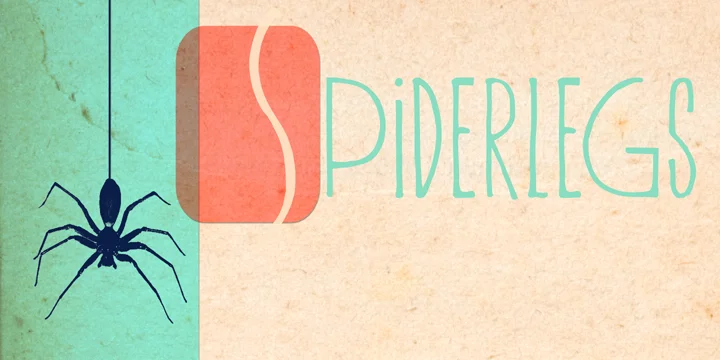
Spiderlegs by Hanoded is a tall, handwritten typeface with an elongated, artistic character. The letterforms stretch vertically, creating a distinctive presence that works beautifully for projects demanding genuine personality and hand-drawn appeal without leaning into overly decorative territory. You'll find this style especially useful for edgy poster designs, retro band artwork, artistic book covers, and vintage-inspired product packaging where a custom, deliberately unconventional look is exactly what you're after. The vertical emphasis also makes it great for narrow product labels and tall display applications where proportion and impact matter.
The font includes contextual alternates that shift character forms based on their position in words, giving your text natural variation that mimics authentic handwriting rather than feeling machine-made. This detail makes a real difference when you're crafting something that needs to feel organic and personal. Babylonian language support is a less common feature for modern typefaces, opening doors for multilingual projects, historically themed work, or specialty applications where broader character sets become necessary. The combination of these technical features and the font's strong visual personality makes Spiderlegs worth considering for experimental layouts, art direction work, or any project where you need type that actually says something.
Grab Spiderlegs from Creative Fabrica and start bringing angular, hand-drawn character to your next design.
Style & Use Cases
- Overall Style
- Bold, Distinctive
- Use Case
- Headlines, Posters
- Ideal For
- logos, packaging, and standout titles
- Pairs With
- a neutral sans-serif
How to Install Spiderlegs Font
Step-by-step instructions for every platform
- 1Download the Spiderlegs font file (.ttf or .otf).
- 2Locate the downloaded file in your Downloads folder.
- 3Right-click the font file.
- 4Select "Install" to install for the current user, or "Install for all users" to make it available system-wide.
- 5Spiderlegs is now available in Word, Photoshop, Illustrator, and all other apps.
More by Hanoded
View all →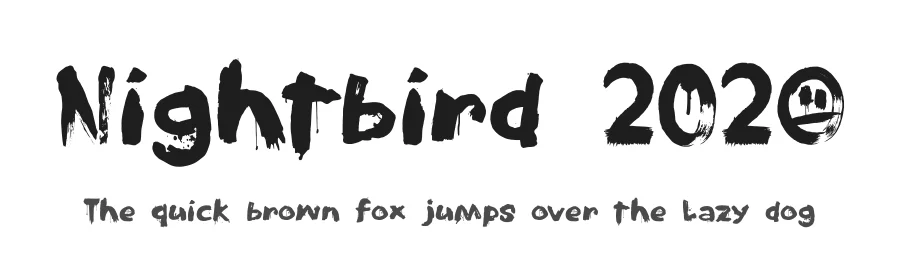
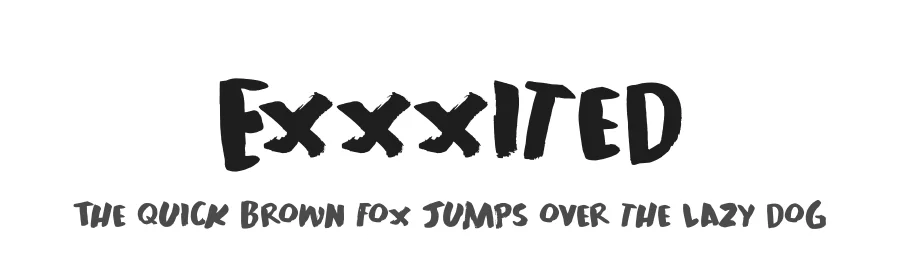
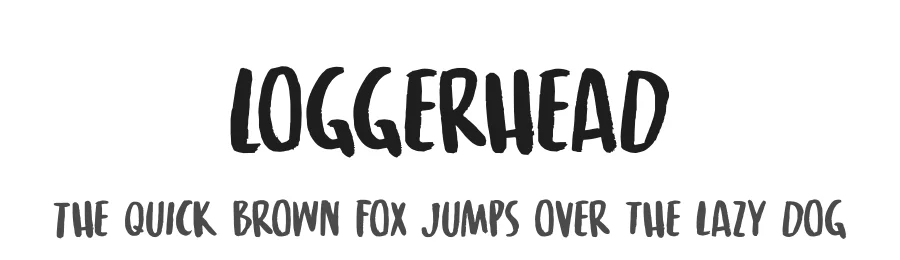
Browse fonts by theme
Curated collections →Saw a font in a picture? Identify any font from an image with our free Font Finder.
More Decorative Fonts
Browse all →







What pairs well with Spiderlegs Font?
Spiderlegs Font is a decorative font that shines as a display or heading face. Pair it with a clean sans-serif or serif font for body text — the contrast creates a clear hierarchy while the two styles stay balanced and easy to read.




Spiderlegs Font
by Hanoded
Reviewed by the FontBoxDL team · Updated June 2026