 Firefox
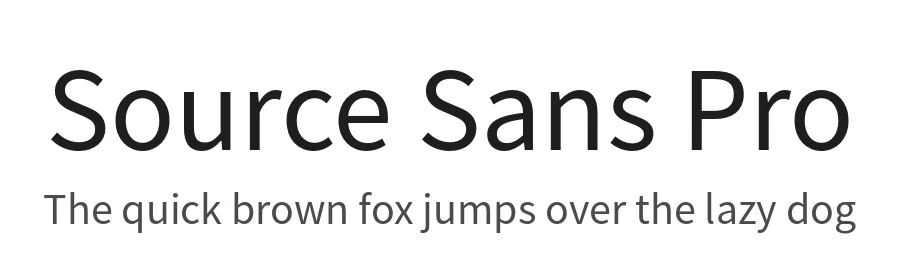 1 / 3
1 / 3Loading font…
About Source Sans Pro Font
Source Sans Pro is a display font designed by Paul D. Hunt at Adobe Systems Incorporated. With its clean, professional construction and 1942 glyphs supporting over 396 languages, it brings clarity and visual sophistication to any project demanding immediate attention. The font's extensive character set makes it remarkably effective for international design work, allowing you to maintain full consistency across multilingual layouts without needing to switch typefaces midstream.
Use Source Sans Pro for magazine headlines, app UI labels, and social media promotional graphics where readable impact matters most. It's equally at home handling website headers, brand logos, and event poster designs across print and digital contexts. Built with a regular weight that performs well at large display sizes and smaller UI applications alike, the typeface flexes easily across multiple disciplines and various media formats. International clients and multicultural markets receive proper character coverage through the extensive language support, without any compromise to typographic quality or integrity.
Source Sans Pro is available under the Open Font License for both personal and commercial use. Choose this font when you need a dependable, internationally capable display typeface that eliminates the design overhead of specialty fonts while still maintaining strong professional presence in your work.
Style & Use Cases
- Overall Style
- Eye-catching, Bold, Display
- Use Case
- Headlines, Logos
- Ideal For
- posters, branding, and social media graphics
- Pairs With
- a readable sans or serif for body
Source Sans Pro Specifications
| Font Family | Source Sans Pro |
| Style | Regular |
| Full Name | Source Sans Pro |
| Version | 2.020 |
| Weight | 400 (Regular) |
| Glyph Count | 1942 glyphs |
| PostScript Name | SourceSansPro-Regular |
| Designer | Paul D. Hunt |
| Format | OTF (CFF) |
| File Size | 224.2 KB |
OpenType Features
Source Sans Pro ships with 14 OpenType features you can switch on in apps that support them (Illustrator, InDesign, Affinity, Figma, CSS font-feature-settings).
- Small capitals from capitals
- Case-sensitive forms
- Fractions
- Standard ligatures
- Old-style figures
- Ordinals
- Proportional figures
- Stylistic alternates
- Scientific inferiors
- Small capitals
- Subscripts
- Superscripts
- Slashed zero
- Stylistic sets (5)
Languages Supported
Source Sans Pro supports 396 languages.
How to Install Source Sans Pro Font
Step-by-step instructions for every platform
- 1Download the Source Sans Pro font file (.ttf or .otf).
- 2Locate the downloaded file in your Downloads folder.
- 3Right-click the font file.
- 4Select "Install" to install for the current user, or "Install for all users" to make it available system-wide.
- 5Source Sans Pro is now available in Word, Photoshop, Illustrator, and all other apps.
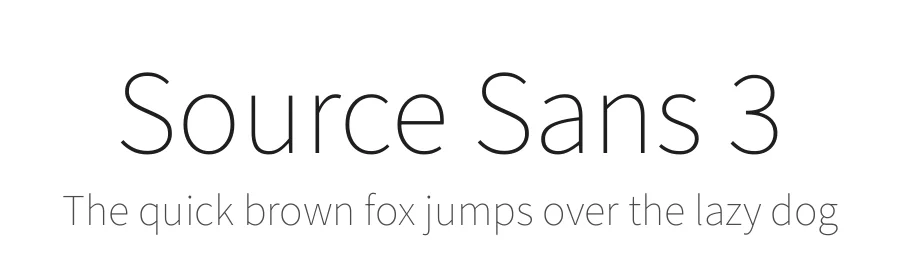
More by Paul D. Hunt
View all →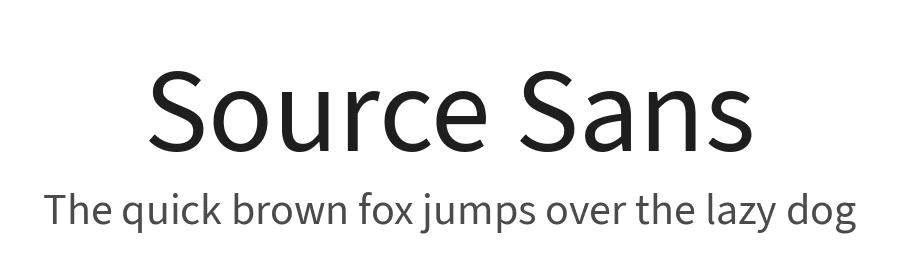

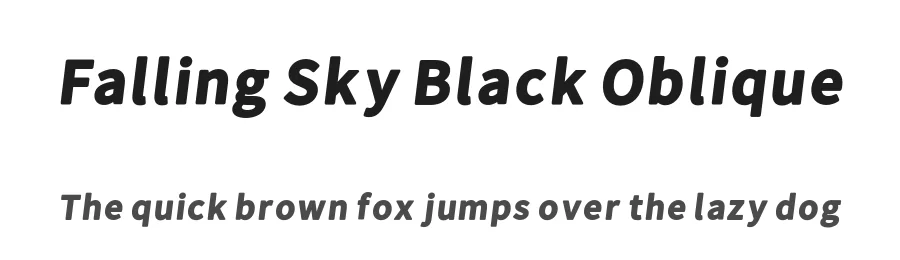
Browse fonts by theme
Curated collections →Saw a font in a picture? Identify any font from an image with our free Font Finder.
More Display Fonts
Browse all →







What pairs well with Source Sans Pro Font?
Source Sans Pro Font is a display font that shines as a display or heading face. Pair it with a clean sans-serif or serif font for body text — the contrast creates a clear hierarchy while the two styles stay balanced and easy to read.




Premium Display Fonts
★ PremiumWant something with more weights, glyphs, and commercial polish? These premium display fonts are worth a look.




Source Sans Pro Font
by Paul D. Hunt
Reviewed by the FontBoxDL team · Updated October 2026