 Firefox
 1 / 10
About SK Seren Font
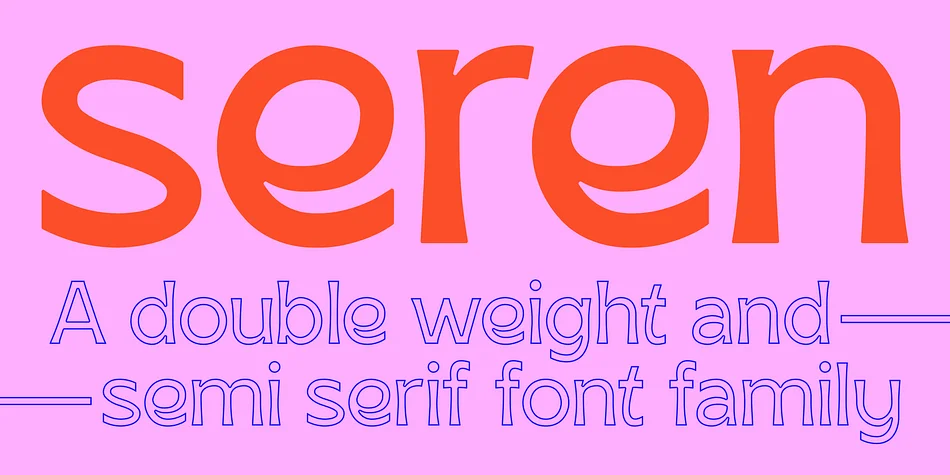
SK Seren by Salih Kizilkaya is a clean semi-serif with dual weight options that flows between headlines and body text without losing its distinctive voice. Originally designed in 2018, this substantially revised iteration brings expanded glyph coverage and recalibrated kerning for consistent results across projects of any scale.
The typeface performs reliably in both print and digital contexts. You'll find it particularly effective in luxury cosmetics packaging, editorial magazine layouts, high-end restaurant menus, and corporate annual reports, where visual restraint communicates sophistication far better than ornamental excess. Ten distinct fonts and 5890 total glyphs deliver complete Latin alphabet support, giving you enough weight options to build complex typographic hierarchy without swapping typefaces mid-project. That range means you're solving actual design problems rather than making compromises.
What separates SK Seren from typefaces that fade quickly is its measured aesthetic and genuine versatility. The design maintains its composure whether handling a single dramatic headline or anchoring extended body copy, holding character throughout. Most display fonts struggle with that balance, getting trapped in narrow contexts where they work well only for posters or only for body text. SK Seren refuses those constraints. Get SK Seren from Creative Fabrica.
Style & Use Cases
- Overall Style
- Eye-catching, Bold
- Use Case
- Headlines, Logos
- Ideal For
- posters, branding, and social media graphics
- Pairs With
- a readable sans or serif for body
How to Install SK Seren Font
Step-by-step instructions for every platform
- 1Download the SK Seren font file (.ttf or .otf).
- 2Locate the downloaded file in your Downloads folder.
- 3Right-click the font file.
- 4Select "Install" to install for the current user, or "Install for all users" to make it available system-wide.
- 5SK Seren is now available in Word, Photoshop, Illustrator, and all other apps.
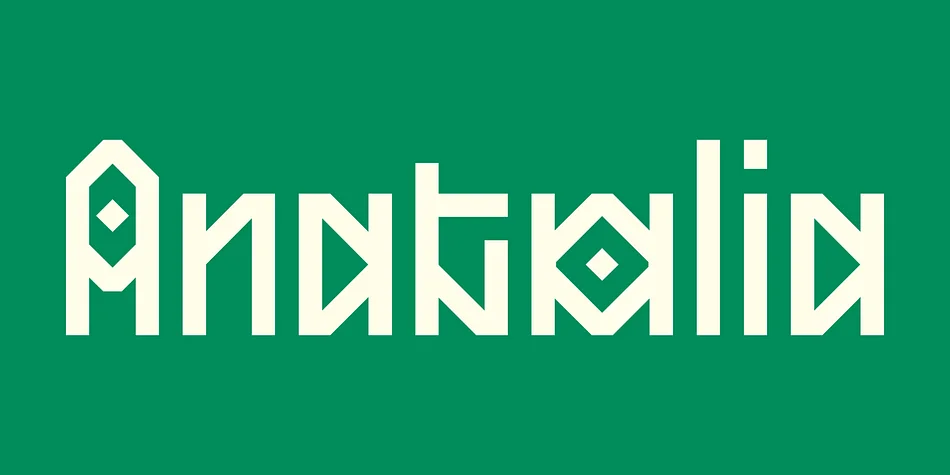
More by Salih Kizilkaya
View all →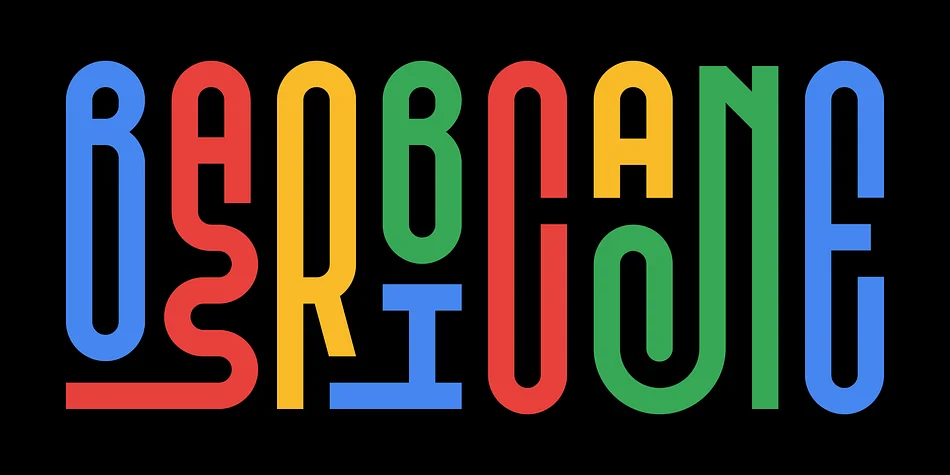

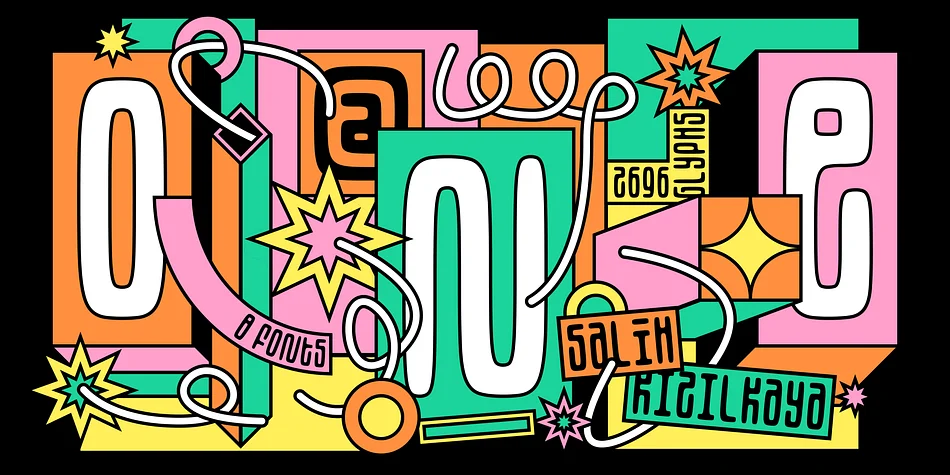
Browse fonts by theme
Curated collections →Saw a font in a picture? Identify any font from an image with our free Font Finder.
More Display Fonts
Browse all →







What pairs well with SK Seren Font?
SK Seren Font is a display font that shines as a display or heading face. Pair it with a clean sans-serif or serif font for body text — the contrast creates a clear hierarchy while the two styles stay balanced and easy to read.




SK Seren Font
Reviewed by the FontBoxDL team · Updated September 2026