
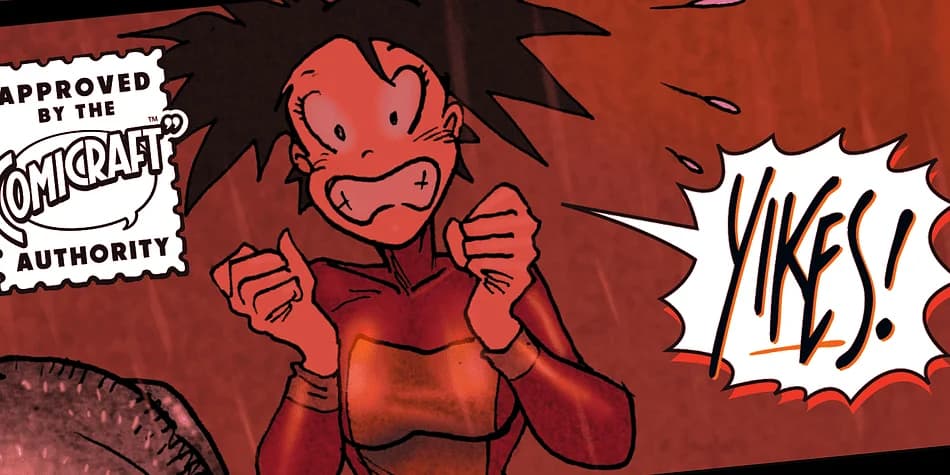
 1 / 4
1 / 4About SHOUT OUT Font
The letterforms in this typeface are unapologetically bold, with thick strokes and aggressive geometry that leave no room for subtlety. SHOUT OUT, designed by Comicraft, channels raw kinetic energy into every character, making it a display typeface built to command immediate attention on the page or screen.
The font excels in most contexts where that volume actually serves the message. Concert posters and movie title treatments feel native to this typeface, as do bold music brand graphics, comic book lettering, and entertainment-focused packaging design. Band merchandise projects, high-impact social media graphics, event flyers, and album cover treatments all benefit from SHOUT OUT's uncompromising presence. You'll want to reserve this font for situations where that intensity genuinely amplifies the design work, since there's no quiet or refined voice available in these letterforms.
Designers tackling entertainment projects, music-industry briefs, or any assignment demanding pure boldness and graphic confidence will find SHOUT OUT delivers exactly that kind of punch. The typeface works well across multiple scales, holding its own in headlines and all-caps text with consistent impact. Grab SHOUT OUT on Creative Fabrica when you're building out your collection of display typefaces that don't apologize.
Style & Use Cases
- Overall Style
- Bold, Distinctive
- Use Case
- Headlines, Posters
- Ideal For
- logos, packaging, and standout titles
- Pairs With
- a neutral sans-serif
How to Install SHOUT OUT Font
Step-by-step instructions for every platform
- 1Download the SHOUT OUT font file (.ttf or .otf).
- 2Locate the downloaded file in your Downloads folder.
- 3Right-click the font file.
- 4Select "Install" to install for the current user, or "Install for all users" to make it available system-wide.
- 5SHOUT OUT is now available in Word, Photoshop, Illustrator, and all other apps.
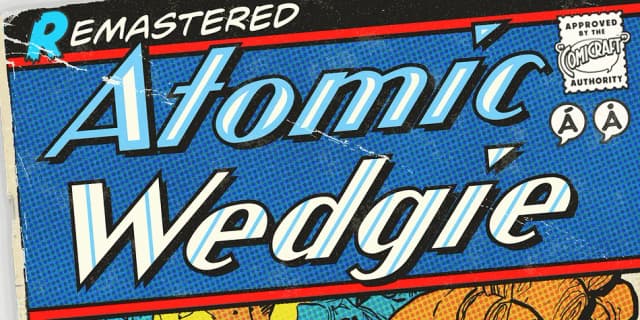
More by Comicraft
View all →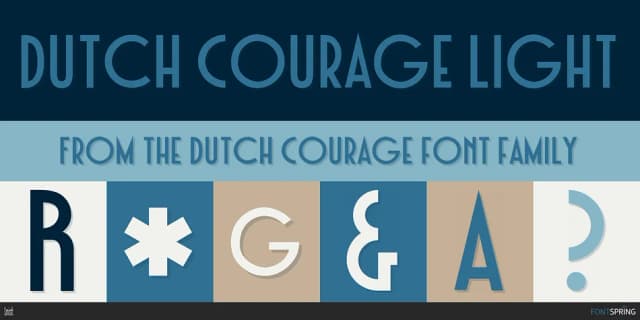
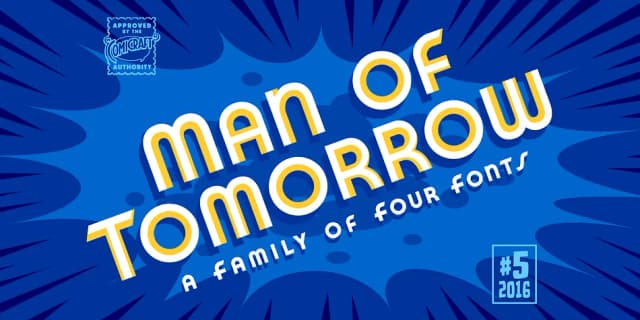
More Decorative Fonts
Browse all →







What pairs well with SHOUT OUT Font?
SHOUT OUT Font is a decorative font that shines as a display or heading face. Pair it with a clean sans-serif or serif font for body text — the contrast creates a clear hierarchy while the two styles stay balanced and easy to read.



SHOUT OUT Font
by Comicraft
Reviewed by the FontBoxDL team · Updated July 2026