 Firefox
 1 / 2
1 / 2About SERIES A SIGNAGE JNL Font
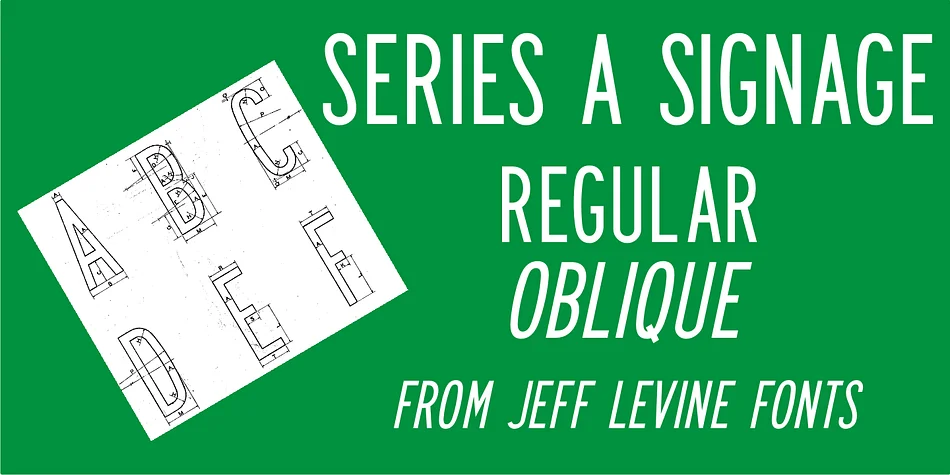
Series A Signage JNL by Jeff Levine Fonts is a government-standard typeface drawn from the official character specifications created by the U.S. Federal Highway Administration for standardized road signage. Based on the 1948 (reprinted 1952) Federal Highway Administration guidelines, it captures the condensed proportions of the Series A variant, originally designed to maximize readability at highway speeds. That narrow width was eventually discontinued from actual road use, but Levine's contemporary interpretation revives this sturdy, authoritative character for modern applications while preserving the official standards that defined the original design.
The typeface performs best in contexts where legibility and institutional presence converge: parking lot directional signage, transit station wayfinding systems, industrial equipment safety labels, municipal building directory lettering, construction site temporary markers, and warehouse inventory identification. The adherence to Federal government standards gives it inherent visual authority that registers as professional and dependable across public and institutional environments. This revival expands beyond the original capital-only character set and includes both regular and oblique weights, allowing matched typographic flexibility for dynamic compositions and consistent signage systems.
Get Series A Signage JNL on Creative Fabrica to integrate authentic Federal signage typography into your next environmental graphics or wayfinding project.
Style & Use Cases
- Overall Style
- Eye-catching, Bold
- Use Case
- Headlines, Logos
- Ideal For
- posters, branding, and social media graphics
- Pairs With
- a readable sans or serif for body
How to Install SERIES A SIGNAGE JNL Font
Step-by-step instructions for every platform
- 1Download the SERIES A SIGNAGE JNL font file (.ttf or .otf).
- 2Locate the downloaded file in your Downloads folder.
- 3Right-click the font file.
- 4Select "Install" to install for the current user, or "Install for all users" to make it available system-wide.
- 5SERIES A SIGNAGE JNL is now available in Word, Photoshop, Illustrator, and all other apps.
More by Jeff Levine Fonts
View all →



Browse fonts by theme
Curated collections →Saw a font in a picture? Identify any font from an image with our free Font Finder.
More Display Fonts
Browse all →







What pairs well with SERIES A SIGNAGE JNL Font?
SERIES A SIGNAGE JNL Font is a display font that shines as a display or heading face. Pair it with a clean sans-serif or serif font for body text — the contrast creates a clear hierarchy while the two styles stay balanced and easy to read.




SERIES A SIGNAGE JNL Font
Reviewed by the FontBoxDL team · Updated October 2026