 Firefox
 1 / 6
1 / 6About Scholle Font
This font brings a playful, bouncy energy that feels at home in children's spaces and playful branding. Scholle, designed by Tour de Force Font Foundry, is an inline display typeface where every character moves with a joyful, animated rhythm.
The typeface works best when you want personality to sing. Picture it on children's book jacket designs where the cover needs to grab young readers. Birthday party invitation suites benefit from its youthful exuberance, and nursery wall art decals come alive with this font's energy. Playroom signage, creative workshop labels, and whimsical product packaging for kids all find a natural home here. The bouncy letterforms make content feel approachable and fun without effort. Scholle ships in both Shadow and Regular weights, giving you layering flexibility and contrast options. When you use both versions together or alternate them for emphasis, the positive and negative spacing creates visual depth that draws the eye.
Pair Scholle with a clean geometric sans-serif for body copy to maintain readability while the playful display type carries the visual weight. This keeps your design balanced and lets Scholle's expressive personality shine without overwhelming the page. You'll find it on Creative Fabrica, ready to bring that bouncy charm to your next creative work.
Style & Use Cases
- Overall Style
- Eye-catching, Bold
- Use Case
- Headlines, Logos
- Ideal For
- posters, branding, and social media graphics
- Pairs With
- a readable sans or serif for body
How to Install Scholle Font
Step-by-step instructions for every platform
- 1Download the Scholle font file (.ttf or .otf).
- 2Locate the downloaded file in your Downloads folder.
- 3Right-click the font file.
- 4Select "Install" to install for the current user, or "Install for all users" to make it available system-wide.
- 5Scholle is now available in Word, Photoshop, Illustrator, and all other apps.
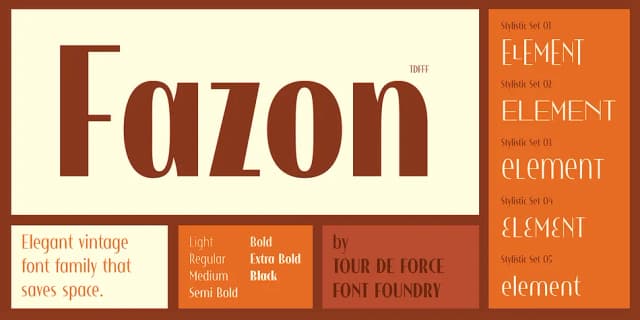
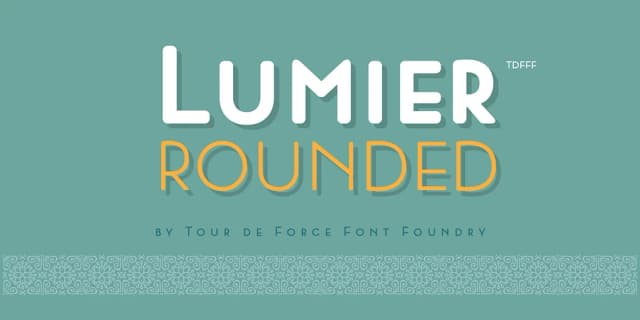
More by Tour de Force Font Foundry
View all →

Browse fonts by theme
Curated collections →Saw a font in a picture? Identify any font from an image with our free Font Finder.
More Display Fonts
Browse all →







What pairs well with Scholle Font?
Scholle Font is a display font that shines as a display or heading face. Pair it with a clean sans-serif or serif font for body text — the contrast creates a clear hierarchy while the two styles stay balanced and easy to read.



Scholle Font
Reviewed by the FontBoxDL team · Updated September 2026