 Firefox
 1 / 8
1 / 8About Scary Spider Font
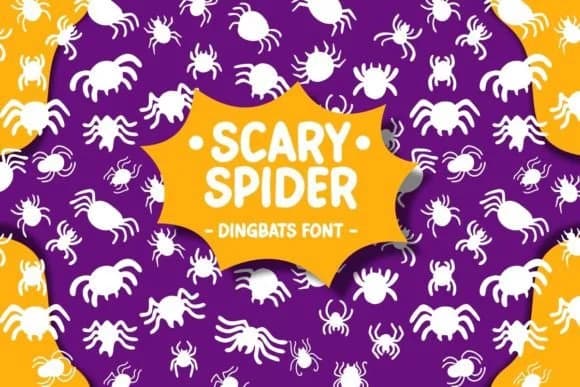
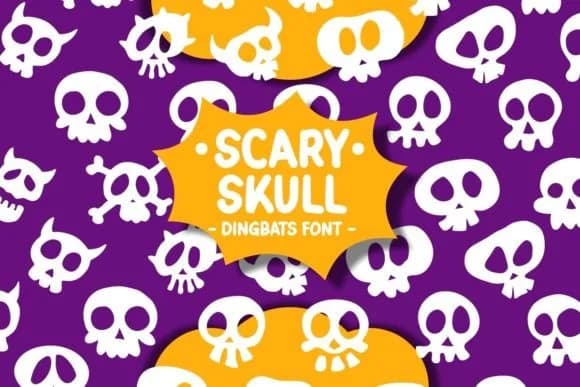
Hand-drawn spider dingbats that lean playful rather than purely menacing, this font trades realistic arachnids for symbols with genuine personality and appeal. Scary Spider, designed by Pian45, offers a substantial collection of spooky-but-approachable icons that work for Halloween projects needing creepy without crossing into genuinely unsettling territory.
This dingbat set works beautifully scattered across Halloween party invitations, adding visual interest and spooky charm without overwhelming the composition. Trick-or-treat bag labels and DIY greeting cards benefit from the hand-drawn character and variety within the glyph set. Scrapbooking pages and seasonal craft layouts layer these as decorative accents, while vinyl sticker designs render cleanly for digital cutting tools and print production alike. These letterforms scale well across sizes, handling everything from large card embellishments to small label details without losing their quirky appeal.
Halloween crafters, Etsy sellers prepping seasonal goods, and designers building hand-drawn sticker collections will find genuine value in this set. The playful approach reads fresh rather than predictable, offering personality that outweighs generic Halloween imagery. Grab Scary Spider on Creative Fabrica to bring these goofy icons into your seasonal work.
Style & Use Cases
- Overall Style
- Iconographic, Scary Fonts
- Use Case
- Icons, Accents
- Ideal For
- ornaments, bullets, and decorative flourishes
- Pairs With
- any text font
How to Install Scary Spider Font
Step-by-step instructions for every platform
- 1Download the Scary Spider font file (.ttf or .otf).
- 2Locate the downloaded file in your Downloads folder.
- 3Right-click the font file.
- 4Select "Install" to install for the current user, or "Install for all users" to make it available system-wide.
- 5Scary Spider is now available in Word, Photoshop, Illustrator, and all other apps.
Browse fonts by theme
Curated collections →Saw a font in a picture? Identify any font from an image with our free Font Finder.
More Dingbats Fonts
Browse all →







What pairs well with Scary Spider Font?
Scary Spider Font is a versatile dingbats font that works for both headings and body text. Pair it with a contrasting sans-serif or serif font to add visual interest and a clear distinction between titles and body copy.



Scary Spider Font
by Pian45
Reviewed by the FontBoxDL team · Updated July 2026