 Firefox
 1 / 10
About Roadways Font
Roadways uses clean, sharp geometry to create a distinctly contemporary typeface that feels built for the digital world. Designed by Burntilldead, this minimalist display font strips away ornamentation in favor of angular letterforms that read with crisp efficiency across screens and print alike. The character set is thorough: you get uppercase and lowercase, figures, punctuation, and ligature support, giving you flexibility across different project needs.
The font's sparse, geometric construction works particularly well for technology-focused branding, festival event posters, gaming interface design, and album covers where a modern edge matters. If you're designing product packaging for tech startups, headlines in contemporary magazines, or creating branded sportswear tags, Roadways delivers the forward-thinking aesthetic without decoration cluttering the letterforms. Its clean lines also perform well at display sizes, holding up beautifully in environmental graphics or large-format applications. The oblique version adds another dimension, letting you introduce subtle movement or emphasis when needed.
Consider Roadways if you're building something that should look sharp and intentional. It suits anyone creating modern, tech-forward branding or editorial work that needs to stand out. Find it on Creative Fabrica.
Style & Use Cases
- Overall Style
- Eye-catching, Bold
- Use Case
- Headlines, Logos
- Ideal For
- posters, branding, and social media graphics
- Pairs With
- a readable sans or serif for body
How to Install Roadways Font
Step-by-step instructions for every platform
- 1Download the Roadways font file (.ttf or .otf).
- 2Locate the downloaded file in your Downloads folder.
- 3Right-click the font file.
- 4Select "Install" to install for the current user, or "Install for all users" to make it available system-wide.
- 5Roadways is now available in Word, Photoshop, Illustrator, and all other apps.
More by Burntilldead
View all →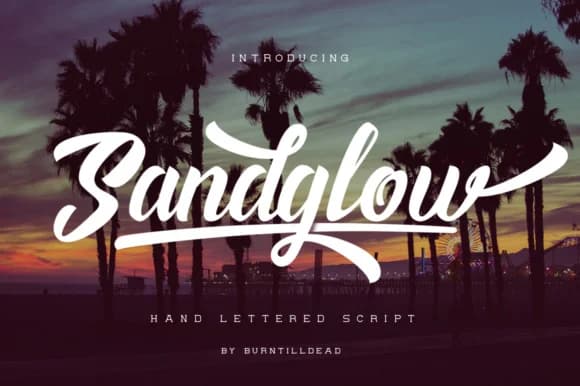
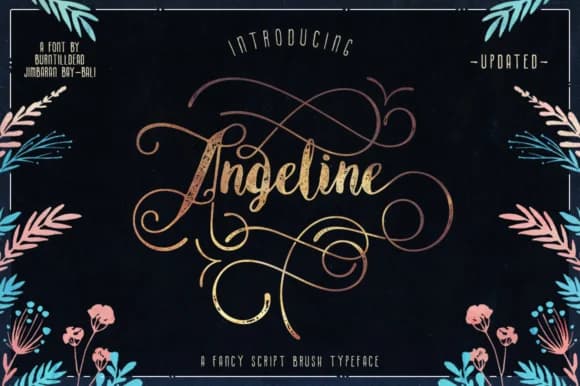


Browse fonts by theme
Curated collections →Saw a font in a picture? Identify any font from an image with our free Font Finder.
More Display Fonts
Browse all →







What pairs well with Roadways Font?
Roadways Font is a display font that shines as a display or heading face. Pair it with a clean sans-serif or serif font for body text — the contrast creates a clear hierarchy while the two styles stay balanced and easy to read.



Roadways Font
by Burntilldead
Reviewed by the FontBoxDL team · Updated September 2026