 Firefox
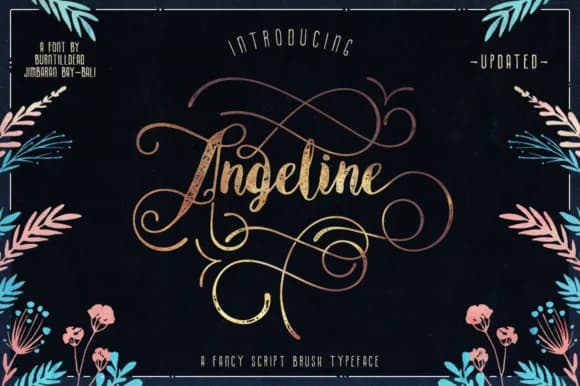 1 / 5
1 / 5About Angeline Font
Angeline by Burntilldead is a flowing script font that bridges contemporary sensibility with nostalgic charm. The design pairs distinctive swashes with refined letterforms, making it equally at home in minimalist compositions or richly layered vintage aesthetics. The font family includes multiple styles, including italic, swash-enhanced variations, and vintage-inspired alternates, giving designers the flexibility needed across diverse applications and creative directions. This font excels when personality and visual impact matter most. Wedding invitation suites and announcement designs benefit from its elegant swashes and refined curves that convey sophistication and luxury. For vintage branding projects, Angeline delivers authentic retro appeal without feeling overdone or derivative. Boutique beauty packaging and artisan skincare labels have found particular success pairing it with hand-drawn illustrations and minimal backgrounds, as the flowing letterforms naturally suggest craft and care. Greeting card collections and hand-lettered DIY projects leverage its distinctive warmth, while small business owners use it for product labels and decorative signage that commands attention both in digital displays and on physical retail shelves. Whether rendering on screen or across print materials, Angeline brings character and expressive depth to your work. Discover this script font on Creative Fabrica to add a range of versatile styles to your design toolkit.
Style & Use Cases
- Overall Style
- Elegant, Flowing, Angeline
- Use Case
- Invitations, Branding
- Ideal For
- wedding stationery, greeting cards, and signatures
- Pairs With
- a simple uppercase sans
How to Install Angeline Font Font
Step-by-step instructions for every platform
- 1Download the Angeline Font font file (.ttf or .otf).
- 2Locate the downloaded file in your Downloads folder.
- 3Right-click the font file.
- 4Select "Install" to install for the current user, or "Install for all users" to make it available system-wide.
- 5Angeline Font is now available in Word, Photoshop, Illustrator, and all other apps.
More by Burntilldead
View all →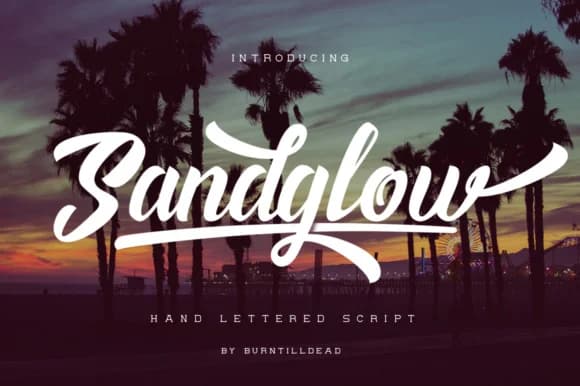
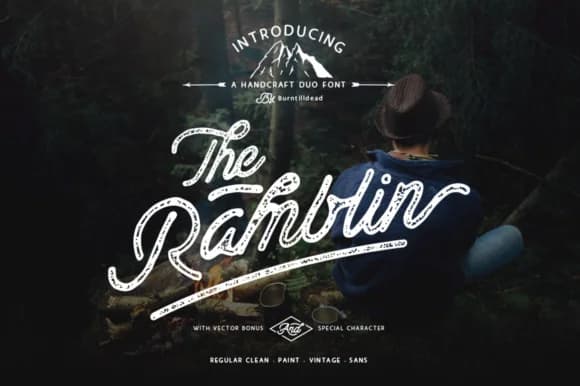
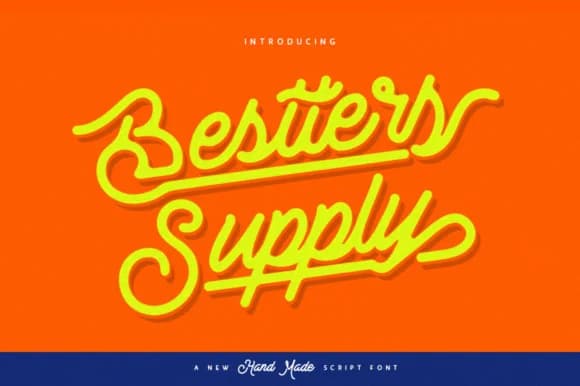
Browse fonts by theme
Curated collections →Saw a font in a picture? Identify any font from an image with our free Font Finder.
More Script Handwritten Fonts
Browse all →







What pairs well with Angeline Font?
Angeline Font is a script font that shines as a display or heading face. Pair it with a clean sans-serif or serif font for body text — the contrast creates a clear hierarchy while the two styles stay balanced and easy to read.



Angeline Font
by Burntilldead
Reviewed by the FontBoxDL team · Updated May 2026