 Firefox
About PRANKSTER Font
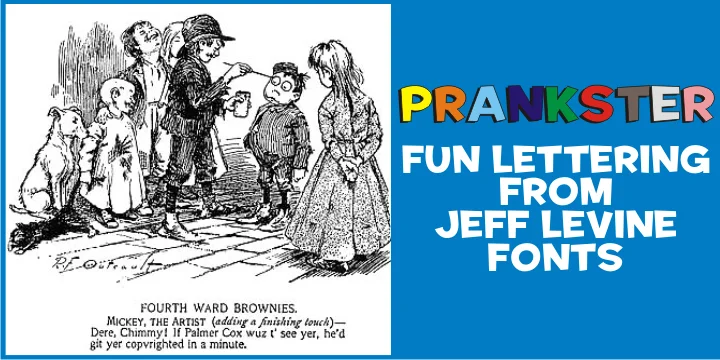
PRANKSTER by Jeff Levine Fonts is a playful display face rooted in the casual advertising aesthetic of the 1950s and 1960s. It channels the unstructured, approachable spirit of that era, when type felt less formal and more human, more willing to bend the rules of what typography should be. The typeface excels at bringing character to diner menus and vintage signage, mid-century event posters, retro product labels and packaging, and comic book-inspired lettering. Its friendly informality makes it feel at home wherever personality and warmth matter more than corporate polish.
What made this style such a reliable choice during its heyday remains its greatest strength: it's genuinely adaptable without feeling slick or derivative. Designers return to it whenever they need personality without pretension, with that lived-in quality suggesting the work is meant to be enjoyed rather than simply consumed. The typeface carries the confidence of an era when advertising felt less cynical, when casual lettering meant trustworthy and human. Pair it with period photography for full retro effect, or drop it into modern minimalist layouts and watch it ground the whole composition with unexpected warmth.
Bring PRANKSTER into your next design project on Creative Fabrica to access that timeless mid-century character.
Style & Use Cases
- Overall Style
- Eye-catching, Bold
- Use Case
- Headlines, Logos
- Ideal For
- posters, branding, and social media graphics
- Pairs With
- a readable sans or serif for body
How to Install PRANKSTER Font
Step-by-step instructions for every platform
- 1Download the PRANKSTER font file (.ttf or .otf).
- 2Locate the downloaded file in your Downloads folder.
- 3Right-click the font file.
- 4Select "Install" to install for the current user, or "Install for all users" to make it available system-wide.
- 5PRANKSTER is now available in Word, Photoshop, Illustrator, and all other apps.
More by Jeff Levine Fonts
View all →



Browse fonts by theme
Curated collections →Saw a font in a picture? Identify any font from an image with our free Font Finder.
More Display Fonts
Browse all →







What pairs well with PRANKSTER Font?
PRANKSTER Font is a display font that shines as a display or heading face. Pair it with a clean sans-serif or serif font for body text — the contrast creates a clear hierarchy while the two styles stay balanced and easy to read.




PRANKSTER Font
Reviewed by the FontBoxDL team · Updated September 2026