 Firefox
 1 / 8
1 / 8Loading font…
About Ornaments Font
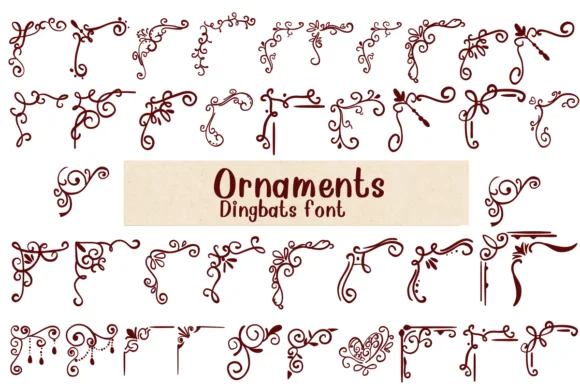
Imagine laying out an elegant luxury wedding invitation suite or designing a hand-lettered label for artisan goods. Ornaments, a dingbat font by designer Nongyao, replaces every character with ornamental symbols - flourishes, borders, botanical motifs, and baroque corner elements that turn a plain page into something deliberately considered and genuinely craft-forward.
This font excels at embellishing invitation suites and stationery, adding ornate frames to vintage product labels, creating classical borders for scrapbook pages, and decorating boutique packaging. Unlike templated symbol sets, these ornaments feel intentional and curated, which gives DIY projects and hand-finished products that sense of thoughtful consideration. You get both OTF and TTF versions, each compatible with Procreate, Affinity Designer, and Affinity Photo, with each character available as a standalone ornament, giving you the flexibility to mix and match elements freely.
The real power comes from creatively stacking and layering these decorative elements. Build custom borders by strategically repeating motifs, frame text with flourishes, anchor corners and page edges with period-appropriate ornaments, or use individual symbols as decorative accents throughout your design. You can create borders that feel drawn by hand rather than pulled from a preset collection, which makes each layout feel considered and unique. Grab it from Creative Fabrica and start building decorated layouts that feel intentionally composed.
Style & Use Cases
- Overall Style
- Iconographic, Fonts
- Use Case
- Icons, Accents
- Ideal For
- ornaments, bullets, and decorative flourishes
- Pairs With
- any text font
How to Install Ornaments Font
Step-by-step instructions for every platform
- 1Download the Ornaments font file (.ttf or .otf).
- 2Locate the downloaded file in your Downloads folder.
- 3Right-click the font file.
- 4Select "Install" to install for the current user, or "Install for all users" to make it available system-wide.
- 5Ornaments is now available in Word, Photoshop, Illustrator, and all other apps.

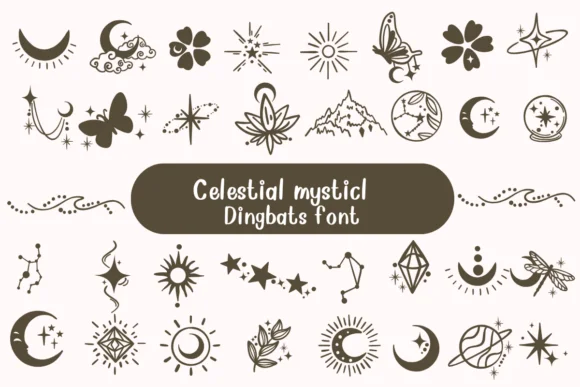
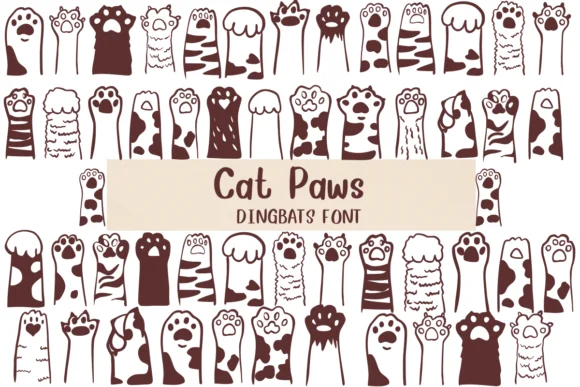
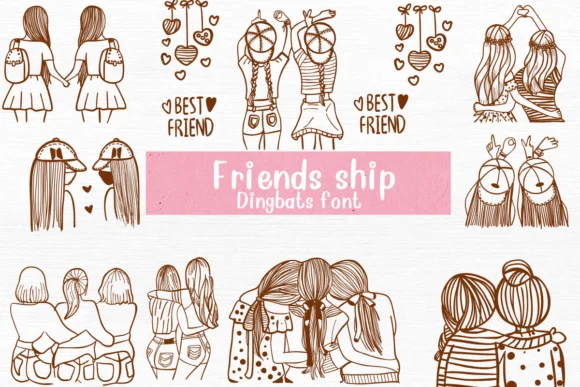
Browse fonts by theme
Curated collections →Saw a font in a picture? Identify any font from an image with our free Font Finder.
More Dingbats Fonts
Browse all →






What pairs well with Ornaments Font?
Ornaments Font is a versatile dingbats font that works for both headings and body text. Pair it with a contrasting sans-serif or serif font to add visual interest and a clear distinction between titles and body copy.




Ornaments Font
by Nongyao
Reviewed by the FontBoxDL team · Updated October 2026