 Firefox
 1 / 3
1 / 3Loading font…
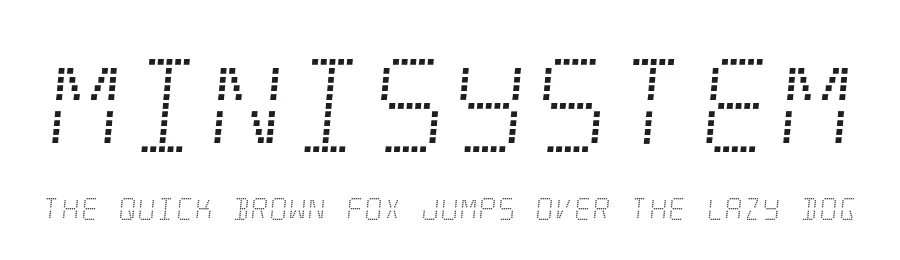
About Minisystem Font
Minisystem is built on digital displays from home audio and automobile stereos from the 1990s. Because genuine bitmap displays were expensive to produce at the time, many gadgets used dotted segmented screens. They had the same restrictions as typical segmented digit displays, but the dots gave them a more expensive, futuristic appearance. Minisystem allows you to recreate that one-of-a-kind technological period. Some Latin-based European writing systems are supported, including the following languages. Afaan Oromo, Afar, Afrikaans, Albanian, Alsatian, Aymara, Basque, Bemba, Bikol, Breton, Cape Verdean, Creole, Catalan, Cebuano, Chamorro, Chavacano, Danish, Dawan, Dholuo, Dutch, English, Estonian, Faroese, Fijian, Filipino, Finnish, French, Frisian, Friulian, Galician, Genoese, German, Guadeloupean Creole, Haitian Creole, Hiligaynon, Icelandic, Ilocano, Indonesian, Irish, Italian, Jamaican, Kaqchikel, Kikongo, Kinyarwanda, Kirundi, Lombard, Low Saxon, Luxembourgish, Makhuwa, Malay, Ndebele, Neapolitan, Norwegian, Novial, Occitan, Papiamento, Piedmontese, Portuguese, Quechua, Rarotongan, Romansh, Sango, Saramaccan, Sardinian, Scottish Gaelic, Shona, Sicilian, Silesian, Slovak, Slovenian, Somali, Sotho, Spanish, Swahili, Swazi, Swedish, Tagalog, Tetum, Tshiluba, Tsonga, Tswana, Tumbuka, Uzbek (Latin), Venetian, Võro, Walloon, Waray-Waray, Wayuu, Xhosa, Yapese, Zapotec Zulu and Zuni.
The fonts included in this archive are released under a no rights reserved Creative Commons Zero license. Please do not ask permission to do anything with these fonts. Whatever you want to do with these fonts, the answer will be yes. Please read about the CC0 Public Domain license before contacting me.
https://creativecommons.org/publicdomain/zero/1.0/
More...
To the extent possible under law, Raymond Larabie has waived all copyright and related or neighboring rights to the fonts in this archive. This work is published from: Japan.
Style & Use Cases
- Overall Style
- Eye-catching, Bold, Techno
- Use Case
- Headlines, Logos
- Ideal For
- posters, branding, and social media graphics
- Pairs With
- a readable sans or serif for body
How to Install Minisystem Font
Step-by-step instructions for every platform
- 1Download the Minisystem font file (.ttf or .otf).
- 2Locate the downloaded file in your Downloads folder.
- 3Right-click the font file.
- 4Select "Install" to install for the current user, or "Install for all users" to make it available system-wide.
- 5Minisystem is now available in Word, Photoshop, Illustrator, and all other apps.
More by Typodermic Fonts
View all →
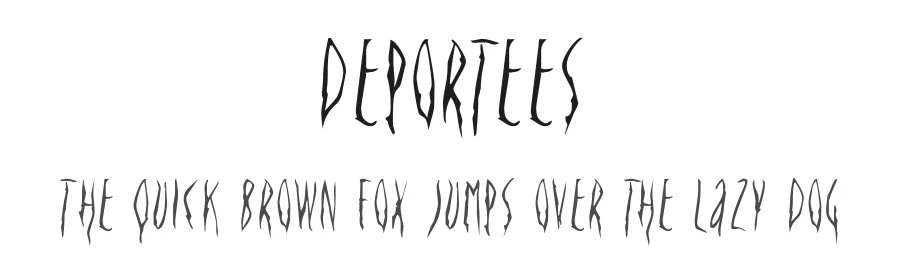
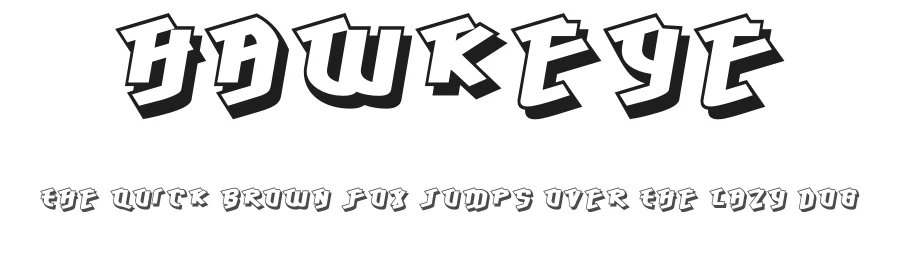
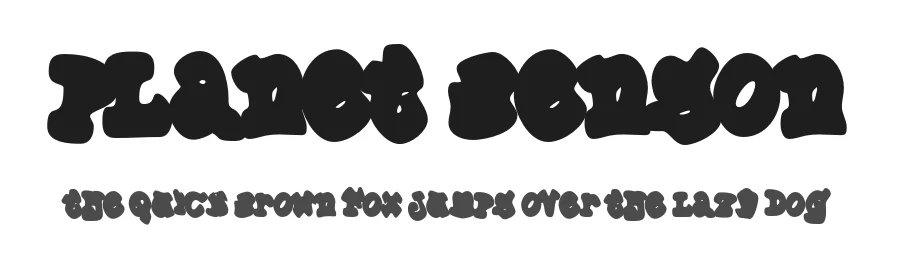
Browse fonts by theme
Curated collections →Saw a font in a picture? Identify any font from an image with our free Font Finder.
More Display Fonts
Browse all →







What pairs well with Minisystem Font?
Minisystem Font is a display font that shines as a display or heading face. Pair it with a clean sans-serif or serif font for body text — the contrast creates a clear hierarchy while the two styles stay balanced and easy to read.




Premium Display Fonts
★ PremiumWant something with more weights, glyphs, and commercial polish? These premium display fonts are worth a look.

Minisystem Font
Reviewed by the FontBoxDL team · Updated October 2026
License: Public domain / GPL / OFL