 Firefox

 1 / 3
Loading font…
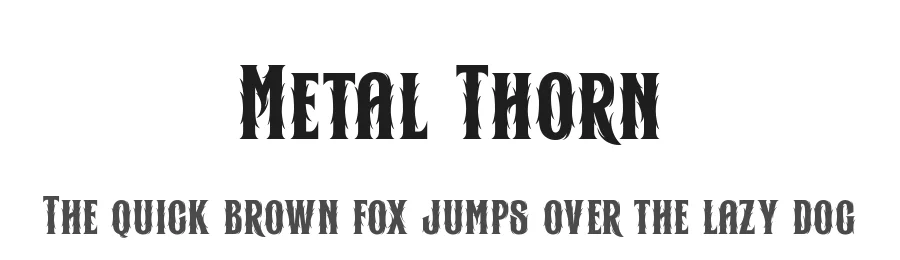
About Metal Thorn Font
Introducing "Metal Thorn" a font that seamlessly blends the raw power of metal with the edgy intensity of thorns, all wrapped up in a cutting-edge cyber aesthetic. This font is a manifestation of metal brutalism, designed to make a bold statement with its fierce and avant-garde personality.
This is font Demo just for personal use, Not permitted for commercial use.
The donation is very appreciated.
Please check here for more info about the license:
https://alitdesign.net/license/
DOWNLOAD FULL VERSION AND FOR COMMERCIAL USE:
https://alitdesign.net/product/metal-thorn-typeface/
Creative Market:
https://creativemarket.com/alitdesign/91922474-Metal-Thorn-Typeface
visit my website for full version and commercial use:
https://alitdesign.net/
follow my Instagram to update my portfolio:
https://www.instagram.com/alitdesign_studio/
Email :
[email protected]
Style & Use Cases
- Overall Style
- Ornate, Gothic, Gothic
- Use Case
- Logos, Certificates
- Ideal For
- medieval themes, band merch, and tattoo lettering
- Pairs With
- a clean sans-serif for body text
OpenType Features
Metal Thorn ships with 2 OpenType features you can switch on in apps that support them (Illustrator, InDesign, Affinity, Figma, CSS font-feature-settings).
- Stylistic alternates
- Stylistic sets (7)
How to Install Metal Thorn Font
Step-by-step instructions for every platform
- 1Download the Metal Thorn font file (.ttf or .otf).
- 2Locate the downloaded file in your Downloads folder.
- 3Right-click the font file.
- 4Select "Install" to install for the current user, or "Install for all users" to make it available system-wide.
- 5Metal Thorn is now available in Word, Photoshop, Illustrator, and all other apps.
More by Alit Design
View all →
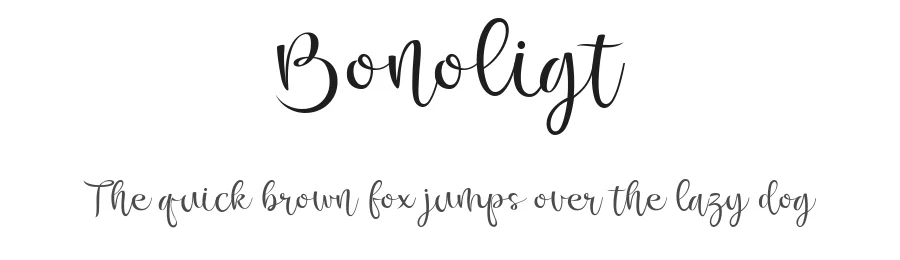
Browse fonts by theme
Curated collections →Saw a font in a picture? Identify any font from an image with our free Font Finder.
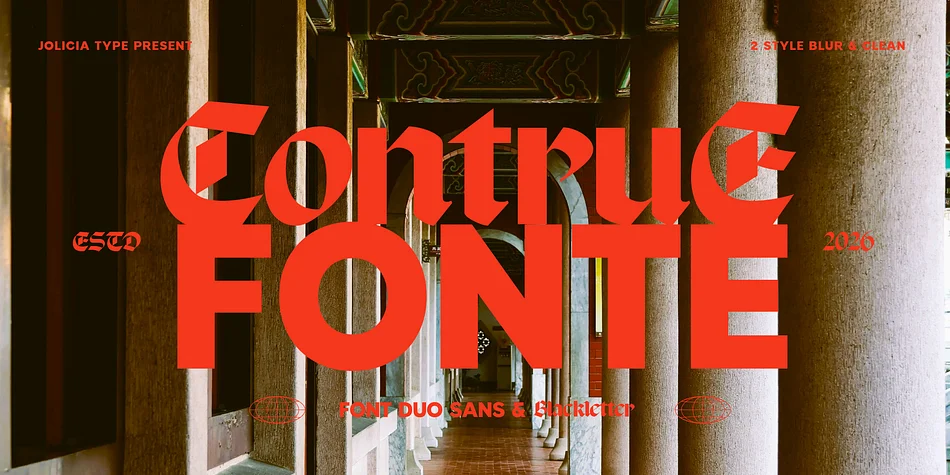
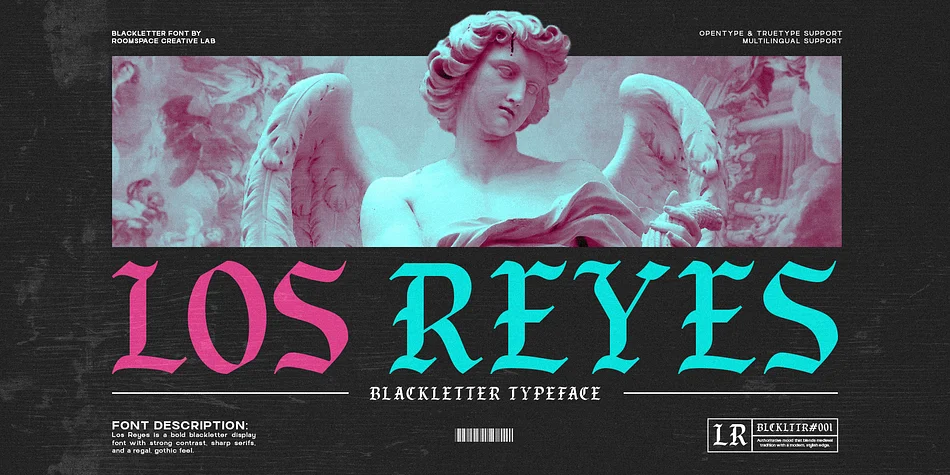
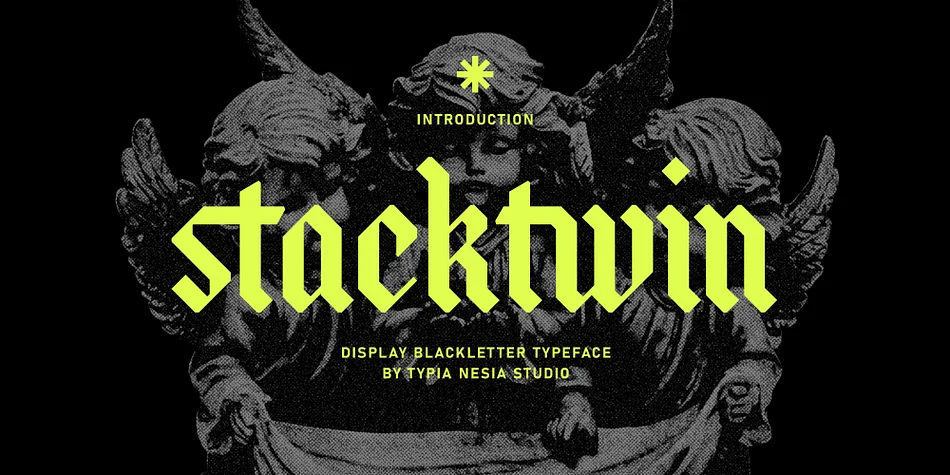
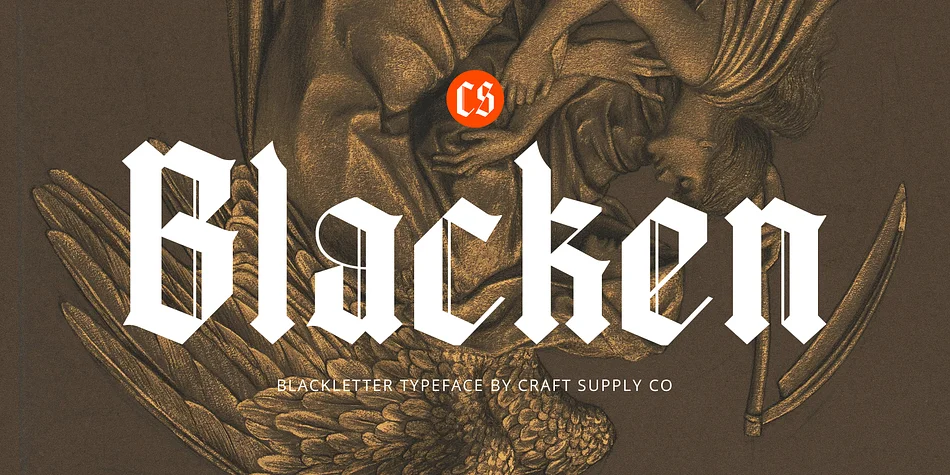
More Blackletter Fonts
Browse all →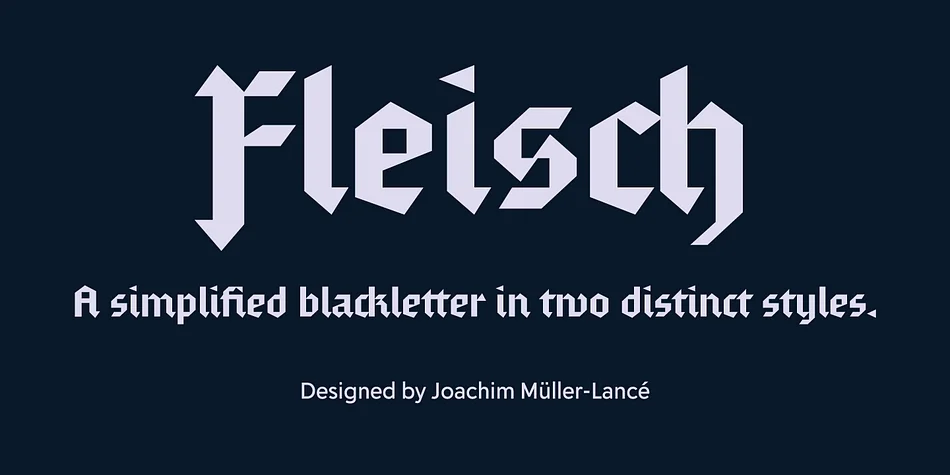
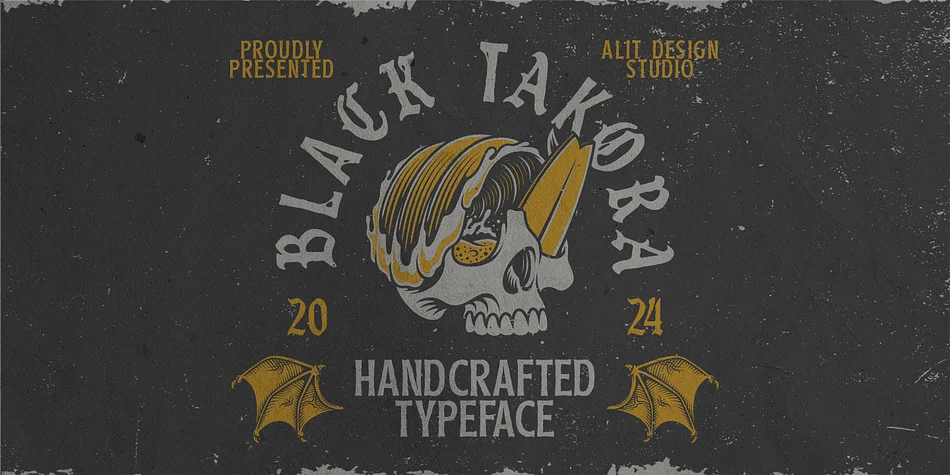
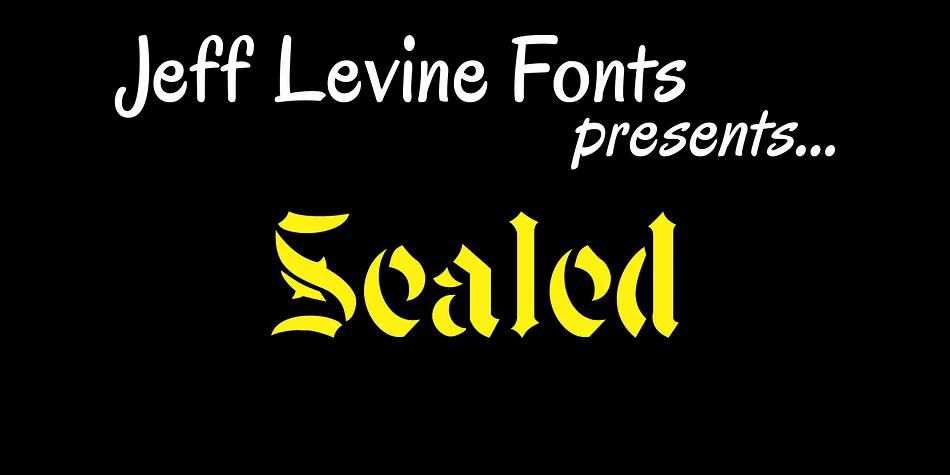
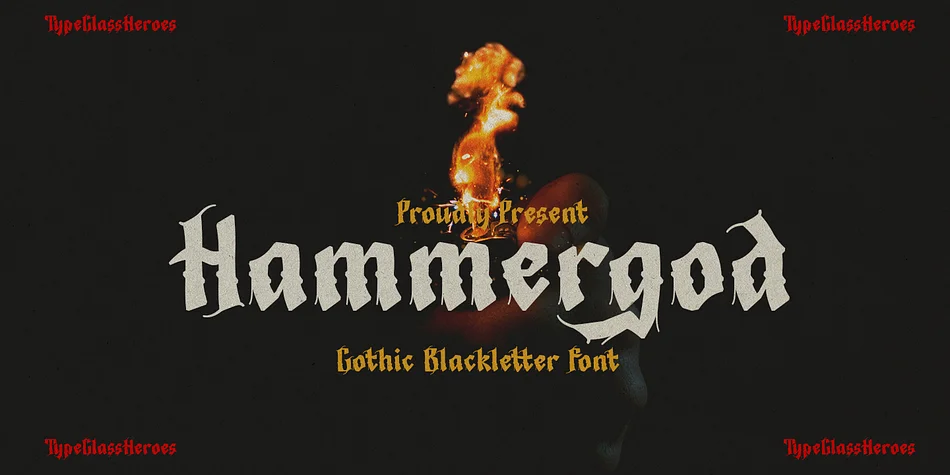
What pairs well with Metal Thorn Font?
Metal Thorn Font is a blackletter font that shines as a display or heading face. Pair it with a clean serif or sans-serif font for body text — the contrast creates a clear hierarchy while the two styles stay balanced and easy to read.




Premium Blackletter Fonts
★ PremiumWant something with more weights, glyphs, and commercial polish? These premium blackletter fonts are worth a look.
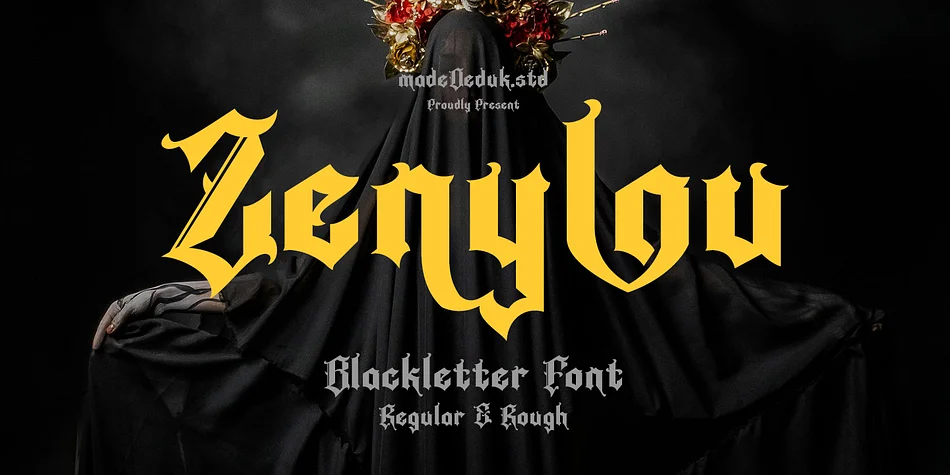
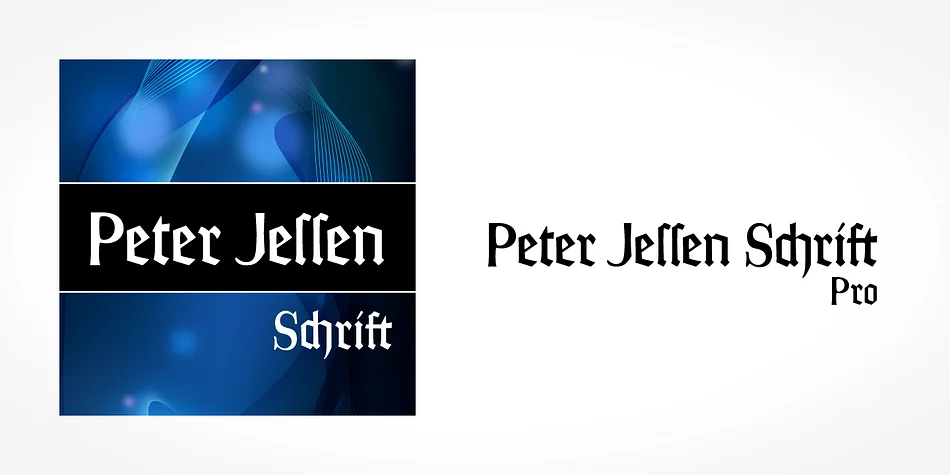
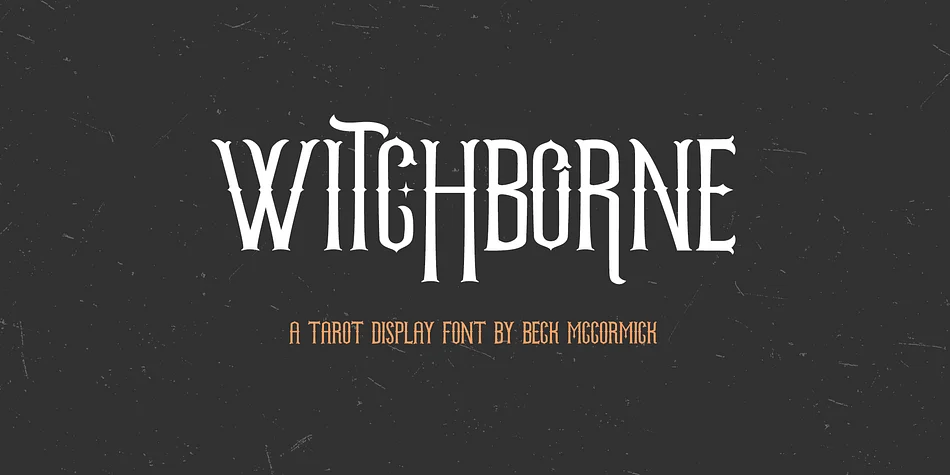
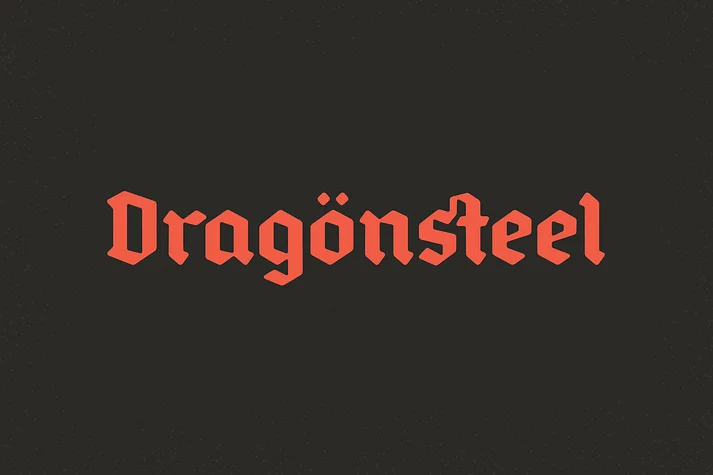
Metal Thorn Font
by Alit Design
Reviewed by the FontBoxDL team · Updated October 2026
License: Free for personal use