 Firefox
 1 / 7
1 / 7About Lapidaria Font
There's something quietly confident about typefaces that handle simplicity well. Lapidaria, designed by Andreas Stötzner, brings that understated elegance to any project that demands sophistication without pretense.
This display font shines brightest when you need presence without shouting. It works beautifully on luxury skincare and cosmetics packaging, high-end restaurant menus and wine lists, architectural signage that values restraint, and gallery catalogs designed to celebrate white space. What makes Lapidaria genuinely distinct is its three-tier character approach: uppercase, lowercase, and middlecase letters that can mix freely within the same layout, creating visual combinations you simply won't find in standard typefaces. The middlecase characters live in the lowercase positions of the Medior fonts for straightforward access. Beyond that, each weight comes loaded with ten ornament characters that add texture and visual interest to your designs. You also get complete support for Euro-Latin and Greek languages, giving you flexibility across international projects.
Pair Lapidaria with a clean, functional sans-serif for body text, letting it breathe as your headline and accent typeface. Grab the full family on Creative Fabrica and start discovering what this thoughtful, restrained typeface can accomplish for your work.
Style & Use Cases
- Overall Style
- Eye-catching, Bold
- Use Case
- Headlines, Logos
- Ideal For
- posters, branding, and social media graphics
- Pairs With
- a readable sans or serif for body
How to Install Lapidaria Font
Step-by-step instructions for every platform
- 1Download the Lapidaria font file (.ttf or .otf).
- 2Locate the downloaded file in your Downloads folder.
- 3Right-click the font file.
- 4Select "Install" to install for the current user, or "Install for all users" to make it available system-wide.
- 5Lapidaria is now available in Word, Photoshop, Illustrator, and all other apps.
More by Andreas Stötzner
View all →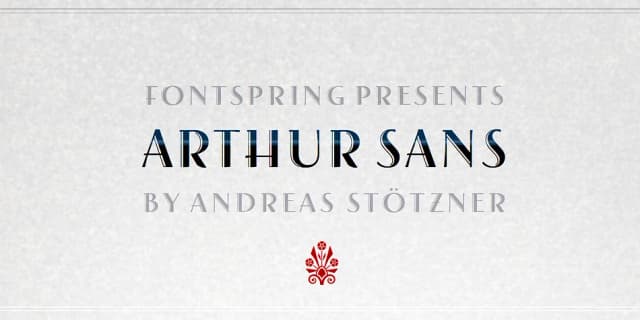

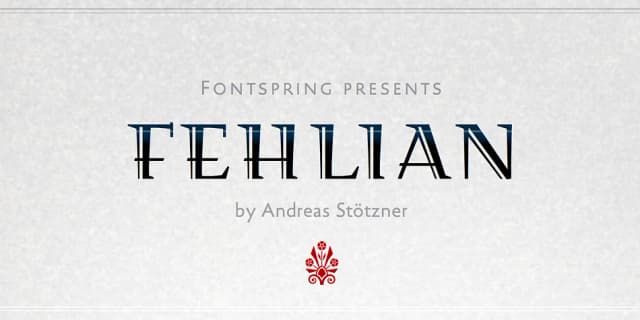
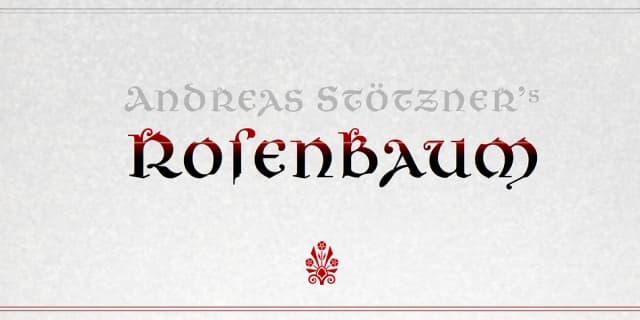
Browse fonts by theme
Curated collections →Saw a font in a picture? Identify any font from an image with our free Font Finder.
More Display Fonts
Browse all →







What pairs well with Lapidaria Font?
Lapidaria Font is a display font that shines as a display or heading face. Pair it with a clean sans-serif or serif font for body text — the contrast creates a clear hierarchy while the two styles stay balanced and easy to read.



Lapidaria Font
Reviewed by the FontBoxDL team · Updated October 2026