 Firefox
 1 / 4
1 / 4About Hoot Type Font
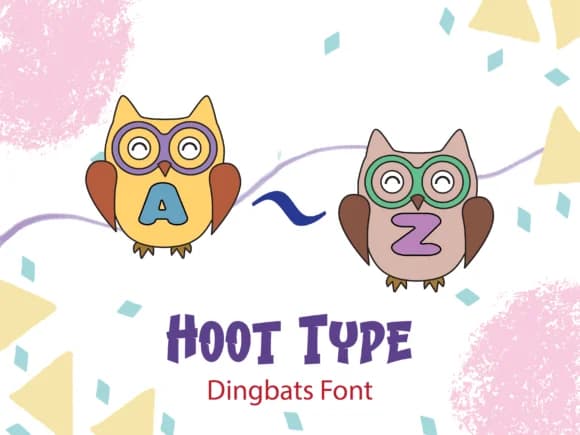
Hoot Type by Happy Bamboo is a playful dingbat font featuring alphabets tucked inside adorable owls wearing graduation caps. Each character carries that scholarly charm, making it ideal for designers working on projects where fun and learning go hand in hand. The font's warmth comes through in every glyph, and it captures the kind of personality that appeals to both kids and the adults who create materials for them.
This font shines in several practical applications. Coloring book pages and educational worksheets gain instant charm when you drop in a few owl glyphs to break up the layout. Classroom decoration projects benefit from its approachable energy, whether you're designing posters for a bulletin board or creating teaching materials that actually hold students' attention. Party invitations with an animal theme or woodland setting find a natural home here too. It's equally valuable for KDP interior designs aimed at younger readers, where decorative character sets help establish tone and keep pages visually engaging without overwhelming the content.
Built as a dingbat font, you get both decorative appeal and functional alphabet coverage for real text work. Grab Hoot Type on Creative Fabrica and bring some scholarly charm to your next creative project.
Style & Use Cases
- Overall Style
- Iconographic, Decorative Fonts
- Use Case
- Icons, Accents
- Ideal For
- ornaments, bullets, and decorative flourishes
- Pairs With
- any text font
How to Install Hoot Type Font
Step-by-step instructions for every platform
- 1Download the Hoot Type font file (.ttf or .otf).
- 2Locate the downloaded file in your Downloads folder.
- 3Right-click the font file.
- 4Select "Install" to install for the current user, or "Install for all users" to make it available system-wide.
- 5Hoot Type is now available in Word, Photoshop, Illustrator, and all other apps.
More by Happy Bamboo
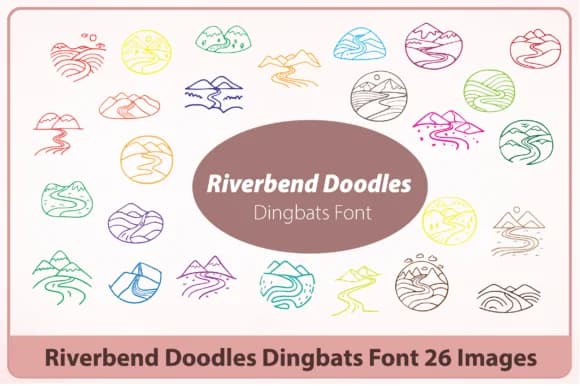
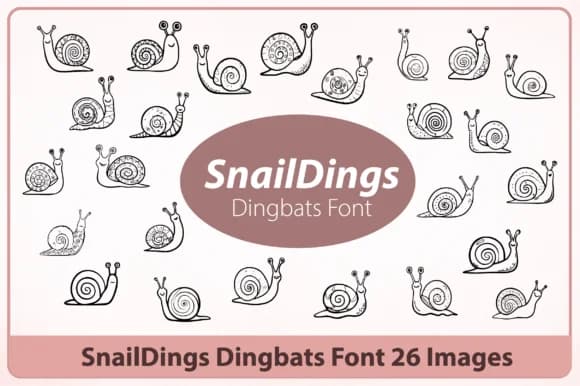
View all →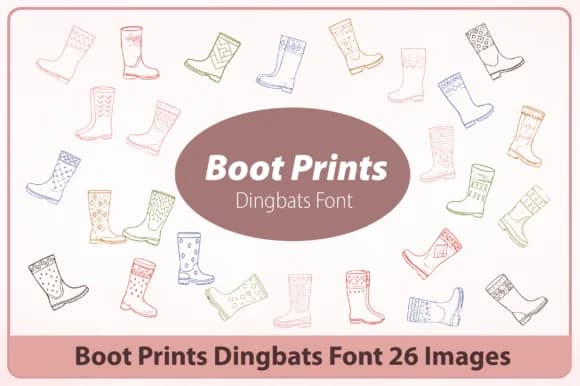
Browse fonts by theme
Curated collections →Saw a font in a picture? Identify any font from an image with our free Font Finder.
More Dingbats Fonts
Browse all →







What pairs well with Hoot Type Font?
Hoot Type Font is a versatile dingbats font that works for both headings and body text. Pair it with a contrasting sans-serif or serif font to add visual interest and a clear distinction between titles and body copy.



Hoot Type Font
by Happy Bamboo
Reviewed by the FontBoxDL team · Updated July 2026