 Firefox
 1 / 5
1 / 5About Riverbend Doodles Font
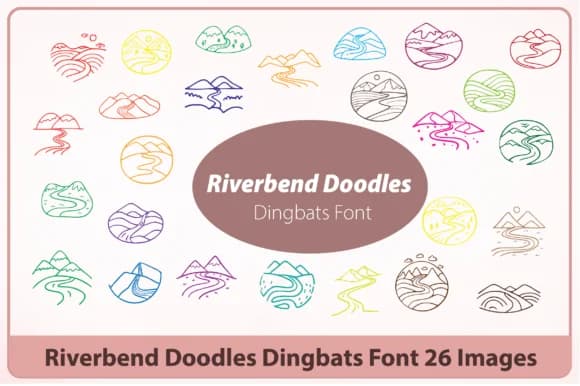
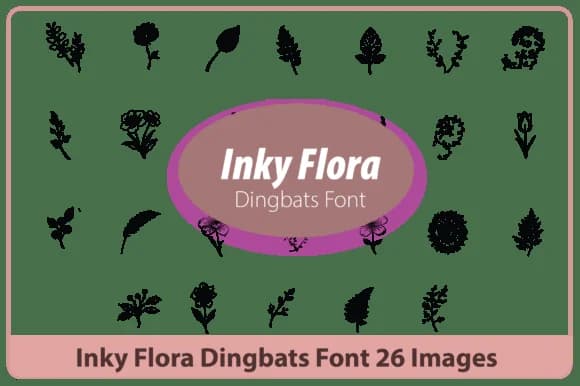
Riverbend Doodles by Happy Bamboo is a hand-drawn dingbat collection that celebrates natural landscapes through ornamental vector shapes. Instead of generic symbols, you get mountain peaks, flowing waterways, woodland silhouettes, and rolling terrain that feel connected to one another. The set includes 26 custom glyphs that work beautifully as decorative borders, frame elements, corner ornaments, or standalone illustrations within your layouts.
You'll find this collection most useful for rustic wedding invitations, nature-themed children's books, countryside brand identities, and botanical illustration projects. The hand-drawn quality brings authentic warmth to cabin retreat signage, outdoor adventure packaging, scenic travel guides, and editorial spreads that need visual breathing room. Layering these elements into your designs adds depth and character without competing for attention or overwhelming the page.
What sets this apart from typical dingbat fonts is the cohesive visual language that runs through the entire set. Rivers flow into valleys, trees dot hillsides, paths wind through forests. Every element connects as if pulled from the same illustrated landscape. The work stays grounded and naturalistic rather than veering into precious or overly decorative territory. It's the kind of collection that works equally well as texture or focal point, depending on what your project needs. Discover Riverbend Doodles on Creative Fabrica and start bringing authentic landscape detail to your designs.
Style & Use Cases
- Overall Style
- Iconographic, Dingbats Font
- Use Case
- Icons, Accents
- Ideal For
- ornaments, bullets, and decorative flourishes
- Pairs With
- any text font
How to Install Riverbend Doodles Font
Step-by-step instructions for every platform
- 1Download the Riverbend Doodles font file (.ttf or .otf).
- 2Locate the downloaded file in your Downloads folder.
- 3Right-click the font file.
- 4Select "Install" to install for the current user, or "Install for all users" to make it available system-wide.
- 5Riverbend Doodles is now available in Word, Photoshop, Illustrator, and all other apps.
More by Happy Bamboo
View all →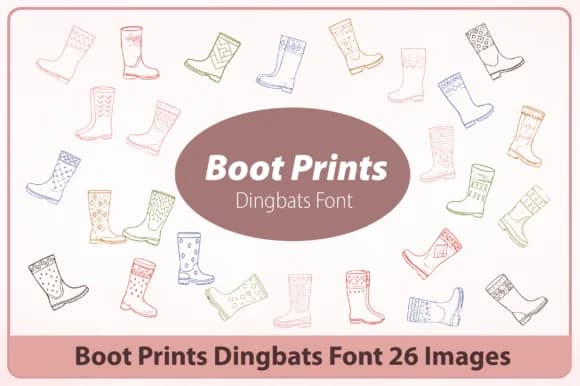
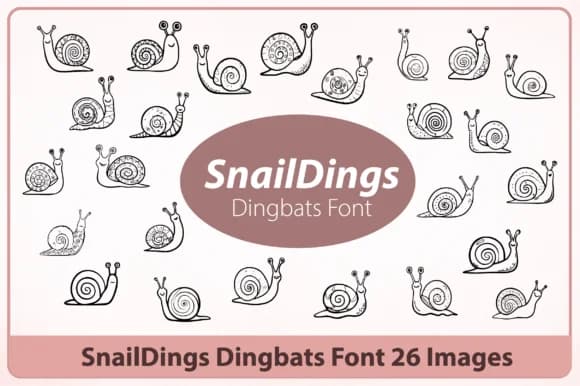
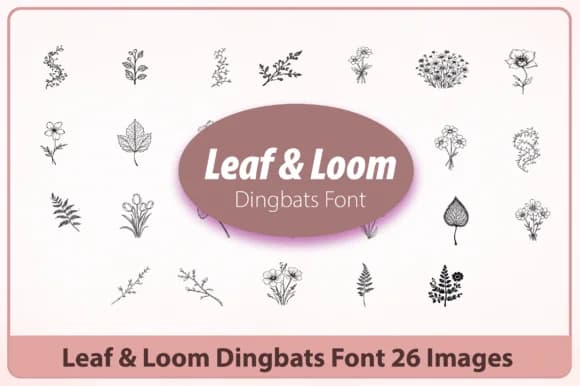
Browse fonts by theme
Curated collections →Saw a font in a picture? Identify any font from an image with our free Font Finder.
More Dingbats Fonts
Browse all →







What pairs well with Riverbend Doodles Font?
Riverbend Doodles Font is a versatile dingbats font that works for both headings and body text. Pair it with a contrasting sans-serif or serif font to add visual interest and a clear distinction between titles and body copy.



Riverbend Doodles Font
by Happy Bamboo
Reviewed by the FontBoxDL team · Updated July 2026