 Firefox
 1 / 5
1 / 5About Harimau Dua Font
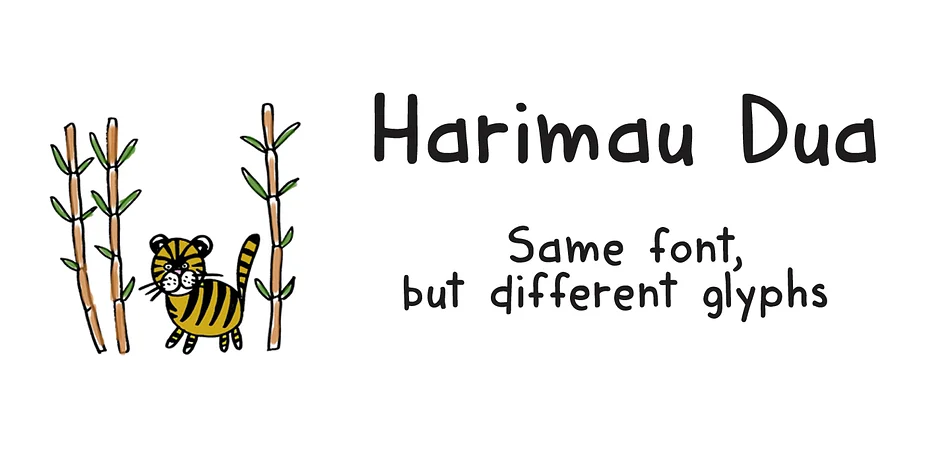
Imagine a children's book cover that makes you smile before you even open it, or a set of birthday party stickers that captures genuine playfulness without feeling forced. That's the feeling Harimau Dua brings to your work. Hanoded created this typeface as a refined evolution of the original Harimau, keeping all that childlike charm and energy but rethinking the letterforms to work more reliably in real-world projects where you need personality without compromising clarity.
The key difference is practical. While the original Harimau pushed boundaries with some distinctive letterforms (particularly the 'g' and 'j'), Harimau Dua normalizes these glyphs without losing personality. That matters because you get the same joyful character without sacrificing legibility or spending extra time explaining your design choices to clients who want playful but readable. It's still undeniably playful, just more approachable for a broader range of projects.
This typeface excels for children's packaging, playful greeting card suites, hand-lettered classroom posters, and custom decal designs where you need warmth and character without veering into territory that's too quirky for your audience. The letterforms hold up beautifully at larger display sizes while maintaining clarity when set smaller. If you want that distinctive childlike energy without the rough edges, Harimau Dua is waiting on Creative Fabrica.
Style & Use Cases
- Overall Style
- Bold, Distinctive
- Use Case
- Headlines, Posters
- Ideal For
- logos, packaging, and standout titles
- Pairs With
- a neutral sans-serif
How to Install Harimau Dua Font
Step-by-step instructions for every platform
- 1Download the Harimau Dua font file (.ttf or .otf).
- 2Locate the downloaded file in your Downloads folder.
- 3Right-click the font file.
- 4Select "Install" to install for the current user, or "Install for all users" to make it available system-wide.
- 5Harimau Dua is now available in Word, Photoshop, Illustrator, and all other apps.
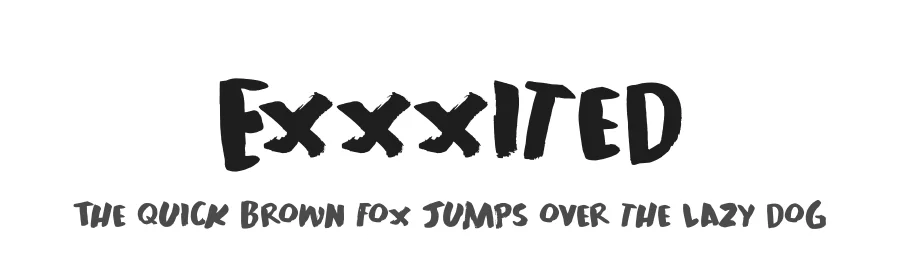
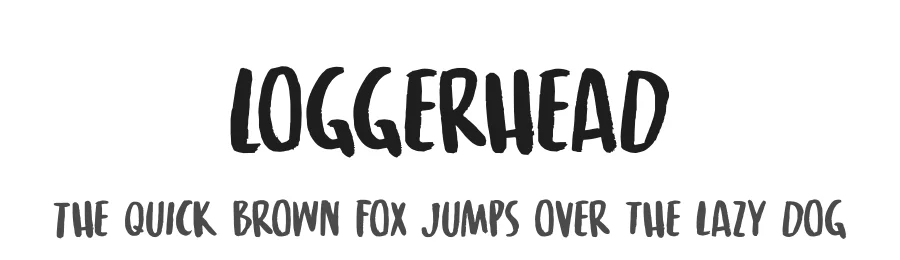
More by Hanoded
View all →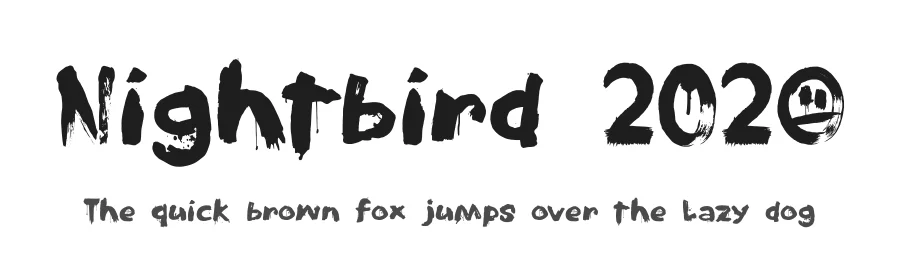
Browse fonts by theme
Curated collections →Saw a font in a picture? Identify any font from an image with our free Font Finder.
More Decorative Fonts
Browse all →







What pairs well with Harimau Dua Font?
Harimau Dua Font is a decorative font that shines as a display or heading face. Pair it with a clean sans-serif or serif font for body text — the contrast creates a clear hierarchy while the two styles stay balanced and easy to read.




Harimau Dua Font
by Hanoded
Reviewed by the FontBoxDL team · Updated July 2026