 Firefox
 1 / 8
1 / 8About Groovestreet Font
Groovestreet by Burntilldead is a graffiti-inspired display font that captures the raw energy of street art while maintaining genuine readability. The dripping ink details and alternative characters deliver authentic urban style without sacrificing clarity, which sets it apart in a category often dominated by illegible scripts. Two versions (Regular and Shadow) let you build dimensional effects and layered compositions from a single font file, streamlining your workflow when resource management matters.
This typeface excels on streetwear labels, vinyl record covers, mural design concepts, and DIY stencil art where both attitude and legibility are equally important. The shadow version creates clean dimensional depth for bold graphic applications, while the alternates let you customize individual letterforms to match your specific design direction. You'll find this font naturally at home on skate brand identities, concert posters, and street-inspired product packaging. With a thorough character set (uppercase and lowercase letters, numerals, punctuation marks, and multilingual support), you're covered for almost any application. Both OTF and TTF file formats are included, so you can choose the file type that works best for your particular project environment.
Add Groovestreet to your library on Creative Fabrica and gain access to a typeface that delivers genuine street credibility without any compromise on usability and clarity.
Style & Use Cases
- Overall Style
- Eye-catching, Bold
- Use Case
- Headlines, Logos
- Ideal For
- posters, branding, and social media graphics
- Pairs With
- a readable sans or serif for body
How to Install Groovestreet Font
Step-by-step instructions for every platform
- 1Download the Groovestreet font file (.ttf or .otf).
- 2Locate the downloaded file in your Downloads folder.
- 3Right-click the font file.
- 4Select "Install" to install for the current user, or "Install for all users" to make it available system-wide.
- 5Groovestreet is now available in Word, Photoshop, Illustrator, and all other apps.
More by Burntilldead
View all →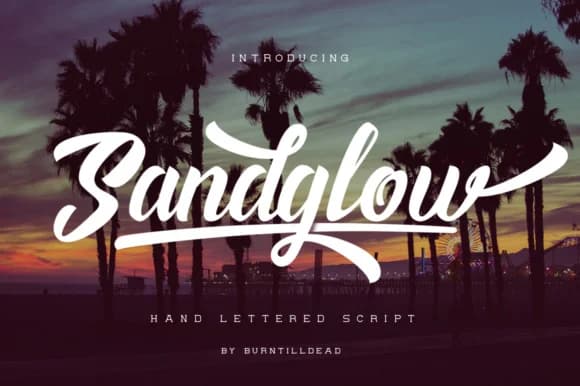
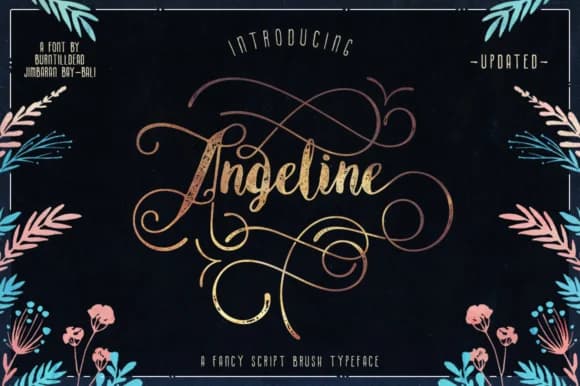
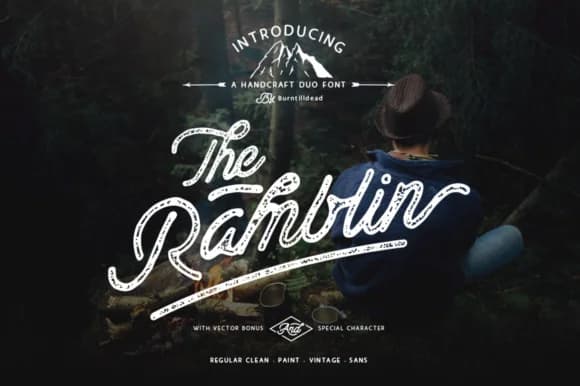

Browse fonts by theme
Curated collections →Saw a font in a picture? Identify any font from an image with our free Font Finder.
More Display Fonts
Browse all →







What pairs well with Groovestreet Font?
Groovestreet Font is a display font that shines as a display or heading face. Pair it with a clean sans-serif or serif font for body text — the contrast creates a clear hierarchy while the two styles stay balanced and easy to read.



Groovestreet Font
by Burntilldead
Reviewed by the FontBoxDL team · Updated June 2026