 Firefox

 1 / 3
Loading font…
About Giant Black Font
Introducing "The Giant Black Typeface" - an embodiment of boldness and elegance, crafted with meticulous attention to detail. This font combines the weighty presence of blackletter with intricate swashes, captivating ligatures, versatile alternates, and the flexibility of PUA Unicode features.
Each stroke exudes power and sophistication, making it ideal for commanding headlines, striking logos, or adding a touch of grandeur to any design project. Whether you're creating a medieval-inspired masterpiece or a contemporary masterpiece, "The Giant Black Typeface" stands tall, ready to make a statement.
Unlock the potential of your designs with this versatile font, where tradition meets modernity, and boldness meets finesse. Elevate your typography game with "The Giant Black Typeface" and leave a lasting impression with every letter.
This is font Demo just for personal use, Not permitted for commercial use.
The donation is very appreciated.
Please check here for more info about the license:
https://alitdesign.net/license/
DOWNLOAD FULL VERSION AND FOR COMMERCIAL USE:
https://alitdesign.net/product/giant-black-typeface/
Creative Market:
https://creativemarket.com/alitdesign/92139334-Giant-Black-Typeface
visit my website for full version and commercial use:
https://alitdesign.net/
More...
follow my Instagram to update my portfolio:
https://www.instagram.com/alitdesign_studio/
Email :
[email protected]
Style & Use Cases
- Overall Style
- Ornate, Gothic, Gothic
- Use Case
- Logos, Certificates
- Ideal For
- medieval themes, band merch, and tattoo lettering
- Pairs With
- a clean sans-serif for body text
OpenType Features
Giant Black ships with 3 OpenType features you can switch on in apps that support them (Illustrator, InDesign, Affinity, Figma, CSS font-feature-settings).
- Standard ligatures
- Stylistic alternates
- Stylistic sets (4)
How to Install Giant Black Font
Step-by-step instructions for every platform
- 1Download the Giant Black font file (.ttf or .otf).
- 2Locate the downloaded file in your Downloads folder.
- 3Right-click the font file.
- 4Select "Install" to install for the current user, or "Install for all users" to make it available system-wide.
- 5Giant Black is now available in Word, Photoshop, Illustrator, and all other apps.
More by Alit Design
View all →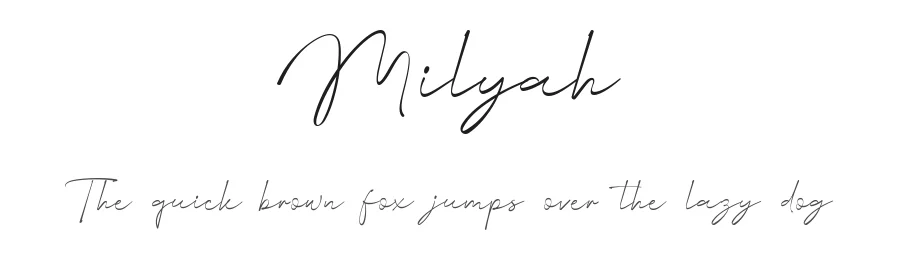
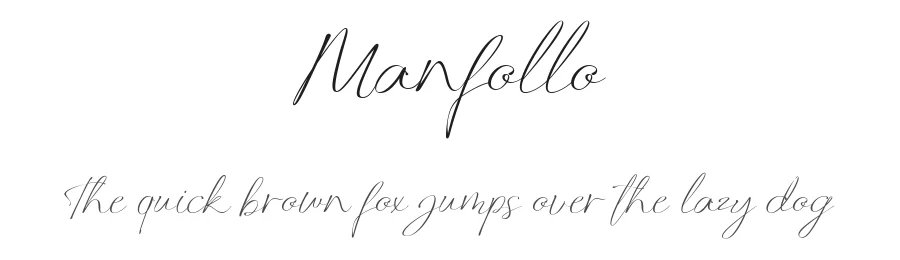
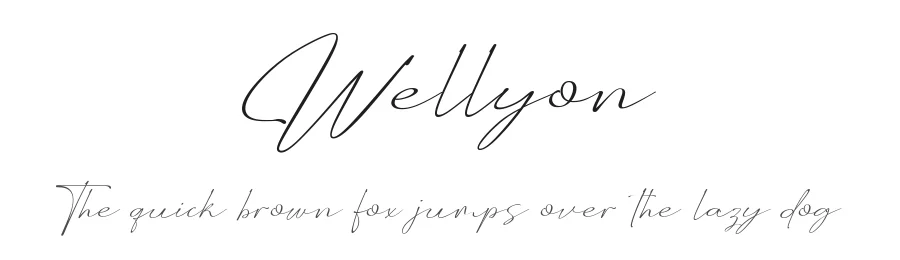
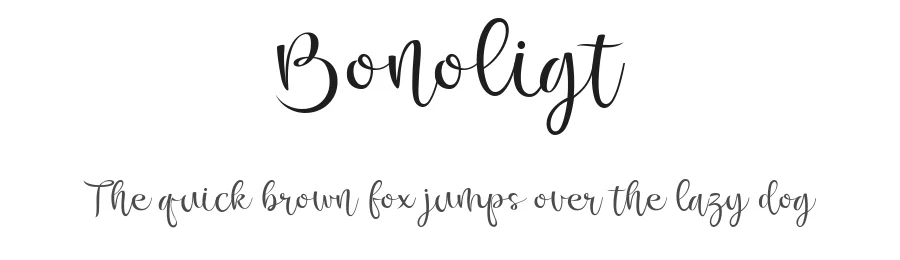
Browse fonts by theme
Curated collections →Saw a font in a picture? Identify any font from an image with our free Font Finder.
More Blackletter Fonts
Browse all →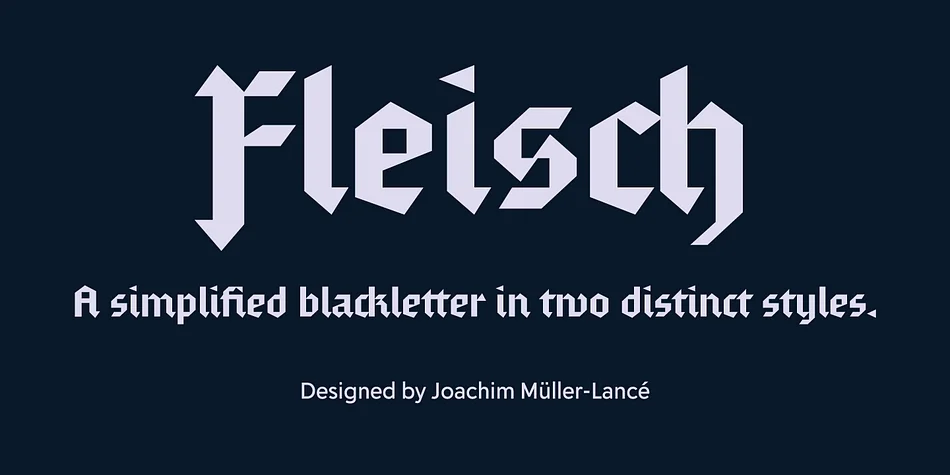
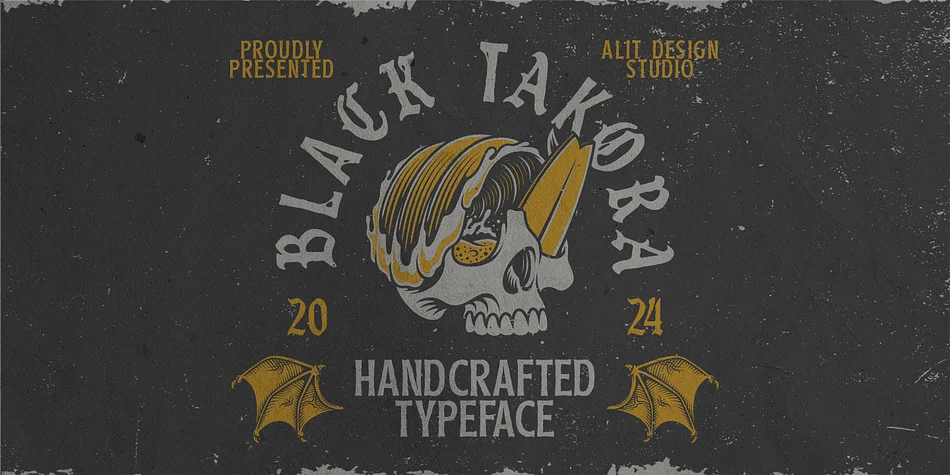
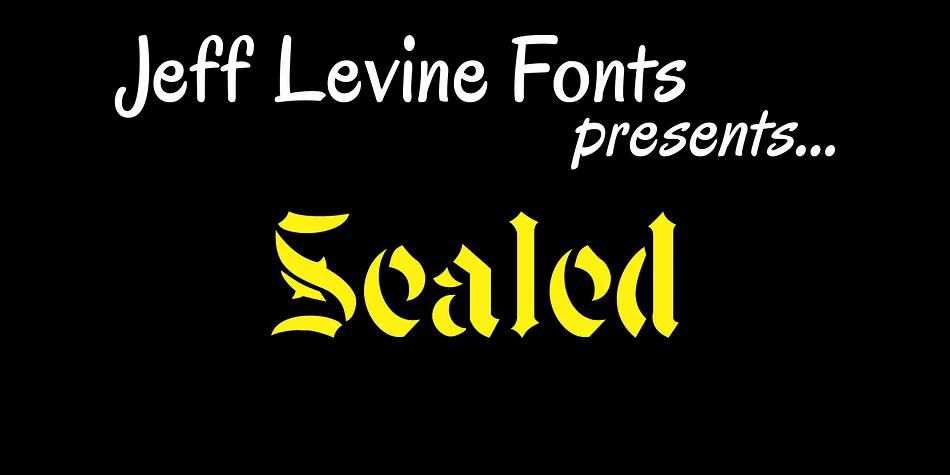
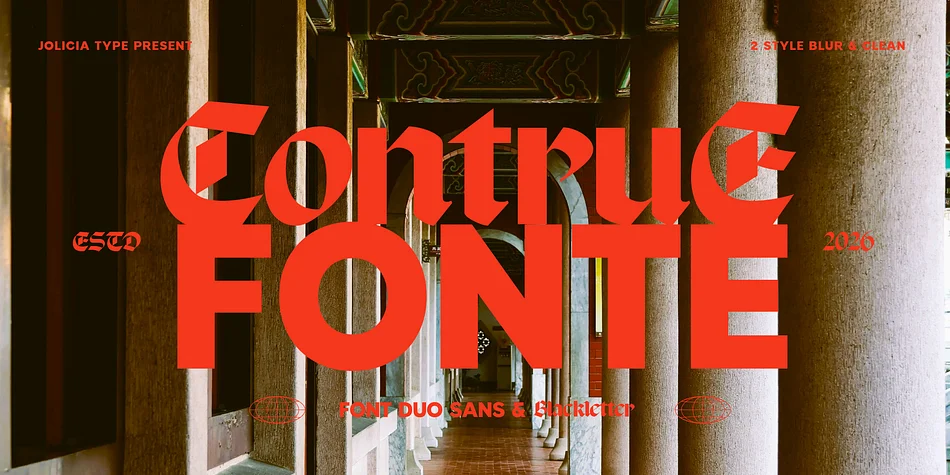
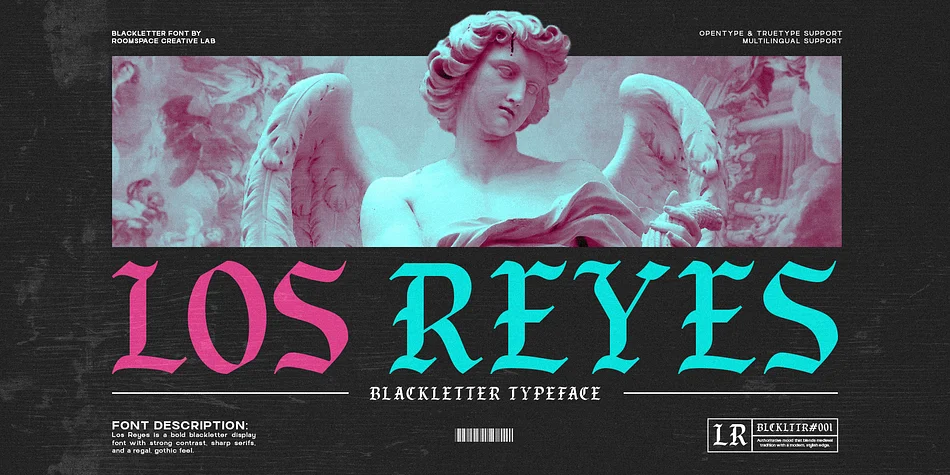
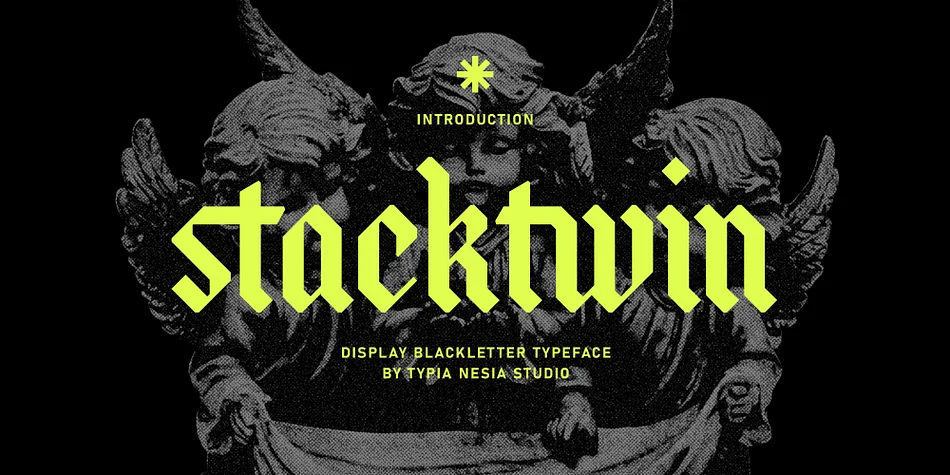
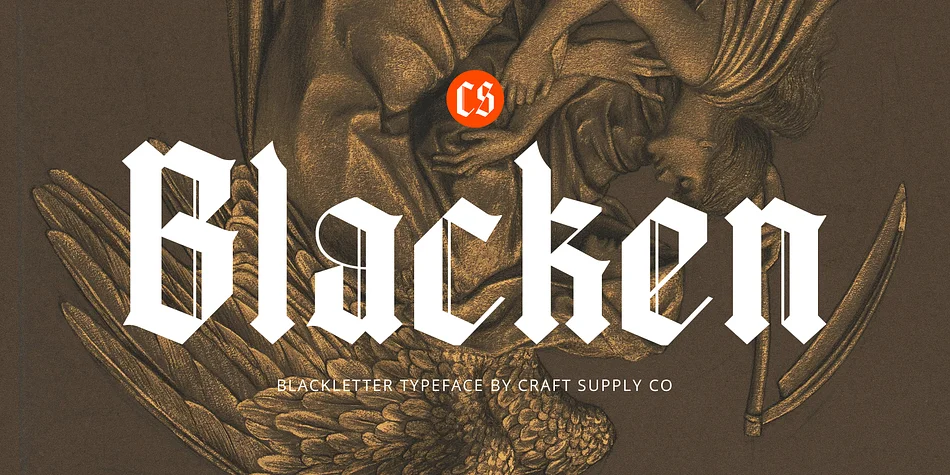
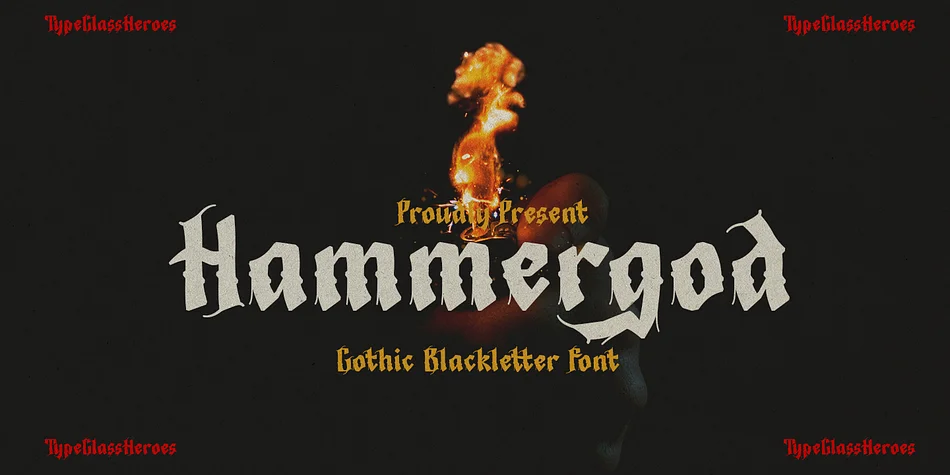
What pairs well with Giant Black Font?
Giant Black Font is a blackletter font that shines as a display or heading face. Pair it with a clean serif or sans-serif font for body text — the contrast creates a clear hierarchy while the two styles stay balanced and easy to read.




Premium Blackletter Fonts
★ PremiumWant something with more weights, glyphs, and commercial polish? These premium blackletter fonts are worth a look.
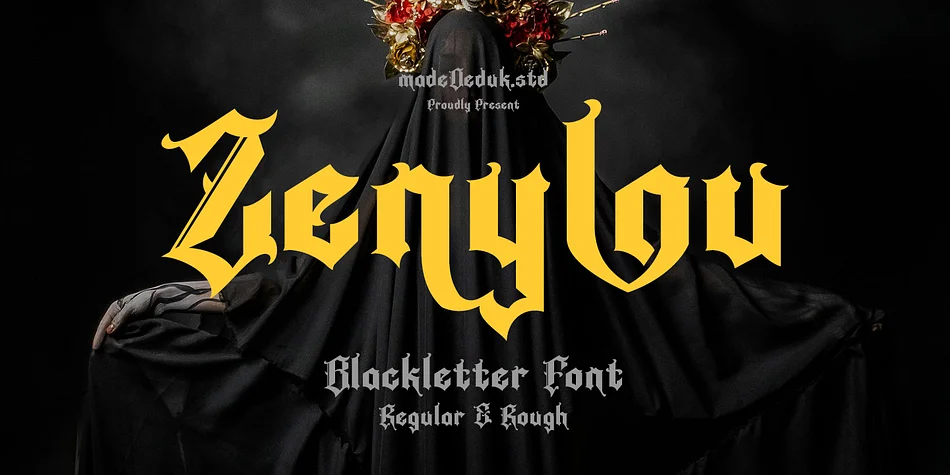

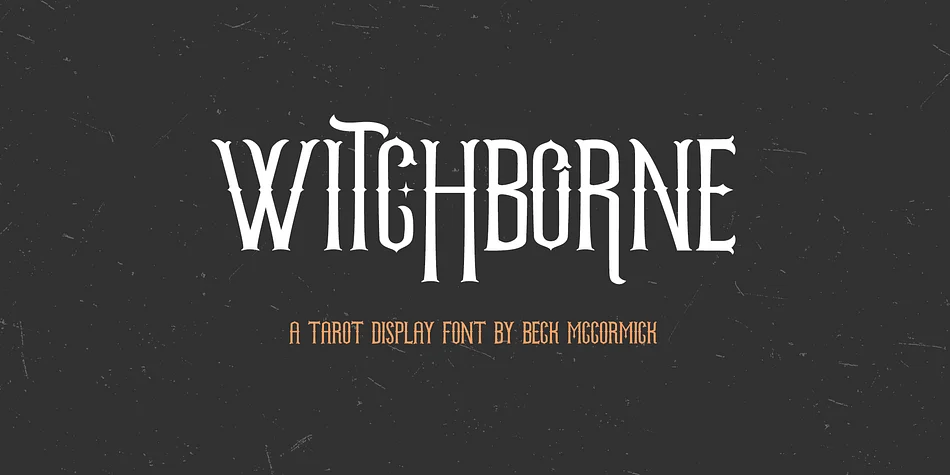
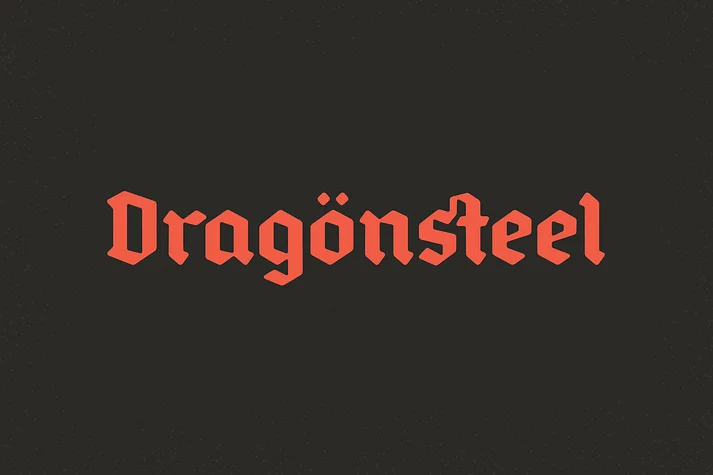
Giant Black Font
by Alit Design
Reviewed by the FontBoxDL team · Updated October 2026
License: Free for personal use