 Firefox
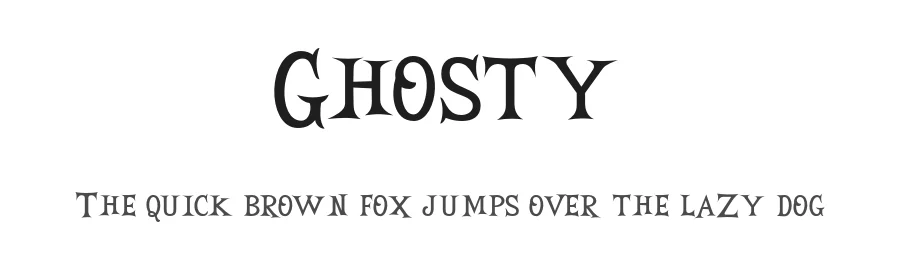 1 / 3
1 / 3Loading font…
About Ghosty Font
Ghosty is a display typeface defined by its ethereal, translucent character. The letterforms carry a delicate lightness that manages to feel both present and airy at once, striking an unusual balance between immediate visibility and visual restraint. Designer Lettersweet crafted this regular-weight display font to scale confidently across different contexts while preserving its distinctive ghostly essence throughout.
This typeface excels in situations where elegance and distinctive character matter equally to legibility. The 107+ language support across Latin-based writing systems means you can deploy Ghosty globally without any restriction. Wedding invitation suites gain immediate sophistication from its refined presence, while boutique cosmetics packaging, restaurant menu headers, and handmade DIY craft labels all benefit from the balance between refinement and commercial impact. Each of these applications showcases why a display font with this particular character distinction becomes essential in a working designer's toolkit.
The right typeface pairing can make the difference between a good design and a cohesive system. Combine Ghosty with a neutral, quiet sans-serif for running body text, and you'll have everything needed for balanced typographic hierarchy. The free personal-use demo is available here, and the full commercial version with licensing is available on Creative Fabrica.
Style & Use Cases
- Overall Style
- Eye-catching, Bold, Display
- Use Case
- Headlines, Logos
- Ideal For
- posters, branding, and social media graphics
- Pairs With
- a readable sans or serif for body
Ghosty Specifications
| Font Family | Ghosty FREE |
| Style | Regular |
| Full Name | Ghosty FREE Regular |
| Version | 1.000 |
| Weight | 400 (Regular) |
| Glyph Count | 141 glyphs |
| PostScript Name | GhostyFREE-Regular |
| Designer | Lettersweet |
| Format | OTF (CFF) |
| File Size | 18.3 KB |
OpenType Features
Ghosty ships with 2 OpenType features you can switch on in apps that support them (Illustrator, InDesign, Affinity, Figma, CSS font-feature-settings).
- Ordinals
- Superscripts
Languages Supported
Ghosty supports 107 languages.
How to Install Ghosty Font
Step-by-step instructions for every platform
- 1Download the Ghosty font file (.ttf or .otf).
- 2Locate the downloaded file in your Downloads folder.
- 3Right-click the font file.
- 4Select "Install" to install for the current user, or "Install for all users" to make it available system-wide.
- 5Ghosty is now available in Word, Photoshop, Illustrator, and all other apps.
More by Lettersweet
View all →
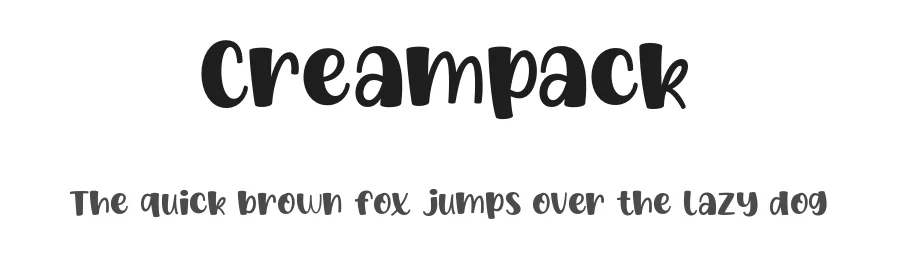
Ghosty Font is featured in
All collections →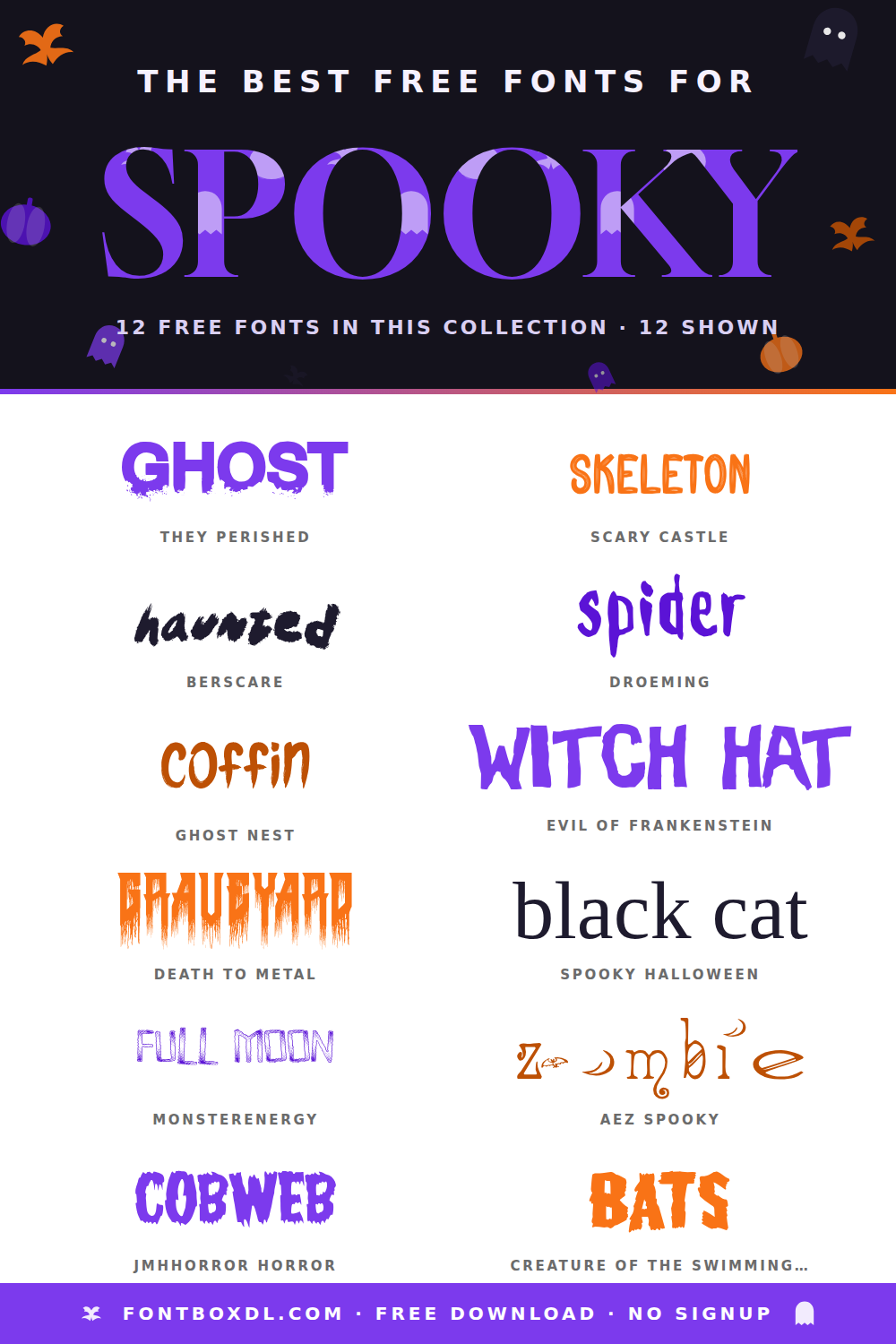
Browse fonts by theme
Curated collections →Saw a font in a picture? Identify any font from an image with our free Font Finder.
More Display Fonts
Browse all →







What pairs well with Ghosty Font?
Ghosty Font is a display font that shines as a display or heading face. Pair it with a clean sans-serif or serif font for body text — the contrast creates a clear hierarchy while the two styles stay balanced and easy to read.




Ghosty Font
by Lettersweet
Reviewed by the FontBoxDL team · Updated August 2026