 Firefox
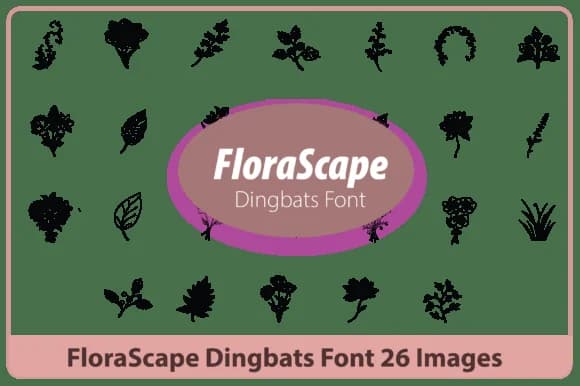 1 / 5
1 / 5About Florascape Font
Florascape by Happy Bamboo is a hand-drawn botanical dingbat font that replaces traditional characters with organic leaves, flowers, and vine elements. Type instead of sketch: you'll access swirling florals, botanical flourishes, and leaf forms that carry genuine hand-drawn character without the time commitment of manual illustration. The minimalist, elegant approach works beautifully in wedding invitation suites, Etsy product labels for natural skincare brands, artisanal botanical packaging, and custom garden signage.
What makes this font practical is its layering potential. Each character delivers a distinct botanical element (varied leaf shapes, florals with personality, vine connectors that link visually), so you can build dense, textured compositions that feel intentional rather than scattered. The hand-drawn quality sits equally well in rustic and contemporary work, from boutique cosmetics packaging to scrapbooking layouts to herbal product branding where nature-inspired typography actually strengthens the visual story. The character set reads as thoughtfully curated, which genuinely matters when your design needs to compete on a crowded marketplace shelf or stand out in a custom order portfolio.
You get the rich detail of botanical illustration paired with the simplicity of keyboard access, which is honestly the most practical trade-off for designers who want visual depth without the labor overhead. Grab Florascape on Creative Fabrica and add these botanical dingbats to your working toolkit.
Style & Use Cases
- Overall Style
- Iconographic, Botanical Dingbat Font
- Use Case
- Icons, Accents
- Ideal For
- ornaments, bullets, and decorative flourishes
- Pairs With
- any text font
How to Install Florascape Font
Step-by-step instructions for every platform
- 1Download the Florascape font file (.ttf or .otf).
- 2Locate the downloaded file in your Downloads folder.
- 3Right-click the font file.
- 4Select "Install" to install for the current user, or "Install for all users" to make it available system-wide.
- 5Florascape is now available in Word, Photoshop, Illustrator, and all other apps.
More by Happy Bamboo
View all →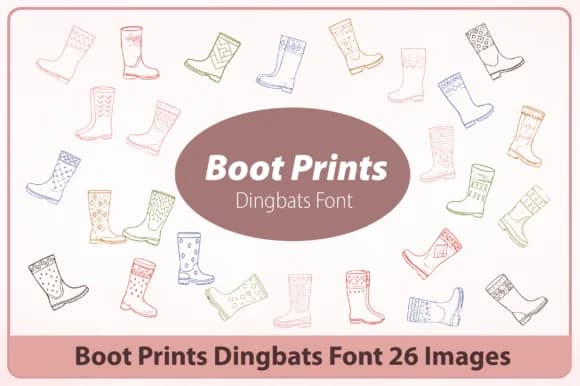
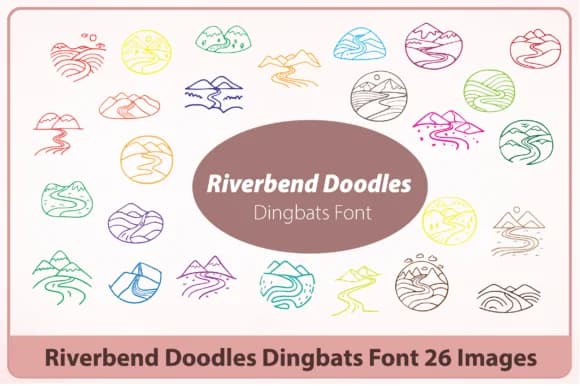
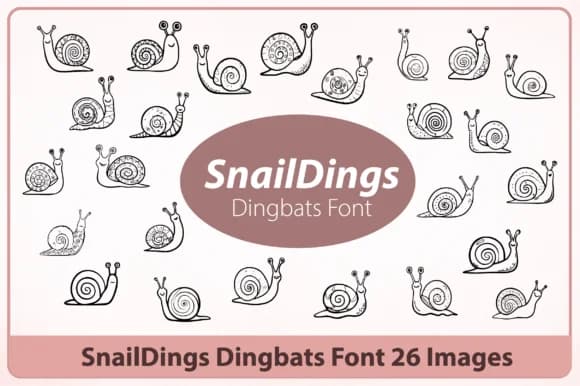
Browse fonts by theme
Curated collections →Saw a font in a picture? Identify any font from an image with our free Font Finder.
More Dingbats Fonts
Browse all →







What pairs well with Florascape Font?
Florascape Font is a versatile dingbats font that works for both headings and body text. Pair it with a contrasting sans-serif or serif font to add visual interest and a clear distinction between titles and body copy.



Florascape Font
by Happy Bamboo
Reviewed by the FontBoxDL team · Updated July 2026