 Firefox
 1 / 3
1 / 3Loading font…
About Exo Font
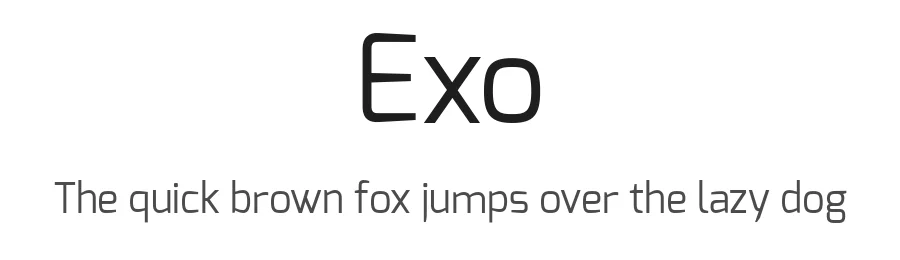
Exo is a display typeface designed by Natanael Gama, bringing a contemporary edge to headlines and visually driven design projects. With 729 carefully crafted glyphs and support for over 281 languages using Latin-based scripts, this font is engineered to serve designers working across diverse markets and creative disciplines. The regular weight delivers clean, modern letterforms that command attention across layouts without overwhelming your message or composition.
This typeface excels in poster design, digital magazine layouts, and tech startup websites where bold, impactful typography drives immediate visual impact. Fashion brand identities, event promotions, concert campaigns, and product launch materials all benefit from Exo's distinctive presence and character. The extensive language coverage proves invaluable for international branding projects and global marketing efforts, while its substantial glyph set allows you to work confidently with a single font file across varied applications and mediums without the need for additional typefaces.
Licensed under the Open Font License, Exo is free for both personal and commercial use, making it equally practical for creative agencies and independent designers alike. Pair this display font with a structured geometric sans serif for body text, allowing Exo's distinctive character to dominate headlines and prominent calls to action while maintaining clear visual hierarchy and readability throughout your design work.
Style & Use Cases
- Overall Style
- Eye-catching, Bold, Display
- Use Case
- Headlines, Logos
- Ideal For
- posters, branding, and social media graphics
- Pairs With
- a readable sans or serif for body
Exo Specifications
| Font Family | Exo |
| Style | Regular |
| Full Name | Exo Regular |
| Version | 1 |
| Weight | 400 (Regular) |
| Glyph Count | 729 glyphs |
| PostScript Name | Exo-Regular |
| Designer | Natanael Gama |
| Format | OTF (CFF) |
| File Size | 102.9 KB |
OpenType Features
Exo ships with 14 OpenType features you can switch on in apps that support them (Illustrator, InDesign, Affinity, Figma, CSS font-feature-settings).
- Small capitals from capitals
- Case-sensitive forms
- Discretionary ligatures
- Fractions
- Standard ligatures
- Lining figures
- Old-style figures
- Ordinals
- Stylistic alternates
- Scientific inferiors
- Small capitals
- Superscripts
- Tabular figures
- Slashed zero
Languages Supported
Exo supports 281 languages.
How to Install Exo Font
Step-by-step instructions for every platform
- 1Download the Exo font file (.ttf or .otf).
- 2Locate the downloaded file in your Downloads folder.
- 3Right-click the font file.
- 4Select "Install" to install for the current user, or "Install for all users" to make it available system-wide.
- 5Exo is now available in Word, Photoshop, Illustrator, and all other apps.
More by Natanael Gama
View all →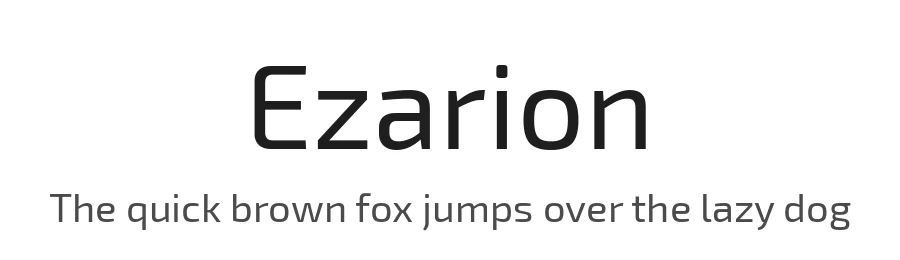

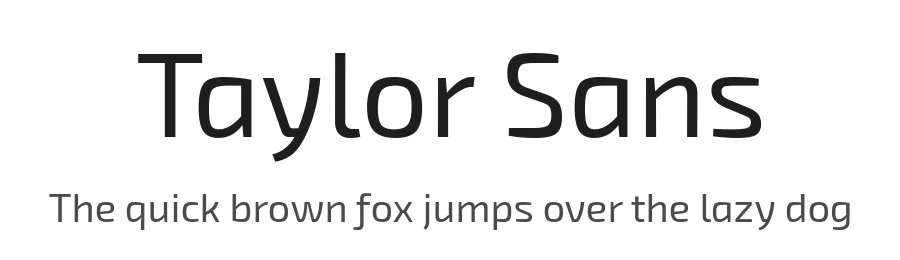
Browse fonts by theme
Curated collections →Saw a font in a picture? Identify any font from an image with our free Font Finder.
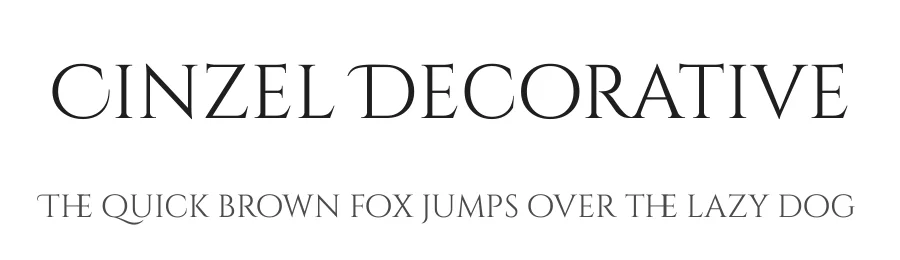
More Display Fonts
Browse all →







What pairs well with Exo Font?
Exo Font is a display font that shines as a display or heading face. Pair it with a clean sans-serif or serif font for body text — the contrast creates a clear hierarchy while the two styles stay balanced and easy to read.




Premium Display Fonts
★ PremiumWant something with more weights, glyphs, and commercial polish? These premium display fonts are worth a look.



Exo Font
Reviewed by the FontBoxDL team · Updated October 2026