 Firefox
 1 / 9
1 / 9About Evolver Font
Picture a sleek sci-fi video game interface or a tech startup's rebrand that needs personality without fussiness. Evolver, designed by Canada Type, is a geometric display typeface built on the premise that sans-serif letterforms could feel both futuristic and accessible at once. It came out of designer experiments with modularity and clean lines, and found quick adoption among game studios and electronics companies who needed something purposeful that didn't feel sterile or cold.
Game UI design, tech product packaging, sci-fi movie title sequences, and digital product interfaces are where Evolver truly shines, particularly when you need presence and clarity without excess decoration. Five weights with matching italics give you the flexibility to set hierarchy and shift emphasis between design elements. Nearly 600 glyphs per font come standard, with support for Latin, Cyrillic, and Greek, plus a solid set of stylistic alternates that let you adjust character forms without switching typefaces. Built as a biform alphabet, it works equally well in uppercase and lowercase without sacrificing legibility or visual balance.
Heavier weights hold strong at large display sizes, while lighter cuts stay refined for interface text and smaller applications. Available on Creative Fabrica, Evolver is ready for your next tech-forward project.
Style & Use Cases
- Overall Style
- Eye-catching, Bold
- Use Case
- Headlines, Logos
- Ideal For
- posters, branding, and social media graphics
- Pairs With
- a readable sans or serif for body
How to Install Evolver Font
Step-by-step instructions for every platform
- 1Download the Evolver font file (.ttf or .otf).
- 2Locate the downloaded file in your Downloads folder.
- 3Right-click the font file.
- 4Select "Install" to install for the current user, or "Install for all users" to make it available system-wide.
- 5Evolver is now available in Word, Photoshop, Illustrator, and all other apps.
More by Canada Type
View all →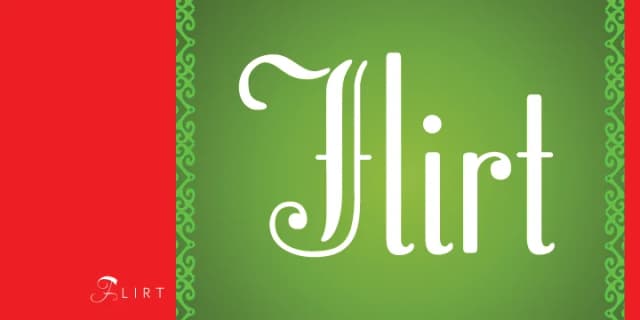
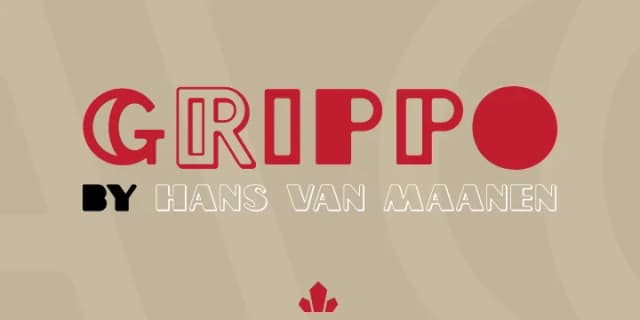
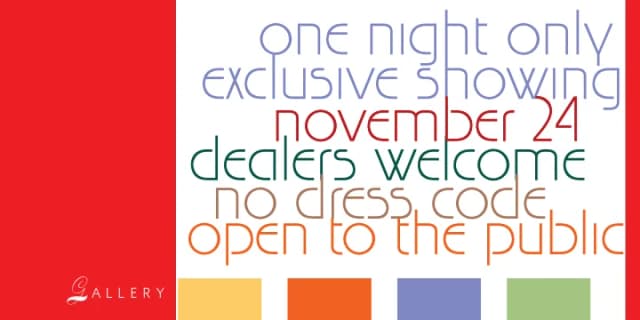
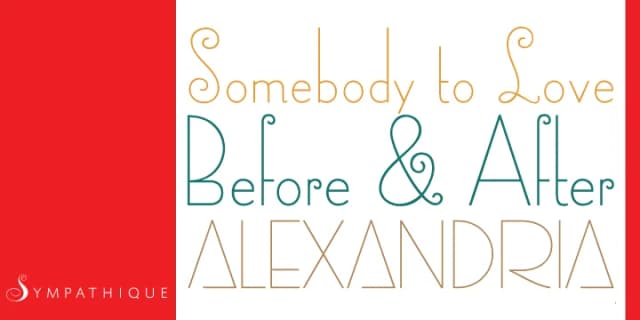
Browse fonts by theme
Curated collections →Saw a font in a picture? Identify any font from an image with our free Font Finder.
More Display Fonts
Browse all →







What pairs well with Evolver Font?
Evolver Font is a display font that shines as a display or heading face. Pair it with a clean sans-serif or serif font for body text — the contrast creates a clear hierarchy while the two styles stay balanced and easy to read.



Evolver Font
by Canada Type
Reviewed by the FontBoxDL team · Updated September 2026