 Firefox
 1 / 10
About Ender Font
The Ender family first began as an exploration of the MICR (magnetic ink character recognition) aesthetic. The MICR technology was invented in the mid-1950s as a standard for negotiable banking documents, then in the 1960s and 1970s its unique organic geometry construct was mined for the creation of typefaces like Westminster, Data 70 and Amelia, which became go-to designs for science fiction culture. That aesthetic remained synonymous with futurism for a couple of generations, and its influence on today’s modular type design runs very deep.
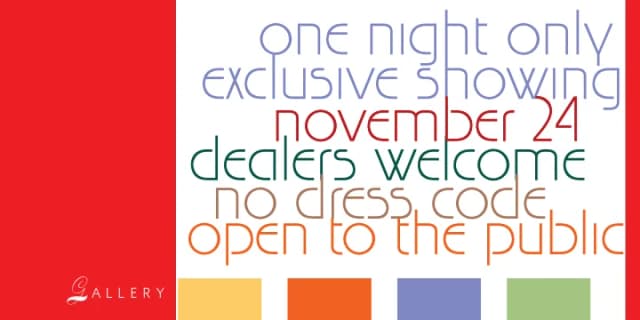
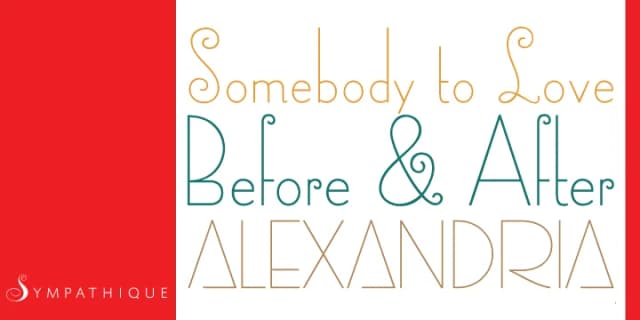
The initial study ballooned into a great big adventure and resulted in a series of original fonts with thousands of characters, arrows, icons, border and grid elements as well as a variety of chromatic stacking possibilities. Each of the Ender fonts comes with more than 2000 glyphs and contains many different stylistic alternates sets, some of which allow for intricate ornamental background treatments.
For a deep dive into the breadth of applications and wealth of features available with these fonts, check out the handy Ender User Guide PDF.
Style & Use Cases
- Overall Style
- Eye-catching, Bold
- Use Case
- Headlines, Logos
- Ideal For
- posters, branding, and social media graphics
- Pairs With
- a readable sans or serif for body
How to Install Ender Font
Step-by-step instructions for every platform
- 1Download the Ender font file (.ttf or .otf).
- 2Locate the downloaded file in your Downloads folder.
- 3Right-click the font file.
- 4Select "Install" to install for the current user, or "Install for all users" to make it available system-wide.
- 5Ender is now available in Word, Photoshop, Illustrator, and all other apps.
More by Canada Type
View all →

Browse fonts by theme
Curated collections →Saw a font in a picture? Identify any font from an image with our free Font Finder.
More Display Fonts
Browse all →







What pairs well with Ender Font?
Ender Font is a display font that shines as a display or heading face. Pair it with a clean sans-serif or serif font for body text — the contrast creates a clear hierarchy while the two styles stay balanced and easy to read.



Ender Font
by Canada Type
Reviewed by the FontBoxDL team · Updated April 2026