 Firefox
 1 / 10
About Design System G Font
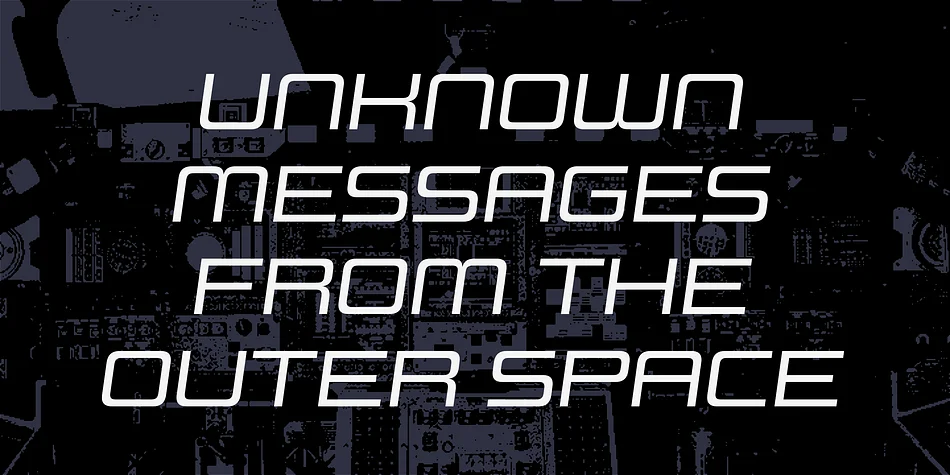
Geometric and unfussy, this typeface built on clean square forms gives you serious flexibility without any visual restriction. Design System G, by Dharma Type, draws from 70s modernism but strips away the dated edges, leaving something that works across decades and design contexts. Built across 70 individual typefaces (5 weights combined with 7 widths and both upright and italic versions), this family lets you dial in exactly the width and emphasis your layout demands.
That level of configuration opens doors for album cover lettering, event poster typography, fashion lookbook headlines, and modern packaging design. Geometric letterforms stay consistent across every weight and width combination, so mixing styles within a single composition reads as planned rather than scattered. Some designers build entire brand systems around typeface families, using width and weight shifts to establish visual hierarchy without introducing new fonts. Others grab it for one-off projects where they need a reliable workhorse that handles display sizing and body copy equally well without any awkwardness.
You get genuine mileage from this kind of flexibility. Find Design System G on Creative Fabrica along with the complete Design System family (A through F), each offering its own visual personality within the same systematic framework.
Style & Use Cases
- Overall Style
- Eye-catching, Bold
- Use Case
- Headlines, Logos
- Ideal For
- posters, branding, and social media graphics
- Pairs With
- a readable sans or serif for body
How to Install Design System G Font
Step-by-step instructions for every platform
- 1Download the Design System G font file (.ttf or .otf).
- 2Locate the downloaded file in your Downloads folder.
- 3Right-click the font file.
- 4Select "Install" to install for the current user, or "Install for all users" to make it available system-wide.
- 5Design System G is now available in Word, Photoshop, Illustrator, and all other apps.
More by Dharma Type
View all →


Browse fonts by theme
Curated collections →Saw a font in a picture? Identify any font from an image with our free Font Finder.
More Display Fonts
Browse all →







What pairs well with Design System G Font?
Design System G Font is a display font that shines as a display or heading face. Pair it with a clean sans-serif or serif font for body text — the contrast creates a clear hierarchy while the two styles stay balanced and easy to read.




Design System G Font
by Dharma Type
Reviewed by the FontBoxDL team · Updated September 2026