 Firefox
 1 / 8
1 / 8About Brave Stone Font
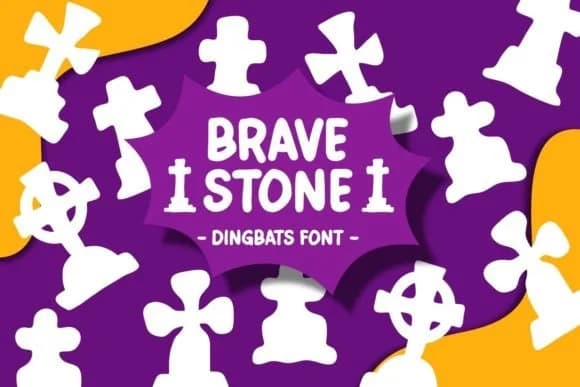
Brave Stone by Pian45 is a dingbats font loaded with Halloween imagery, from jack-o-lanterns to tombstones and creepy character faces that capture the season's distinctive spirit. It's built for projects that actually need genuine spooky attitude rather than generic seasonal decoration that reads as clip art. Use it for Halloween party invitations, trick-or-treat sign designs, pumpkin patch signage, haunted house event graphics, or spooky greeting card designs. The font's character set gives you plenty of options to mix and match, letting you build complete visual layouts without needing separate clip art or illustrations to fill gaps.
What makes this font actually work is that the shapes are distinct and readable enough to function as intentional design choices, not just random scary elements thrown together. Tombstones, pumpkins, and creepy faces each have their own visual weight and character presence. You can layer them into invitations, use them as dividers on product labels, or scatter them across social media graphics for October events. The dingbat approach means these characters anchor your designs with real personality, giving haunted house flyers, spooky greeting cards, and Halloween-themed packaging genuine visual impact.
Get Brave Stone on Creative Fabrica and add some serious, authentic spookiness to your seasonal work.
Style & Use Cases
- Overall Style
- Iconographic, Spooky
- Use Case
- Icons, Accents
- Ideal For
- ornaments, bullets, and decorative flourishes
- Pairs With
- any text font
How to Install Brave Stone Font
Step-by-step instructions for every platform
- 1Download the Brave Stone font file (.ttf or .otf).
- 2Locate the downloaded file in your Downloads folder.
- 3Right-click the font file.
- 4Select "Install" to install for the current user, or "Install for all users" to make it available system-wide.
- 5Brave Stone is now available in Word, Photoshop, Illustrator, and all other apps.
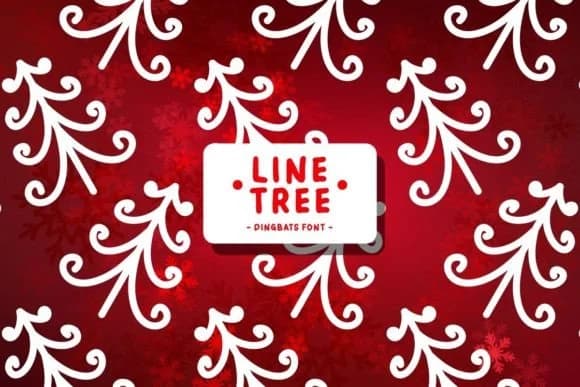
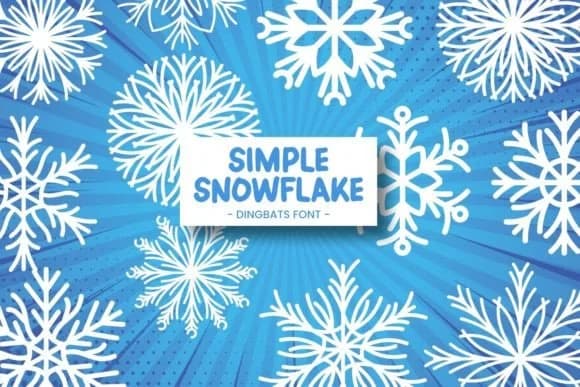
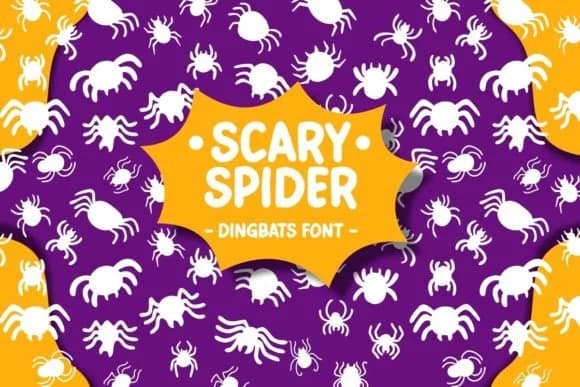
Browse fonts by theme
Curated collections →Saw a font in a picture? Identify any font from an image with our free Font Finder.
More Dingbats Fonts
Browse all →







What pairs well with Brave Stone Font?
Brave Stone Font is a versatile dingbats font that works for both headings and body text. Pair it with a contrasting sans-serif or serif font to add visual interest and a clear distinction between titles and body copy.



Brave Stone Font
by Pian45
Reviewed by the FontBoxDL team · Updated July 2026