 Firefox
 1 / 10
About Boshe Font
Imagine the heat radiating off a concert poster that makes people stop in their tracks, that visceral grab you feel from a font that refuses to whisper or retreat. Boshe, designed by Burntilldead, brings that flame-forward intensity to display work. The typeface thrives wherever energy and attitude matter: concert poster designs that demand attention from across a room, energy drink packaging that justifies a second glance in a crowded store, band merchandise graphics that feel genuinely alive when printed on a tee, or gaming stream overlays where every pixel needs to carry weight.
What makes Boshe work is its raw, deliberate character. Its alternates give you flexibility per letter, so repeated type treatments feel fresh and intentional rather than formulaic or stale. Full uppercase and lowercase sets are included alongside numerals and punctuation marks, plus multilingual support helps you reach beyond English-speaking audiences. This font doesn't need gimmicks or tricks to land because the core design stays true to that heat-focused concept.
Push it big on a dark background and watch how it commands the space. Type at this scale shows off every deliberate detail, which matters when you're building work that demands real presence and impact. Grab Boshe on Creative Fabrica and start channeling that intensity into your next project.
Style & Use Cases
- Overall Style
- Eye-catching, Bold
- Use Case
- Headlines, Logos
- Ideal For
- posters, branding, and social media graphics
- Pairs With
- a readable sans or serif for body
How to Install Boshe Font
Step-by-step instructions for every platform
- 1Download the Boshe font file (.ttf or .otf).
- 2Locate the downloaded file in your Downloads folder.
- 3Right-click the font file.
- 4Select "Install" to install for the current user, or "Install for all users" to make it available system-wide.
- 5Boshe is now available in Word, Photoshop, Illustrator, and all other apps.
More by Burntilldead
View all →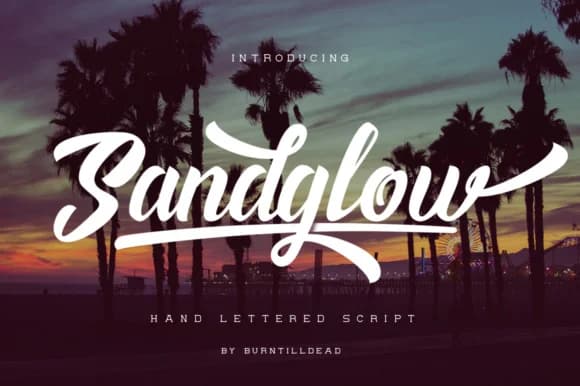
Browse fonts by theme
Curated collections →Saw a font in a picture? Identify any font from an image with our free Font Finder.
More Display Fonts
Browse all →







What pairs well with Boshe Font?
Boshe Font is a display font that shines as a display or heading face. Pair it with a clean sans-serif or serif font for body text — the contrast creates a clear hierarchy while the two styles stay balanced and easy to read.



Boshe Font
by Burntilldead
Reviewed by the FontBoxDL team · Updated June 2026