 Firefox
 1 / 10
About Young Fighter Font
Imagine crafting premium packaging for a small apothecary brand or designing event stationery that breathes nostalgic charm without tipping into kitsch. Young Fighter, by Alit Design, is a six-style display family that pairs serif, display, and sans serif cuts with a full set of ornamental dingbats, letting you shape the exact feeling your project needs.
The serif works beautifully for book covers and heritage-brand headlines where you need quiet authority without fuss. The display weights carry real presence in event signage, boutique product packaging, and vintage-aesthetic posters without sacrificing legibility even at larger sizes. The contemporary sans serif style bridges that gap between old and new, perfect for retro diner branding, speakeasy concepts, and small-batch labels where handmade character matters. Those dingbat ornaments aren't filler; they're designed to feel intentional in wedding invitation suites and DIY craft projects where the details make a genuine difference.
Each style echoes the same DNA while letting you adjust the tone. Need restraint for heritage luxury? Start with the serif. Want drama for a retro identity system? The display weights deliver. Bonus vector illustrations round out the package. Grab Young Fighter on Creative Fabrica and build campaigns that feel considered and rooted in something real.
Style & Use Cases
- Overall Style
- Eye-catching, Bold
- Use Case
- Headlines, Logos
- Ideal For
- posters, branding, and social media graphics
- Pairs With
- a readable sans or serif for body
How to Install Young Fighter Font
Step-by-step instructions for every platform
- 1Download the Young Fighter font file (.ttf or .otf).
- 2Locate the downloaded file in your Downloads folder.
- 3Right-click the font file.
- 4Select "Install" to install for the current user, or "Install for all users" to make it available system-wide.
- 5Young Fighter is now available in Word, Photoshop, Illustrator, and all other apps.
More by Alit Design
View all →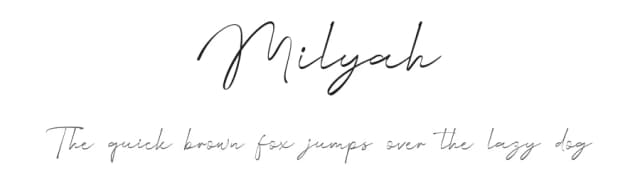

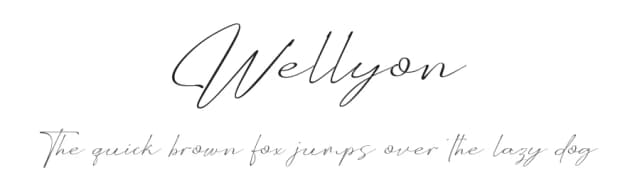

Browse fonts by theme
Curated collections →Saw a font in a picture? Identify any font from an image with our free Font Finder.
More Display Fonts
Browse all →







What pairs well with Young Fighter Font?
Young Fighter Font is a display font that shines as a display or heading face. Pair it with a clean sans-serif or serif font for body text — the contrast creates a clear hierarchy while the two styles stay balanced and easy to read.



Young Fighter Font
by Alit Design
Reviewed by the FontBoxDL team · Updated September 2026