 Firefox
 1 / 8
1 / 8About Viscous Font
Viscous by madeDeduk is a bold display typeface that blends confidence with genuine warmth. It cuts through visual clutter without feeling aggressive, making it work across more contexts than you'd typically expect from a display font. This isn't built to do just one thing well.
The typeface proves itself in projects where authority and personality need to coexist comfortably. Wine label designs gain sophistication from its character, as do fashion brand packaging, specialty product labels, greeting card suites, and book cover layouts. Because it stays warm even at its boldest, the type stays approachable rather than intimidating. That distinction matters when you're trying to build genuine trust with your audience through design choices.
Multiple weights give you real options for hierarchy and visual emphasis. The full package includes a comprehensive set of OpenType features, ligatures, and international language support for genuine multilingual work. You get both vector formats (OTF and TTF) and web-ready options (WOFF and WOFF2), paired with extensive character coverage including uppercase, lowercase, numbers, symbols, and expanded glyphs. That completeness means fewer limitations when you're building a cohesive visual system from scratch.
Pick up Viscous on Creative Fabrica and start seeing what it brings to your next project.
Style & Use Cases
- Overall Style
- Eye-catching, Bold
- Use Case
- Headlines, Logos
- Ideal For
- posters, branding, and social media graphics
- Pairs With
- a readable sans or serif for body
How to Install Viscous Font
Step-by-step instructions for every platform
- 1Download the Viscous font file (.ttf or .otf).
- 2Locate the downloaded file in your Downloads folder.
- 3Right-click the font file.
- 4Select "Install" to install for the current user, or "Install for all users" to make it available system-wide.
- 5Viscous is now available in Word, Photoshop, Illustrator, and all other apps.
More by madeDeduk
View all →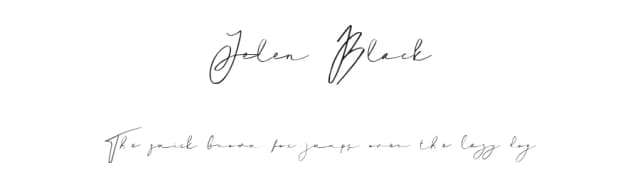
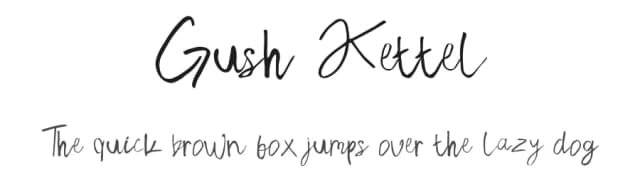
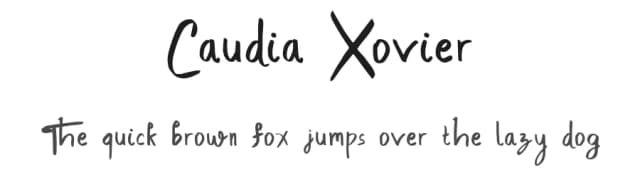
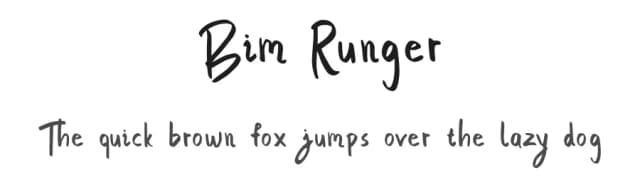
Browse fonts by theme
Curated collections →Saw a font in a picture? Identify any font from an image with our free Font Finder.
More Display Fonts
Browse all →







What pairs well with Viscous Font?
Viscous Font is a display font that shines as a display or heading face. Pair it with a clean sans-serif or serif font for body text — the contrast creates a clear hierarchy while the two styles stay balanced and easy to read.



Viscous Font
by madeDeduk
Reviewed by the FontBoxDL team · Updated September 2026