 Firefox

 1 / 6
Loading font…
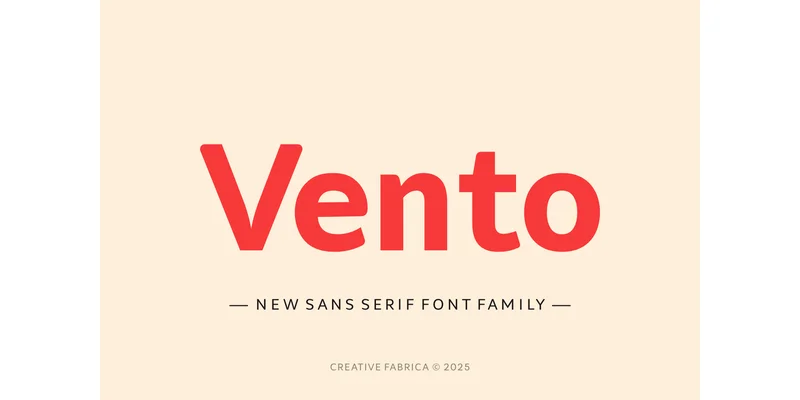
About Vento Font
When you're laying out a SaaS app interface or designing a tech startup pitch deck, you need a typeface that doesn't compete for attention. Vento, from Creative Fabrica Foundry, is a contemporary sans-serif built on geometric proportions and inspired by the clarity and efficiency of fonts like Lato. Its balanced letterforms and clean strokes work equally well at headlines, body copy, interface text, and printed materials without requiring manual tweaking.
The font handles a broad range of real projects: minimal product photography layouts, boutique newsletter headers, corporate website redesigns, and brand identity systems all benefit from Vento's straightforward geometric approach. Stroke weight and proportions remain consistent across sizes, so you can move from large display text down to small interface labels without losing readability or worrying about contrast. The design avoids trend-specific details, which keeps projects built with Vento looking current across years.
Vento performs equally well on screen and in print, holding legibility from small sidebar copy all the way to large cover treatments. The well-proportioned letterforms ensure clarity across weights and sizes, even when layering them in complex, multi-format layouts. You'll find it on Creative Fabrica, ready to download and rotate into your working fonts.
Style & Use Cases
- Overall Style
- Clean, Modern
- Use Case
- Body Text, UI
- Ideal For
- branding, interfaces, and modern layouts
- Pairs With
- a contrasting serif for headings
OpenType Features
Vento Font ships with 7 OpenType features you can switch on in apps that support them (Illustrator, InDesign, Affinity, Figma, CSS font-feature-settings).
- Fractions
- Historical forms
- Ordinals
- Scientific inferiors
- Subscripts
- Superscripts
- Stylistic sets (1)
How to Install Vento Font Font
Step-by-step instructions for every platform
- 1Download the Vento Font font file (.ttf or .otf).
- 2Locate the downloaded file in your Downloads folder.
- 3Right-click the font file.
- 4Select "Install" to install for the current user, or "Install for all users" to make it available system-wide.
- 5Vento Font is now available in Word, Photoshop, Illustrator, and all other apps.
More by Creative Fabrica Foundry
View all →
Browse fonts by theme
Curated collections →Saw a font in a picture? Identify any font from an image with our free Font Finder.
More Sans Serif Fonts
Browse all →
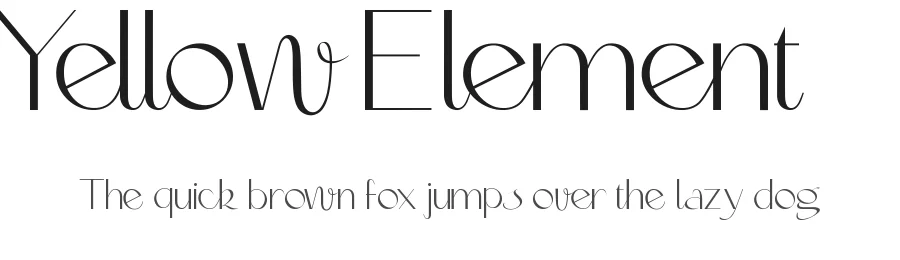
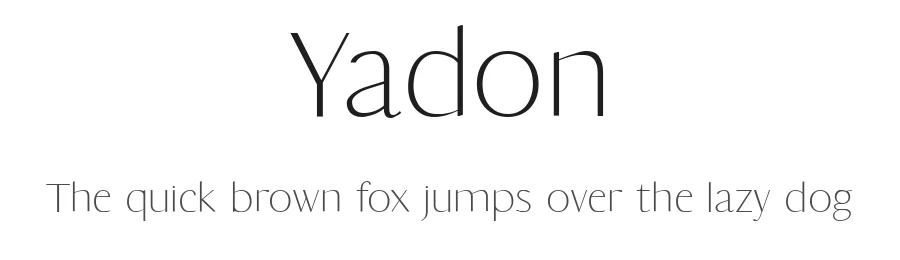
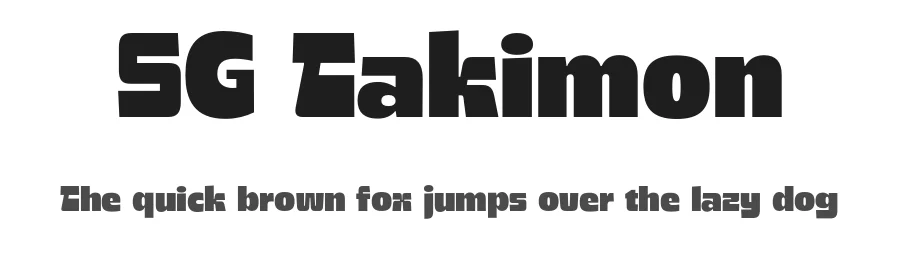

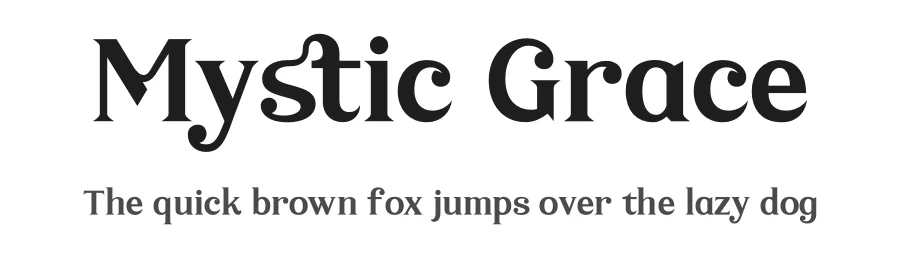
What pairs well with Vento Font?
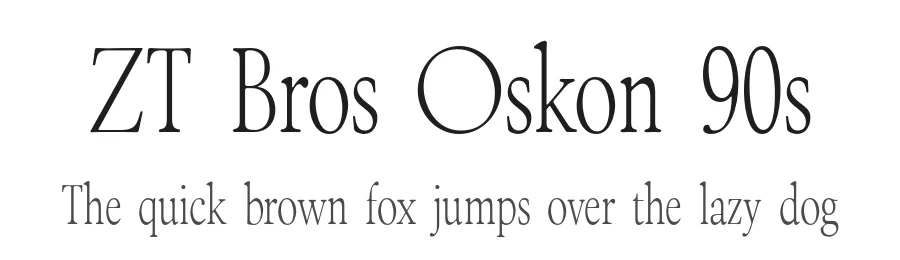
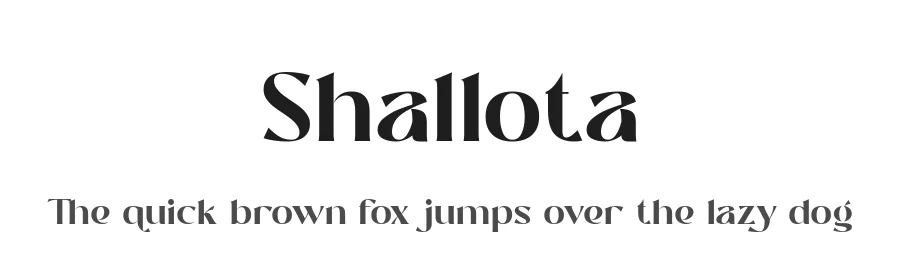
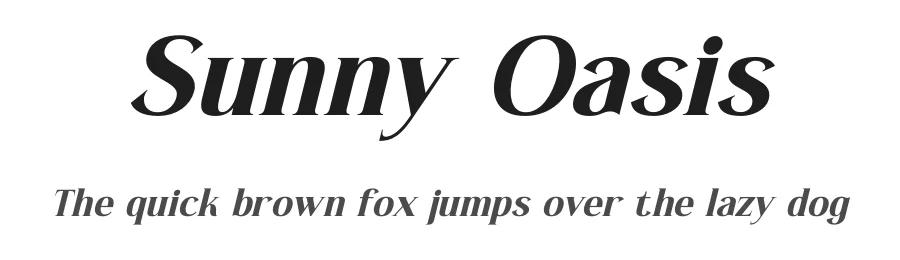
Vento Font is a versatile sans-serif font that works for both headings and body text. Pair it with a contrasting serif or slab serif font to add visual interest and a clear distinction between titles and body copy.
Vento Font
Reviewed by the FontBoxDL team · Updated November 2026
One-time purchase