 Firefox
 1 / 10
About Veggie Font
This typeface radiates warmth and confidence in equal measure. Veggie, designed by Limitype, is a bold display face built on semi-condensed proportions and softly rounded letterforms that feel both strong and approachable at any size.
Its solid, voluminous weight makes it the natural choice for cosmetics and skincare branding, organic juice and smoothie packaging, podcast episode artwork, and restaurant or cafe signage. You'll find it working beautifully on children's book covers, event posters, and sports or fitness app headers where you need serious visual impact without alienating your audience. The rounded geometry is crucial here: it keeps the design feeling genuinely friendly and human even when you're running at maximum boldness and weight. That careful balance of strength and warmth is what gives you both recognition and genuine likability, no aggression required.
Pair Veggie with a minimal sans-serif, perhaps a geometric grotesque, to keep the focus on its confident personality without competition, or layer it with a crisp, narrow sans for supporting copy and smaller text sizes. The contrast between Veggie's volume and a lighter companion creates natural visual hierarchy without any heavy-handed design moves. Get it on Creative Fabrica and start building brands that feel as strong as they actually look.
Style & Use Cases
- Overall Style
- Eye-catching, Bold
- Use Case
- Headlines, Logos
- Ideal For
- posters, branding, and social media graphics
- Pairs With
- a readable sans or serif for body
How to Install Veggie Font
Step-by-step instructions for every platform
- 1Download the Veggie font file (.ttf or .otf).
- 2Locate the downloaded file in your Downloads folder.
- 3Right-click the font file.
- 4Select "Install" to install for the current user, or "Install for all users" to make it available system-wide.
- 5Veggie is now available in Word, Photoshop, Illustrator, and all other apps.
More by Limitype
View all →
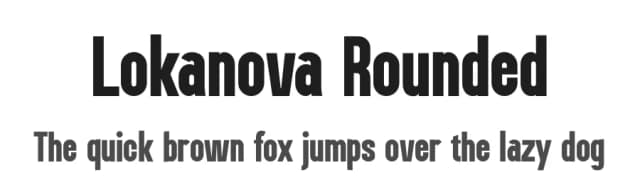
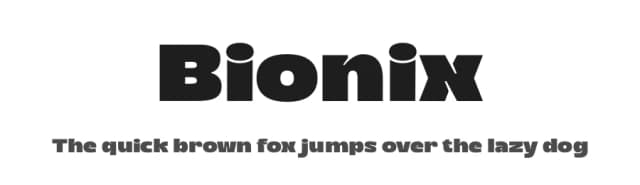
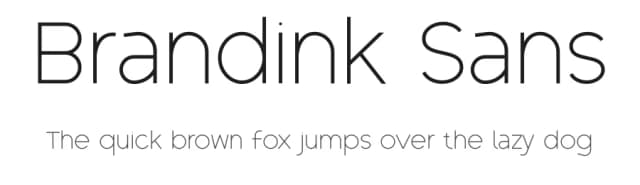
Browse fonts by theme
Curated collections →Saw a font in a picture? Identify any font from an image with our free Font Finder.
More Display Fonts
Browse all →







What pairs well with Veggie Font?
Veggie Font is a display font that shines as a display or heading face. Pair it with a clean sans-serif or serif font for body text — the contrast creates a clear hierarchy while the two styles stay balanced and easy to read.



Veggie Font
by Limitype
Reviewed by the FontBoxDL team · Updated September 2026