 Firefox

 1 / 8
Loading font…
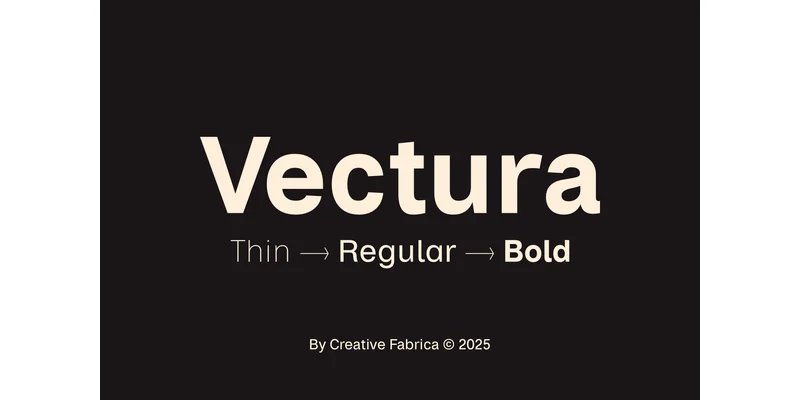
About Vectura Font
This font speaks in a calm, assured voice. Vectura, crafted by Creative Fabrica Foundry, is a modern sans-serif that draws structural confidence from Helvetica while developing its own refined presence and genuine versatility.
The typeface comes in six weights: Thin, Regular, Bold, plus matching italics for each. That selection lets you manage visual hierarchy and emphasis across real projects in many different industries. Vectura also supports multiple languages, making it practical for international design work. Luxury brand systems benefit from its restrained geometry, where proportional spacing and balanced letterforms signal quality without unnecessary flourish. Tech dashboards and startup websites gain both credibility and reliable readability at every size. Editorial work, from magazine mastheads to annual report covers to digital article headers, finds a natural home in Vectura's straightforward letterforms. Product packaging including skincare labels, wine bottle design, limited-edition boxes, and luxury notebook covers all benefit from its generous negative space, which conveys restraint and visual substance. The subtle alternates included give you room to adjust the specific character across different contexts, all while maintaining visual coherence across your entire design system.
Pair Vectura with a serif or a humanist sans for body text to add warmth and dimensional contrast where it's needed. Find it on Creative Fabrica.
Style & Use Cases
- Overall Style
- Clean, Modern, Advertising Font
- Use Case
- Body Text, UI
- Ideal For
- branding, interfaces, and modern layouts
- Pairs With
- a contrasting serif for headings
OpenType Features
Vectura Font ships with 7 OpenType features you can switch on in apps that support them (Illustrator, InDesign, Affinity, Figma, CSS font-feature-settings).
- Fractions
- Historical forms
- Ordinals
- Scientific inferiors
- Subscripts
- Superscripts
- Stylistic sets (1)
How to Install Vectura Font Font
Step-by-step instructions for every platform
- 1Download the Vectura Font font file (.ttf or .otf).
- 2Locate the downloaded file in your Downloads folder.
- 3Right-click the font file.
- 4Select "Install" to install for the current user, or "Install for all users" to make it available system-wide.
- 5Vectura Font is now available in Word, Photoshop, Illustrator, and all other apps.
More by Creative Fabrica Foundry
View all →
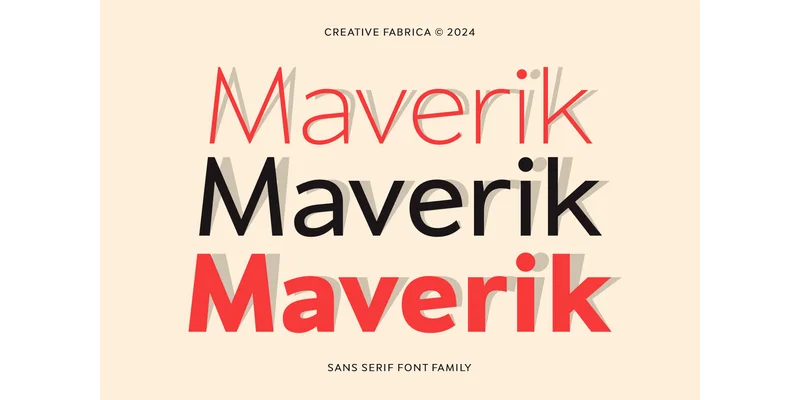
Browse fonts by theme
Curated collections →Saw a font in a picture? Identify any font from an image with our free Font Finder.
More Sans Serif Fonts
Browse all →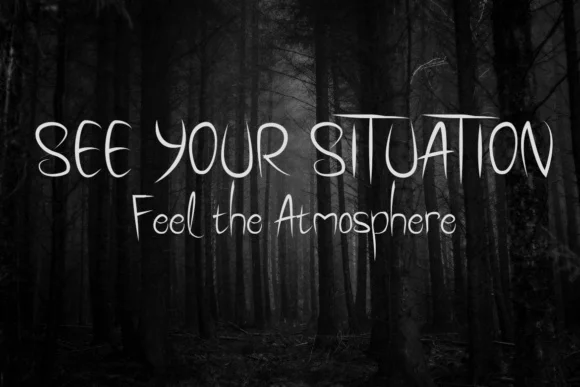
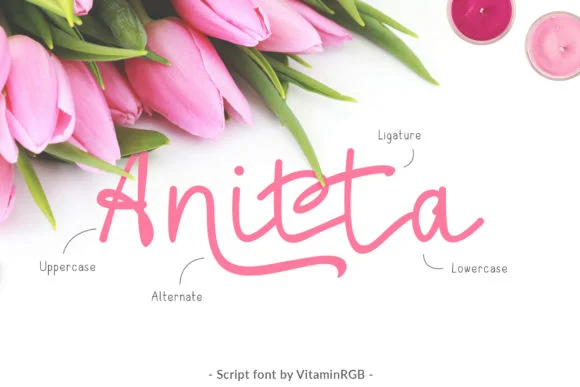
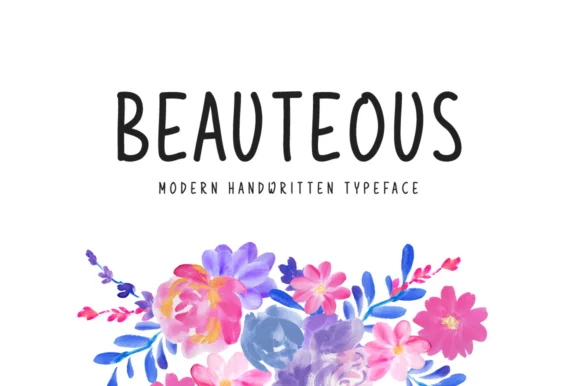
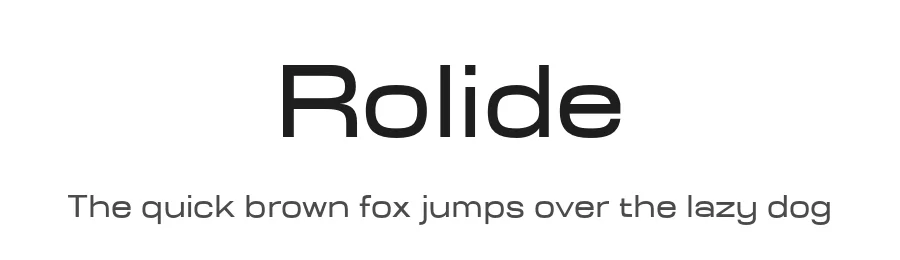
What pairs well with Vectura Font?
Vectura Font is a versatile sans-serif font that works for both headings and body text. Pair it with a contrasting serif or slab serif font to add visual interest and a clear distinction between titles and body copy.
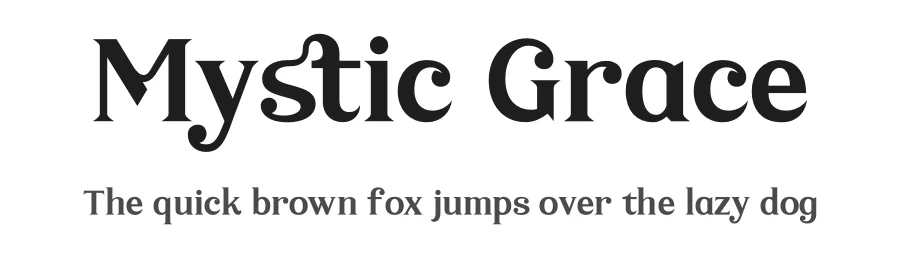
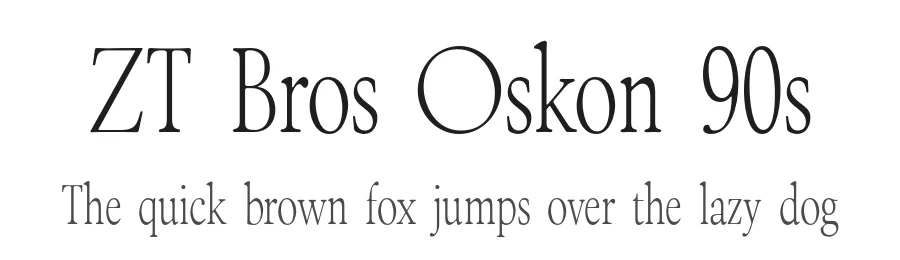
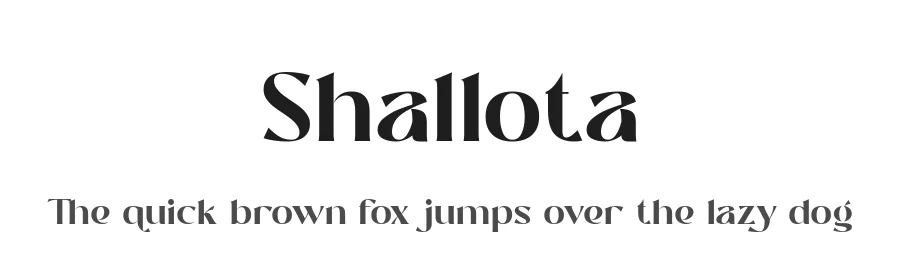
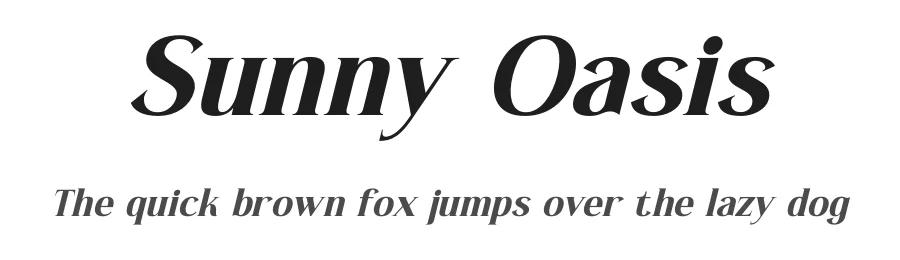
Vectura Font
Reviewed by the FontBoxDL team · Updated November 2026
One-time purchase