 Firefox
 1 / 5
1 / 5About TWIGS 4 kids Font
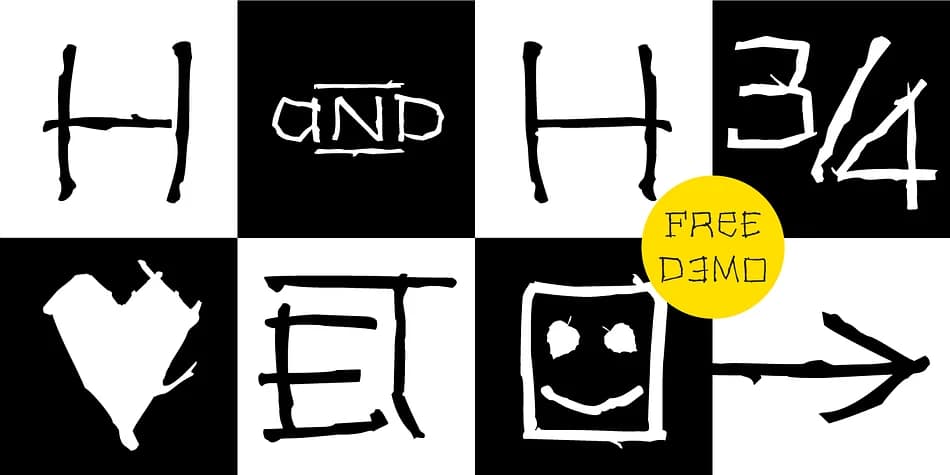
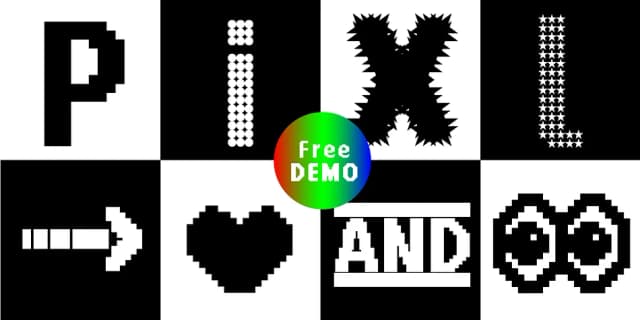
TWIGS 4 kids, designed by Typo Graphic Design as a collaborative effort, is a delightful dingbat display font packed with decorative elements and playful energy. With 495 glyphs spanning four distinct styles, this typeface delivers personality-rich solutions for kids' book covers, children's educational posters, decorative packaging labels, and DIY craft signage.
The real magic lives in the details. Twenty stylistic sets let you swap out glyphs on the fly, and OpenType features unlock special tricks: type #LOVE and get a heart symbol, type #SMILE to summon a smiling face. Alongside the alphabetic characters sit arrows, geometric shapes, ornaments, and a full suite of symbols that work as standalone graphic elements or as accents layered over text. Each of the four separate styles (Einerseits, Andererseits, Invert, and Icons) brings its own visual voice, so you can shift tone and weight depending on what the project needs.
Built for headline work and large display sizes, TWIGS 4 kids needs room to show what it can do. It comes in both print format (OTF) for desktop work and web format (WOFF) so your headlines hit hard across all platforms. Head to Creative Fabrica to add it to your collection and see how these 495 glyphs transform your next design.
Style & Use Cases
- Overall Style
- Iconographic
- Use Case
- Icons, Accents
- Ideal For
- ornaments, bullets, and decorative flourishes
- Pairs With
- any text font
How to Install TWIGS 4 kids Font
Step-by-step instructions for every platform
- 1Download the TWIGS 4 kids font file (.ttf or .otf).
- 2Locate the downloaded file in your Downloads folder.
- 3Right-click the font file.
- 4Select "Install" to install for the current user, or "Install for all users" to make it available system-wide.
- 5TWIGS 4 kids is now available in Word, Photoshop, Illustrator, and all other apps.
More by Typo Graphic Design
View all →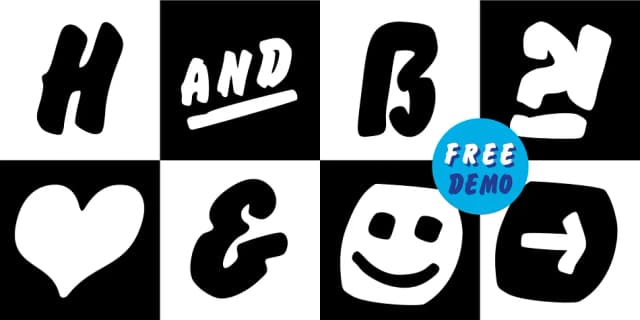
Browse fonts by theme
Curated collections →Saw a font in a picture? Identify any font from an image with our free Font Finder.
More Dingbats Fonts
Browse all →







What pairs well with TWIGS 4 kids Font?
TWIGS 4 kids Font is a versatile dingbats font that works for both headings and body text. Pair it with a contrasting sans-serif or serif font to add visual interest and a clear distinction between titles and body copy.



TWIGS 4 kids Font
Reviewed by the FontBoxDL team · Updated August 2026